Server Version#: 1.22.0.4163
Player Version#: 8.13.2.23227
Hello dear users; I’m new here and I apologize if I’m doing somenthing wrong in this topic. I’ll try to summarize the issue.
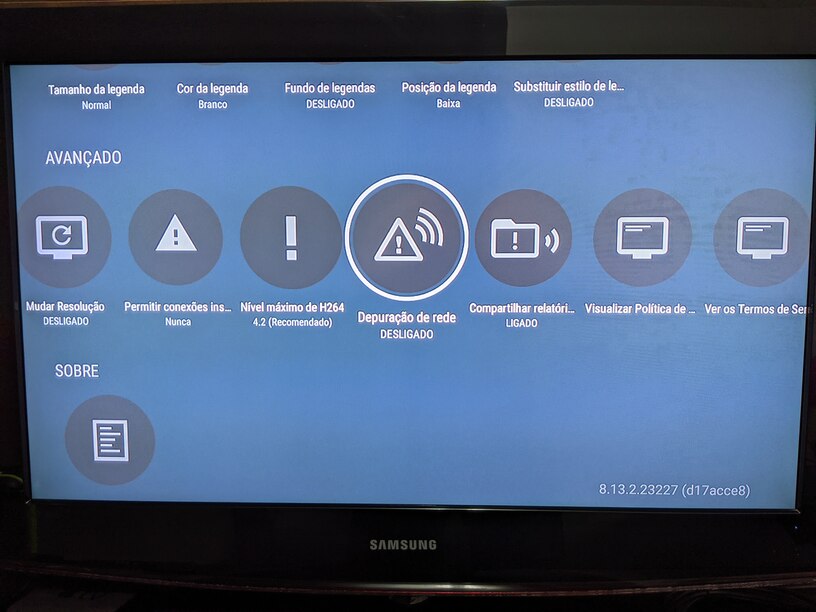
My Plex server runs on a Seagate Personal Cloud NAS and I’m sharing some movies - not the entire Movies library - with a user (in fact, 2 - my mom and a second account of mine). Both mom and my other accounts are using the Plex app on a Mi TV Stick with Android TV OS (the app version is up above and I’m attaching a picture of the Settings tab showing the number).
But, apart from the free content provided by Plex, on the side menu bar, where the Shared tab is, when I (or her) select it, the shared movies are not shown - in fact, the screen looks like it freezes showing the content of the previous selected tab.
If you search for the name of a movie among the shared ones, the app shows it and you can enter the title and see all the info and play it normally. I even created a playlist with all the shared movies so she can “easily” find all of them clicking the Playlists tab on the side menu.
Is there an additional configuration do I need to do so the Shared tab can work properly? What am I missing about all this? Or is it a known bug that the Plex team is already working on?
Thank you very much for your attention. Hope you can help me out (my mom indeed since she is fascinated with all the possibilities of the streaming services).
Best regards,
Wladimir
P.S.: I’ve recorded a small clip showing the “freezing” fo the Plex app when navigating through the Shared tab, but the file extension is not allowed to be attached.
As we discussed the same topic in the post below, it seems you’ve found a bug. Plex client isn’t freezing, it just doesn’t respond to the click on the “Shared” menu.
I did some tests on two FireTVs (regular one and 4k) and on a Roku TV. I was able to successfully see the items that were shared with me on my Roku TV, but the Shared menu doesn’t work on any of the FireTVs.
Roku TV have their own version and FireTV runs Android. I also tested on my phone that runs Android to narrow it down and it worked. The problem seems to be with a specific version of Android.
No Plex development team member to help me out with this bug?
Since my first message, I’ve seen the app for Android TV was updated, but the issue is still there; the Shared tab does not show the content like it should do.