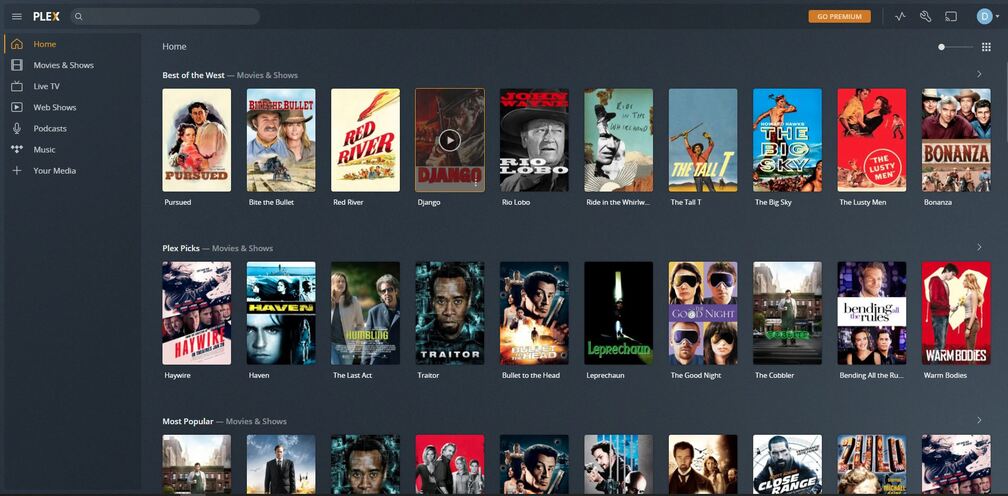
I’ve just migrated my plex server onto my NAS from my main PC. All has gone well bar the issue ive now got on my main PC.
When logging on from my main PC now on the web version it shows me signed in as myself but unable to see the shared folder from my NAS. I’ve tried deleting all the data that was on the PC regarding Plex and no joy
Just to make sure I’m getting this straight:
You want to have 2 separate versions of Plex – one on your PC (original version) and one on the NAS?
If you follow the migration procedures to the letter, this will usually also include some machine identifiers. Therefore Plex will subsequently consider the new server to be the “successor” / replacement of the old one. As both have the same identifiers, you’ll only be able to access one of them at the same time.
If you don’t want to migrate the server but to copy it, you’ll need to remove those machine identifiers from the server configuration file. Usually that’s “preferences.xml” in the server data directory.
Or have you only tried to migrate the media files but keep only your server on the PC?
No i dont want 2 versions. I had my plex server running on my main PC. I have a NAS server which is powered on all the time where as my PC isnt so it made sense to have Plex on that instead. I migrated the account to the server hard drive following the instructions off Plex website. This all seemed well and seemed to have done it correctly. However when I now choose to view it off my main PC in the same way I would on a tablet or phone, it wont ‘see’ the server files (these are movies btw). it still thinks its the main server I think. I then tried to uninstall it off my main pc to wipe any traces of it and that hasn’t done anything
Somehow the Nas account had not claimed the server. I had done this before but for some reason it has not saved it. just reclaimed it and all is well and is now showing as it should on the main PC and on my tablet and phone also.