So I migrated my Plex install from an older windows machine to a newer windows machine using this guide.
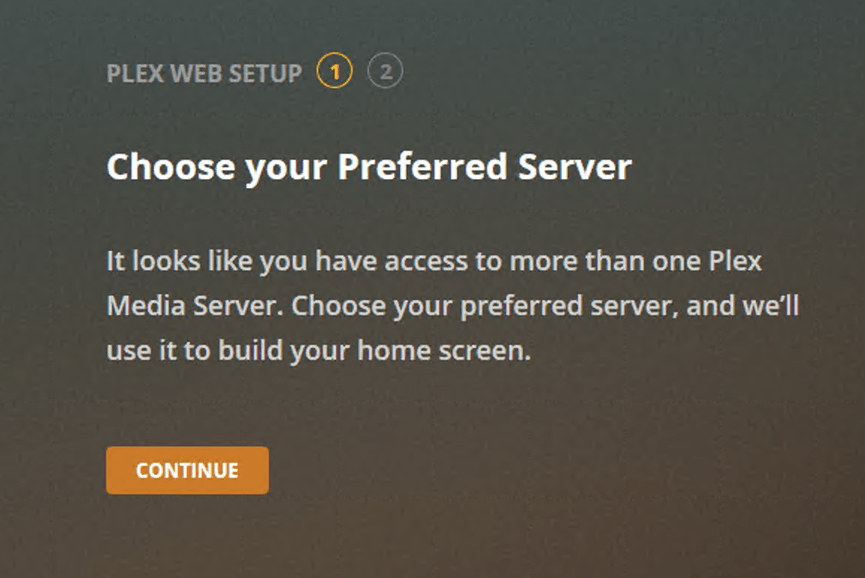
However every time I go to open the Plex server it asks me to login and then give two prompts (see attached below;
First prompt - “choose your preferred server” (my server or my friends)
Second prompt - “customize your navigation” (asks me to setup what my sidebar looks like in plex
I’m sure this shouldn’t happen every time. Is there a way I can get it to stick with these results and just auto-login to Plex every time i boot the computer?
Tell your web browser not to discard cookies of the domain plex.tv when it is closed.
If you use other “privacy” or “cleanup” software, tell them of thie exception as well.
Put a bookmark in your browser to app.plex.tv and use this instead of the locally stored web app.
Sign-in your server and your web browser to your plex.tv account.