Windows 7 - 64 Bit
Plex Server Version#: 1.16.3.1402-22929c8a2
Library mapped to NAS as V:
700 GB of free space on C:
MKW files play in VLC
After installing and creating library everything worked, at first, including mkv file. The next day mkv files stopped playing. I found two suggestions online, one was labeling TV series correctly, and the other was convert to mp4. I made the labeling change to three TV folders and recreated the library for those folders. The shows appear in the library, however, they still will not play. There are hundreds of files and converting is not an option. I see this has been an issue for a long time. Any help with this issue would be appreciated.
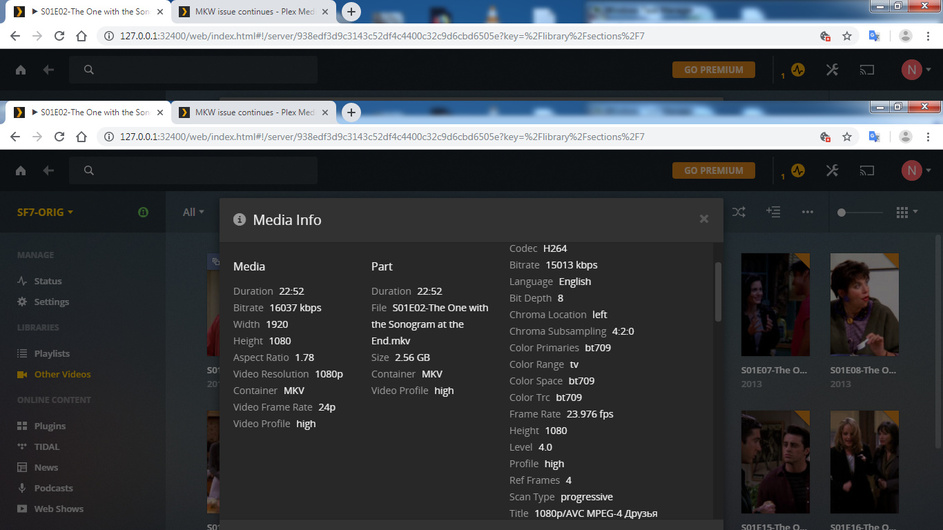
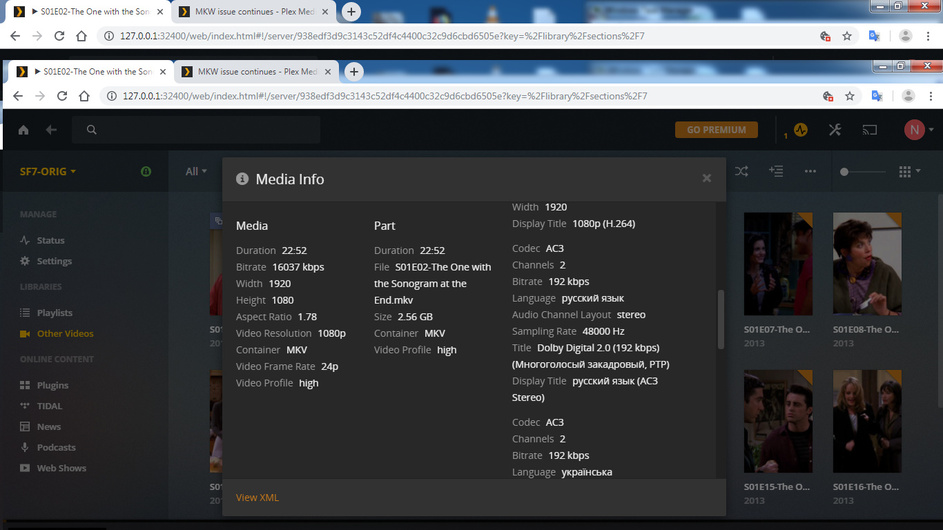
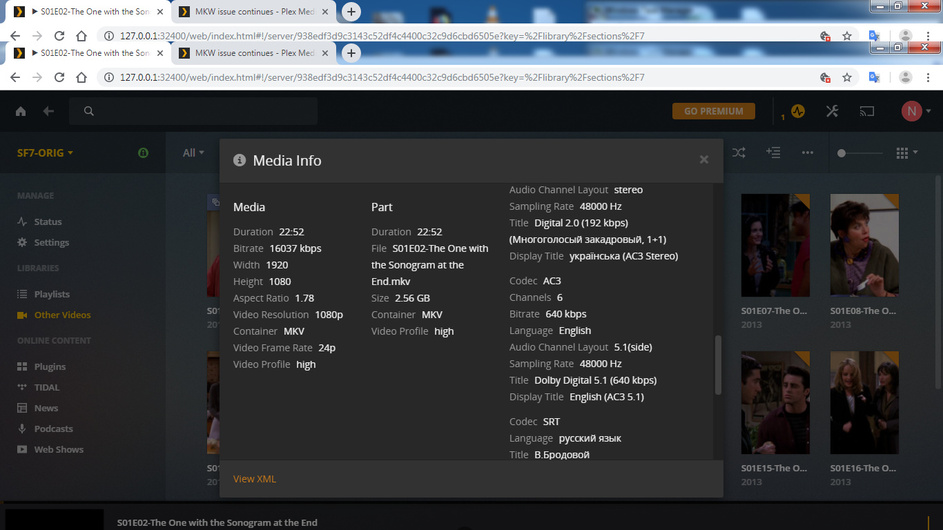
The issue isn’t MKV per se since it is just a container. What we really need to know is what the video format is and what “does not play” means exactly.
In the web browser, go to a poster of an mkv file, hover until the three vertical dots show up in the lower right corner, click on that, and then select “Get info”: