Server Version#:1.41.4.905770009057
Player Version#: PlexWeb
I’m trying to play a movie that has 5.1 multichannel audio track and cannot hear the dialog. I thought there were downmix to stereo settings within the Plex web player (I’m on a Mac using Brave). The support docs online would indicate that there are, but I don’t see them under PlexWeb > Player, even with Show Advanced Settings turned on.
Was this a feature then got removed? Do I need to manually transcode all the multichannel movie files on my server in order to hear dialog?
If downmix doesn’t happen, then the web app thinks that your sound system is multi-
channel. Check the speaker setup of your operating system and set it to stereo. Then restart the web browser and reload the web app.
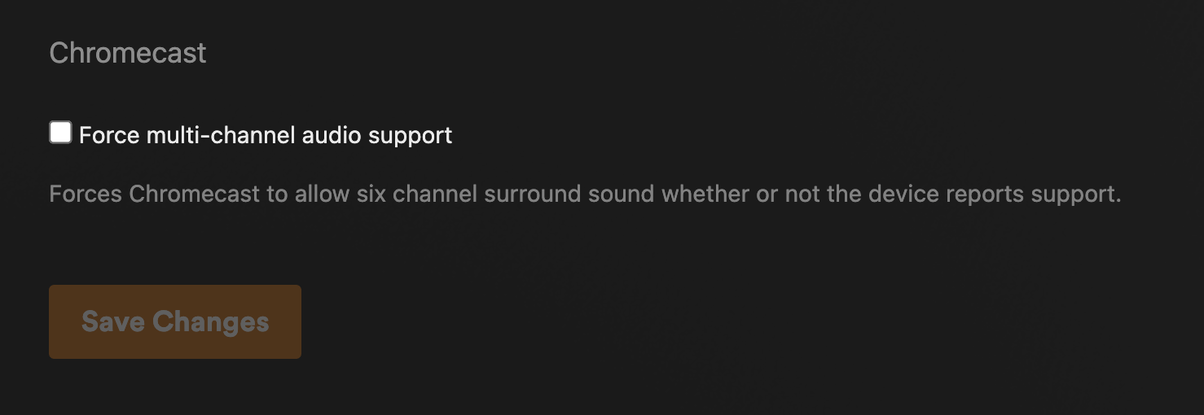
See if you’ve accidentally enabled “Force multi-channel audio support” under
Settings - Plex Web - ‘Show Advanced’ - Player
Did all the above and still not working. Here’s a screenshot of my audio setup in Mac OS. Also, the “Force multi-channel” settings, which is off. Btw, that setting is listed under the heading “Chromecast”, which begs the question, would this setting have any bearing if I’m not running a Chromecast device?
Any other ideas why downmix feature is broken for me?
Have you tested other web browsers?
That was it. Good call.
The only other browser I have is Safari (which I never use), but I did try it and down mixing IS working. I’ll have to see if it’s something the Brave devs can fix or perhaps there is a setting I can change to make it work. Thanks for the help!