Multiple Episodes in a Single File

Server Version#: 1.22.3.4392
Player Version#: 1.31.1.2262-74fdc6b7 (plex for windows)

Since I’ve updated to 1.22.3.4392 Multiple Episodes in a Single File is not working for me. I have shows named as follows:
Show Name - 01x01x03 - Episode 1

Originally this added episodes 1, 2 and 3. Now episodes 2 and 3 are showing as unavailable. New files I’ve added aren’t adding all the episodes now either. I just added a file named:
Show Name - 01x117x120 - Episode 49

Only episode 117 is showing in plex.

https://support.plex.tv/articles/naming-and-organizing-your-tv-show-files/

Multiple Episodes in a Single File

If a single file covers more than one episode, name it as follows:

  • /TV Shows/ShowName/Season 02/ShowName – s02e17-e18 – Optional_Info.ext
TV Show Library/
....Show Name/
.......Show Name - 01e01-e03 - Episode 1

This:

Results in this:

I removed the files from my library, Emptied the trash, cleared bundles and tried to re-add the show. It’s still not working for me…

Capture

Capture1

This was working 2-3 week ago.

That, is NOT this:

If you want Plex to behave as expected - follow the instructions.

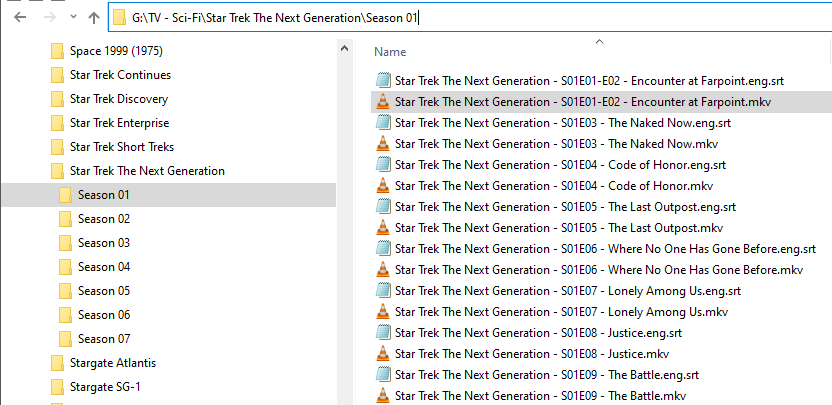
I’ve been using this naming convention for a while. I just tested this with another show. Before I did anything the show looks fine

You can see episodes 14-17

File name:

I removed the file from my library and rescanned it. All of the episodes showed as missing. I added the file back and now I’m seeing this:

As JuiceWSA pointed out… you can get lucky with some custom/individual naming schema – that’s no guarantee it’ll keep working. If you want to play it safe, stick with the official naming schema (as per the link provided above).
This topic was automatically closed 90 days after the last reply. New replies are no longer allowed.