Hi all,
I am trying Plex on a new WD My Cloud Home NAS configured as a Plex Media Server (using the included functionality provided by WD).
I have a rather large music library of over 66000flac music file. The initial library scan took about 3 days, and now it completed successfully.
Even though it has completed, I am experiencing extremely slow loading times when I enter an artist, before I can view the related albums, and then the same thing occurs when entering an album, before being able to see tracks. Sometimes it takes up to 30 seconds or more.
Clicking on Play will also generate significant delays before it starts.
I access the NAS web interface and tried to download a file, and for a 30Mo Flac, the download took less than a second, on a 1Go fibre connection.
My questions are:
- Is Plex able to handle large libraries efficiently?
- With my NAS, I have the option to locate my files locally only, in a public folder accessible through smb, but I haven’t been able to configure this to see my files through Plex. Is this possible?
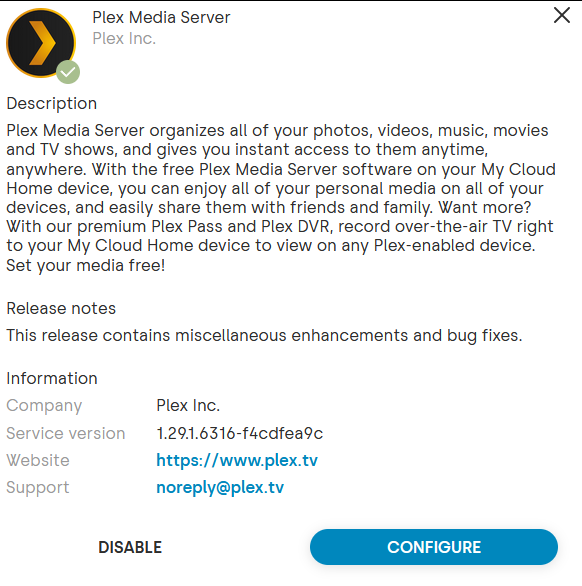
Here is some information on my Plex setup:
On android:
Plexamp:4.8.1
Plex 9.27.0.2856
Thanks in advance for any help provided!


 But the logs are telling me it’s video deep analysis; yet the web gui is telling me it’s defiantly music scanning… I’ll keep plugging away, or just turn a blind eye for a few days and see if the background scanning slows down
