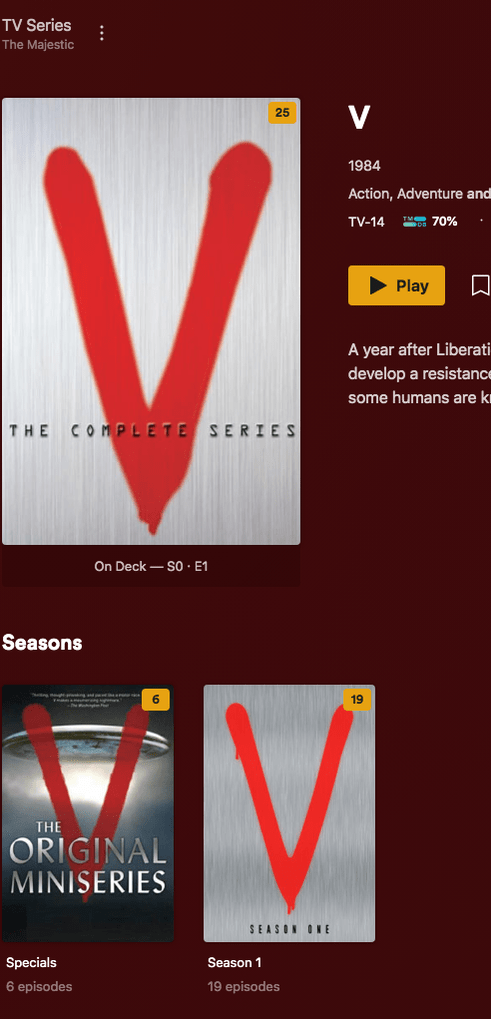
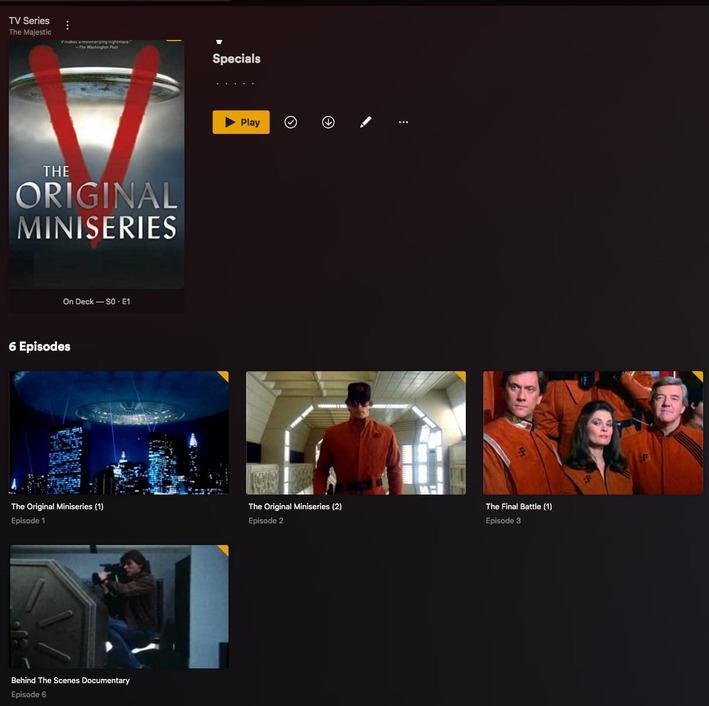
I’m having trouble getting the metadata to show up correctly for V: The Original Miniseries and V: The Final Battle (ripped from my purchased blu rays). I followed the guidelines in “Naming and Organizing Your TV Show Files” precisely but it doesn’t seem to work for these shows. After a lot of tweaking, I managed to get only the top-level show metadata to appear, but not the individual episodes.
Here’s how I have them named right now:
/TV/V (1983)/Specials/V (1983) - s00e01-e02 - The Original Miniseries.mkv
/TV/V The Final Battle (1984)/Specials/V The Final Battle (1984) - s00e03 - The Final Battle 1.mkv
/TV/V The Final Battle (1984)/Specials/V The Final Battle (1984) - s00e04 - The Final Battle 2.mkv
/TV/V The Final Battle (1984)/Specials/V The Final Battle (1984) - s00e05 - The Final Battle 3.mkv
I should mention that TVDB has the 5 episodes under a single “V” series, and I did try to follow their organization (instead of breaking out The Original Miniseries and Final Battle into separate folders) but it didn’t work at all.
Adding the tvdb ID to the main folder helps especially when you get the 2009 reboot. It falls under a different tvdb ID. The source tags at the end are my own addition. Being in the square brackets should hide it from the scanner. I’ve had no problems with it yet.
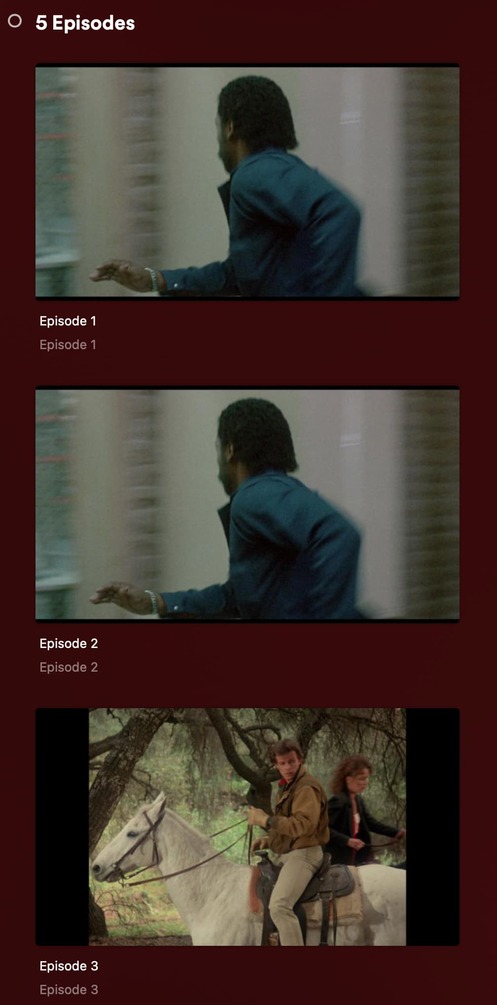
Thank you very much for this, Chris! Unfortunately, that naming convention still doesn’t load the metadata for the individual episodes on my system. When I go to the episodes, it looks like this:
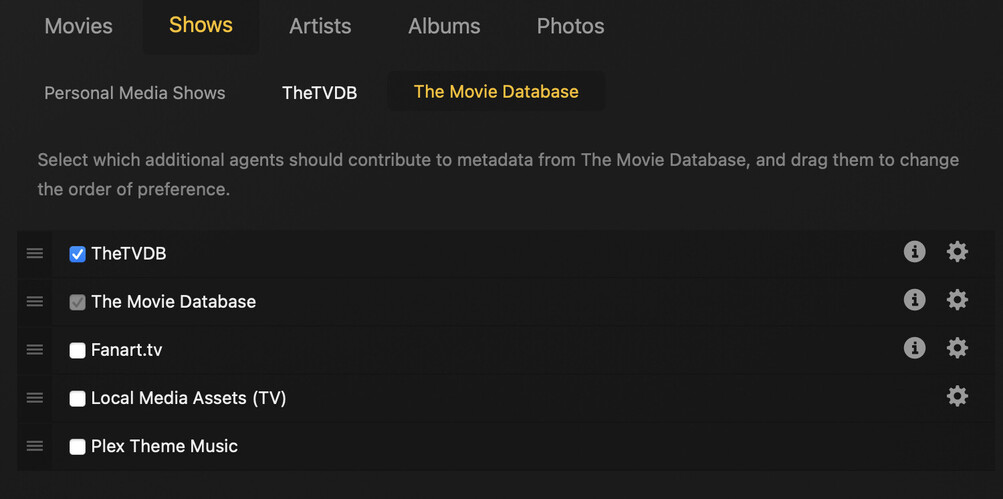
Are you using the new Agents? If so, the Agent Settings you screenshotted have no effect. They are for the old Agents (Plex Movie Scanner & Plex Series Scanner).
The new Agent settings are in the library settings or individual show settings. To set the Agent settings for an entire library go to the sidebar and find the library you want to set then press the three dots menu to the right of it. Next select “Manage Library” from the pop-up menu. Then select “Edit…” from that pop-up menu and select the Advanced tab from that window. This is what the screen looks like for my TV Series library:
The “Episode Ordering” entry allows you to select what Episode Ordering (either The Movie Database or the TVDB) applies to the library.
You can also set episode ordering for an individual show if you press the pencil icon on the show card and then select the Advanced tab. I don’t know why but setting it at the show level gives you more options.
That worked! It turns out I was confused about that “episode ordering” field, but once you explained how to find it, it made all the difference. It was indeed set to The Movie Database instead of TVDB. After I changed that and refreshed metadata, it was all fixed like magic. Thanks again!!