Server Version#: synology 1.21.3.4021
Player Version#: 8.12.4.22902 Note 20 Ultra
This started after yesterdays update. Clicking on the (hamburger) three dots, lower right of video selection (see image 1 below), used to bring up a submenu of actions. For instance, I would select “delete” when done with an episode.
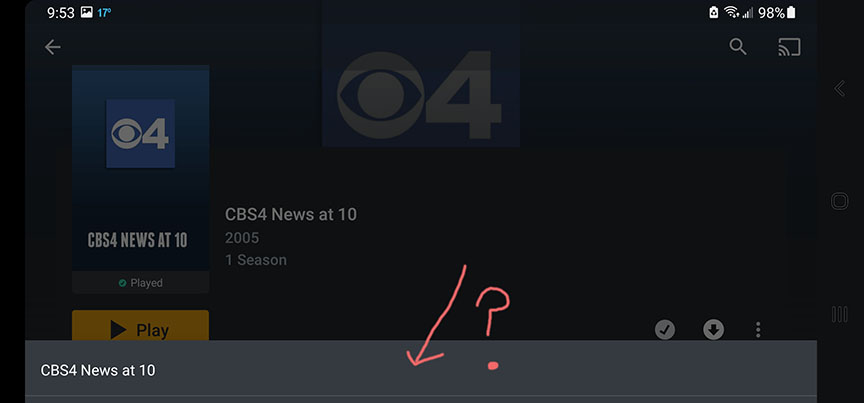
After the update, no submenu. Instead this lower bar (see image 2) appears with the episode title. This appears to be a newly introduced bug.
Anyone else??
Yes, happening to me as well. While not intuitive at all, you can drag/pull the menu up. The full menu is still there. The part that you’re seeing is just the title line for the menu. Confused me for over two days before I realized what was happening.
A very strange change to have made, particularly if this was done on purpose. Combining awkward with non-intuitive is never a good approach when it comes to UI.