No access after server crash

Server Version#:1.42.1.10060-4e8b05daf-x86
Player Version#:
<If providing server logs please do NOT turn on verbose logging, only debug logging should be enabled>

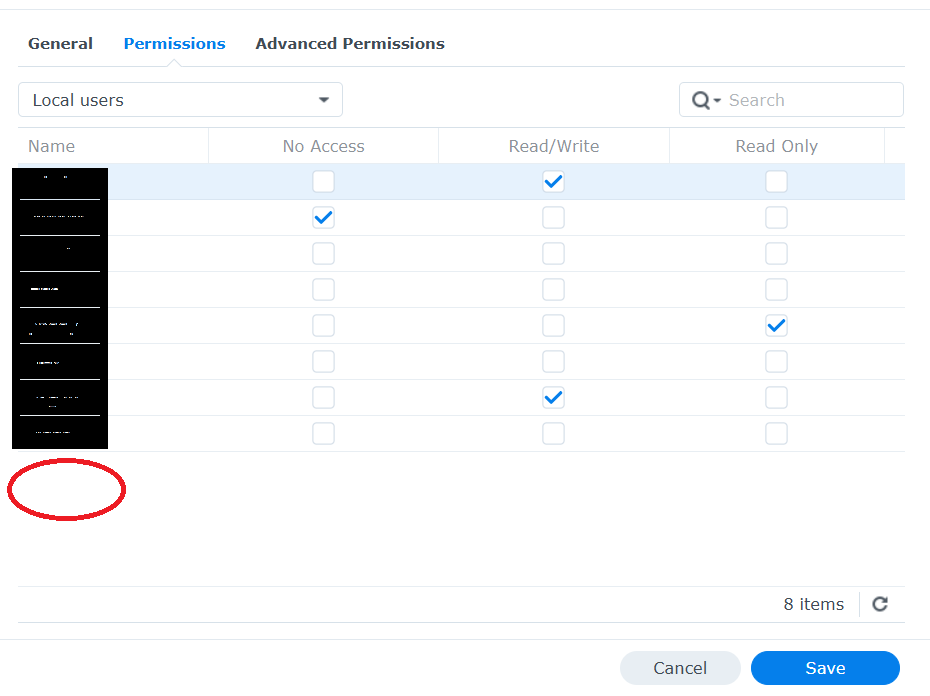
I had a server crash and then installed Plex and restored the database. Unfortunately, Plex doesn’t have access to the files. The Plex user does. Please help.

Plex Crash Uploader.1.log (764 Bytes)

Plex Media Server.log (315.9 KB)

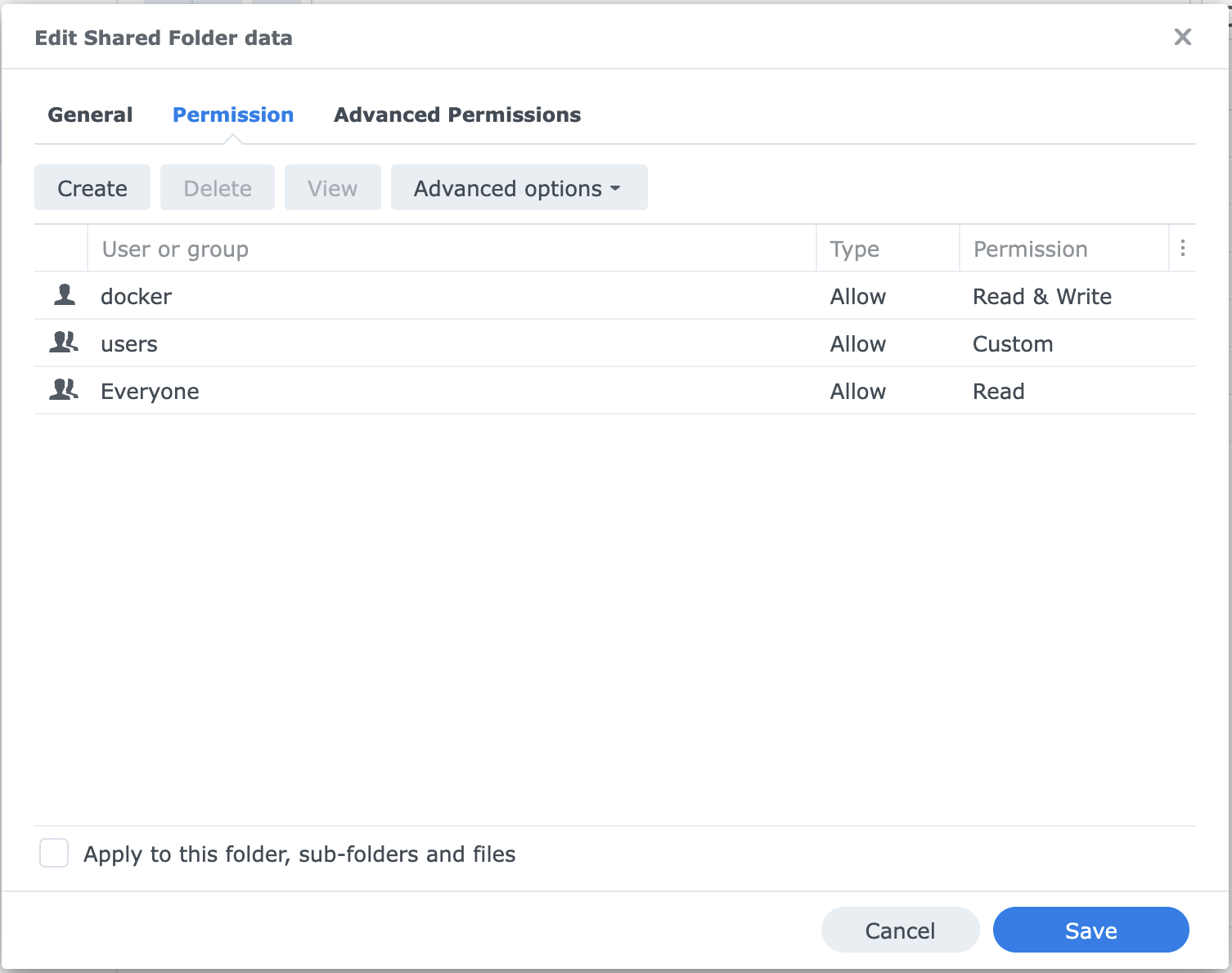
Down near the bottom of that screen is an option to set that permissions recursively. Going to be that is your issue.

Unfortunately I don’t see a recursive option

Try File station, right click on the folder you’re trying to change, Properties, then Permissions, apply to this folder and subfolders.

It may not call it recursive (I don’t have a syno to pull exact wording) But it may say something like: Apply to this folder, subfolders and files

I moved the permissions down to the bottom without success. I restarted the Plex server, of course.

Sorry I don’t understand what moved to the bottom means, you checked the box and applied it to the files/folders? Are the logs still spitting out the same errors?

I don’t have that choice. I’ve now created a new share and moved the data. Now it works