Server Version#: 1.16.6.1592
LG Player Version#: 4.25.1
WebOS Version#: 3.8.0
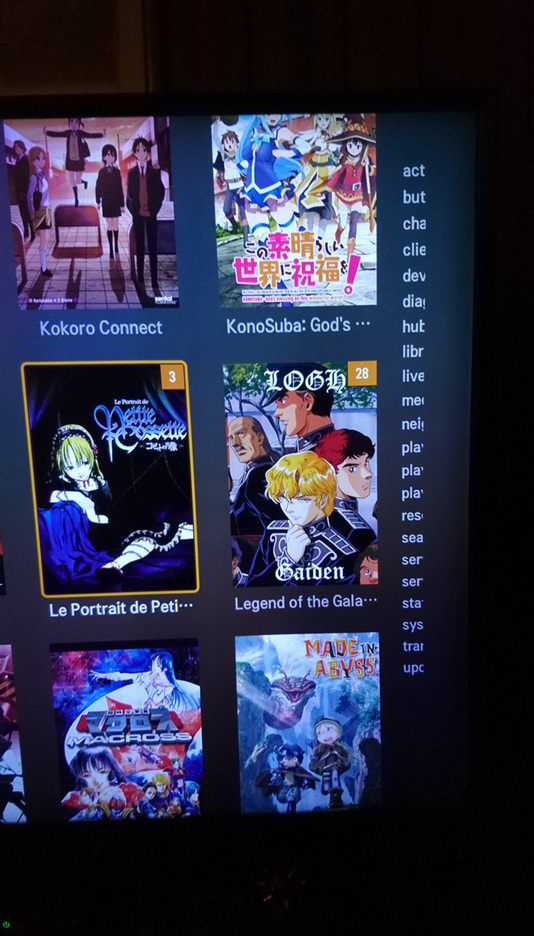
I am no longer getting the letters on the right side of a Library page to allow me to quickly jump to that section alphabetically. I do not know exactly when they disappeared on the LG, but they were there on February 10th, because another household member was wanting to watch a movie that started with the letter “P” and they were complaining about having to scroll through all the titles. They didn’t know they could move onto the sidebar and choose letters from it.
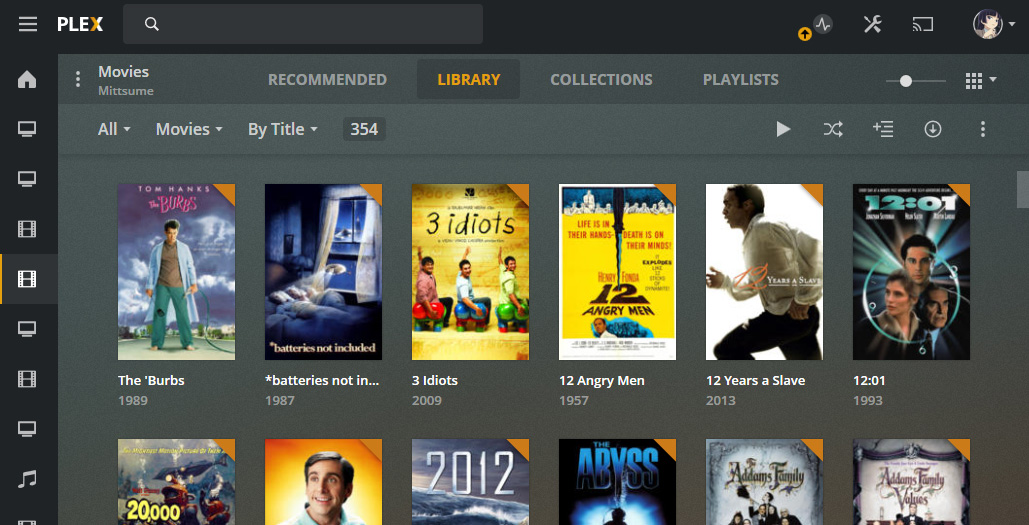
Similarly I have just noticed the same sidebar is now missing when I view the libraries on the app.plex.tv site. But they are still there when I use the web app on the server itself (accessing by local IP).
So I asked one of or devs about it and newer versions of the players creates the jump letters from the server. Because your server version is pretty old is why the old web app that comes with that server shows it but the newer player versions don’t. The current version of server is 1.18