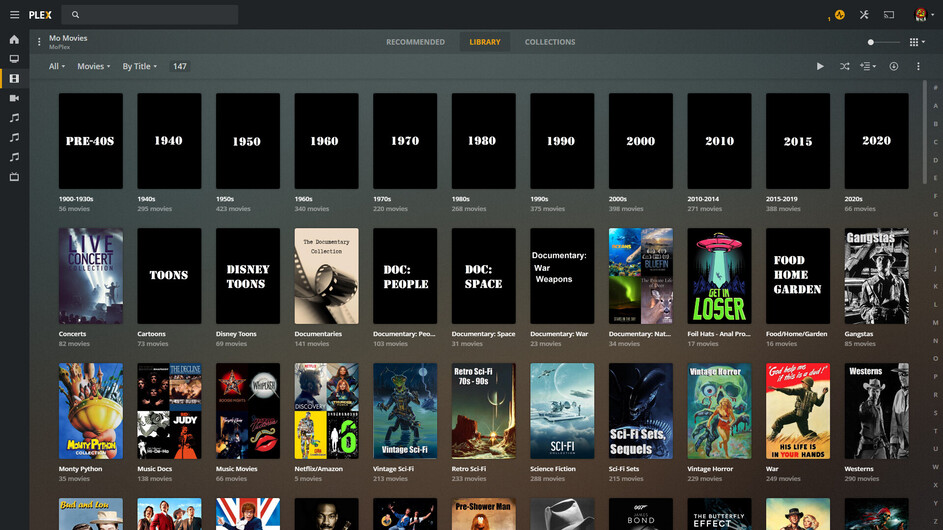
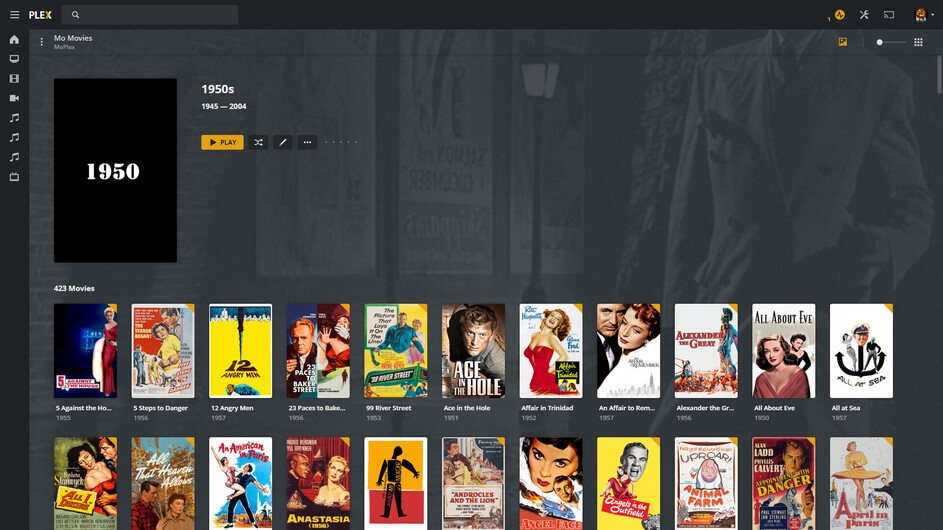
Since the last update a couple days ago and when browsing in the Movies section on my PC, I no longer see the alphabet line on the right side where I can select the first letter of a title and the library would skip down to that section, allowing me to find a movie by title quicker than scrolling through the list.
I looked to see if there was a setting but did not find any.
Any help on what happened and how to get this feature back? It’s a pain when you have a large collection and have to scroll through to find a section quickly.
Make sure the library is sorted by title. That is the only sort where the letters appear.
Which client are you using - Plex Web, Plex for Windows, etc?
How many items in the library?
With Plex Web, there is a number, 75?, below which the letters are not displayed.
I filtered one of my libraries by various genre. When filtered by Crime, 71 movies are listed, and the letters are not displayed. The next largest filter shows 81 titles, and the letters are displayed.
Thanks! When you mentioned that, I looked at the sort in the upper left corner and it was set to “folders” for some reason. As soon as I noticed that and changed it to “titles”, the letters all appeared back on the right scroll bar. Thank you for the kick in the pants!
Not sure if you are having the same issue I had but check that you are sorting by title and not folders or something else. Upper left side of the Movies directory should be a drop down arrow next to the sort method you are seeing. Once I checked that and set it back to titles from what it changed to, the letters showed up.