Server Version#: 1.23.4.4775-b7e0c30f2
Player Version#: 1.33.0
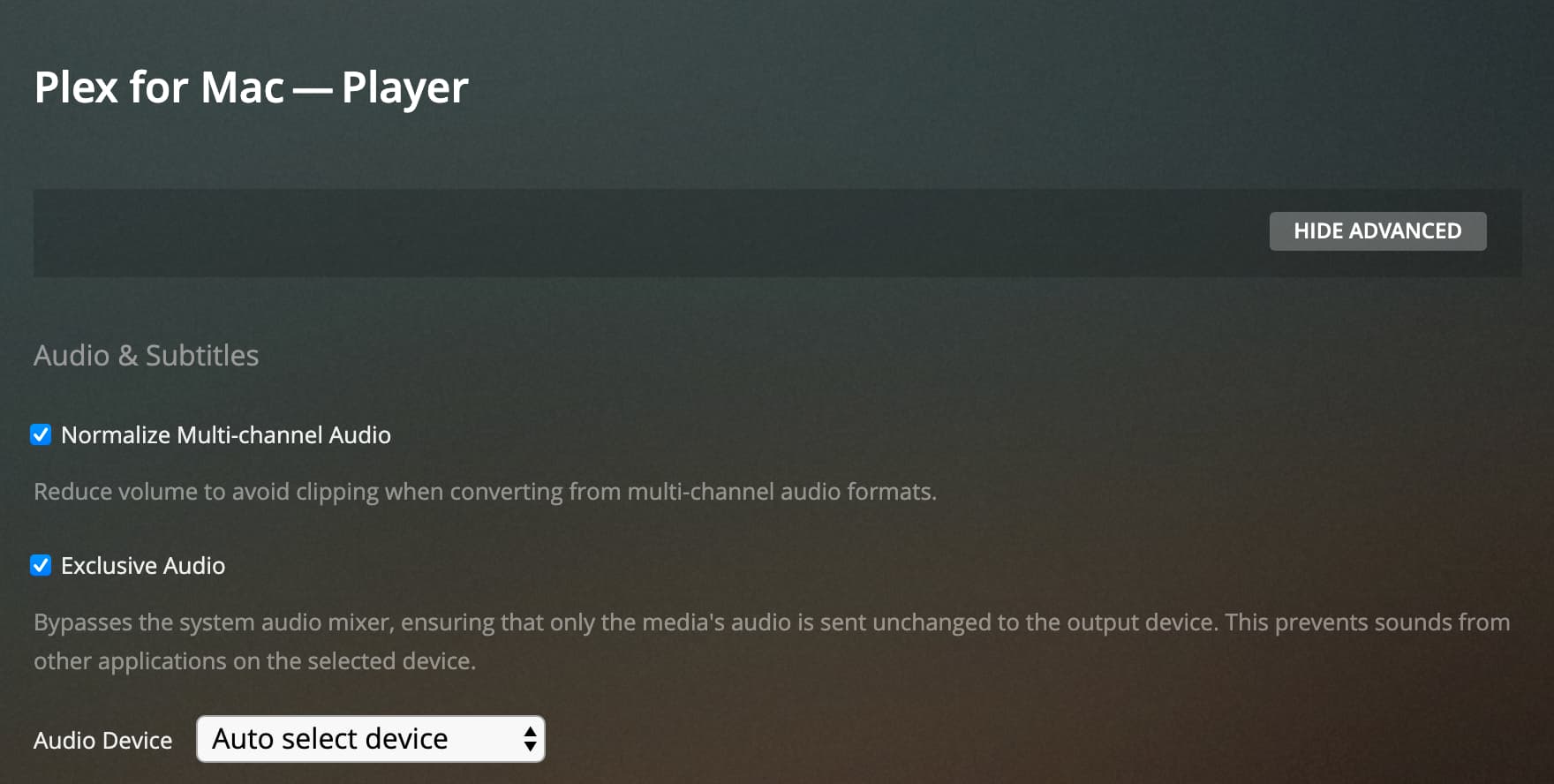
I am no longer receiving audio on my Plex for Mac Player app after upgrading to macOS Monterey beta. The video plays fine. Tried out multiple video files with different audio codecs. Interestingly, the audio plays fine using the old Plex Media Player app.
I’m not sure if it related but I just can’t get any audio working in the Mac desktop app these days so I have to just use Safari and stick with stereo from there.
I’m now on Monterey 12.0.1 but this has been for months on more than one release of the desktop app and MacOS.
I’m using a USB audio interface (Startech) for an optical out on my M1 Mac Mini so I can get 5.1 via Logitech Z5500 speaker as unlike my old Mac Pro there was no optical on this machine.
When I first got this interface I did have it working for in the app and I can still get DD surround in VLC for example but no matter what settings I change in the Plex app I just get silence.