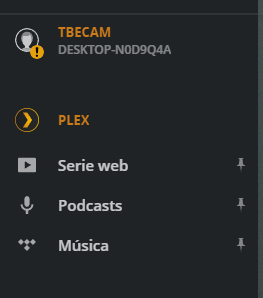
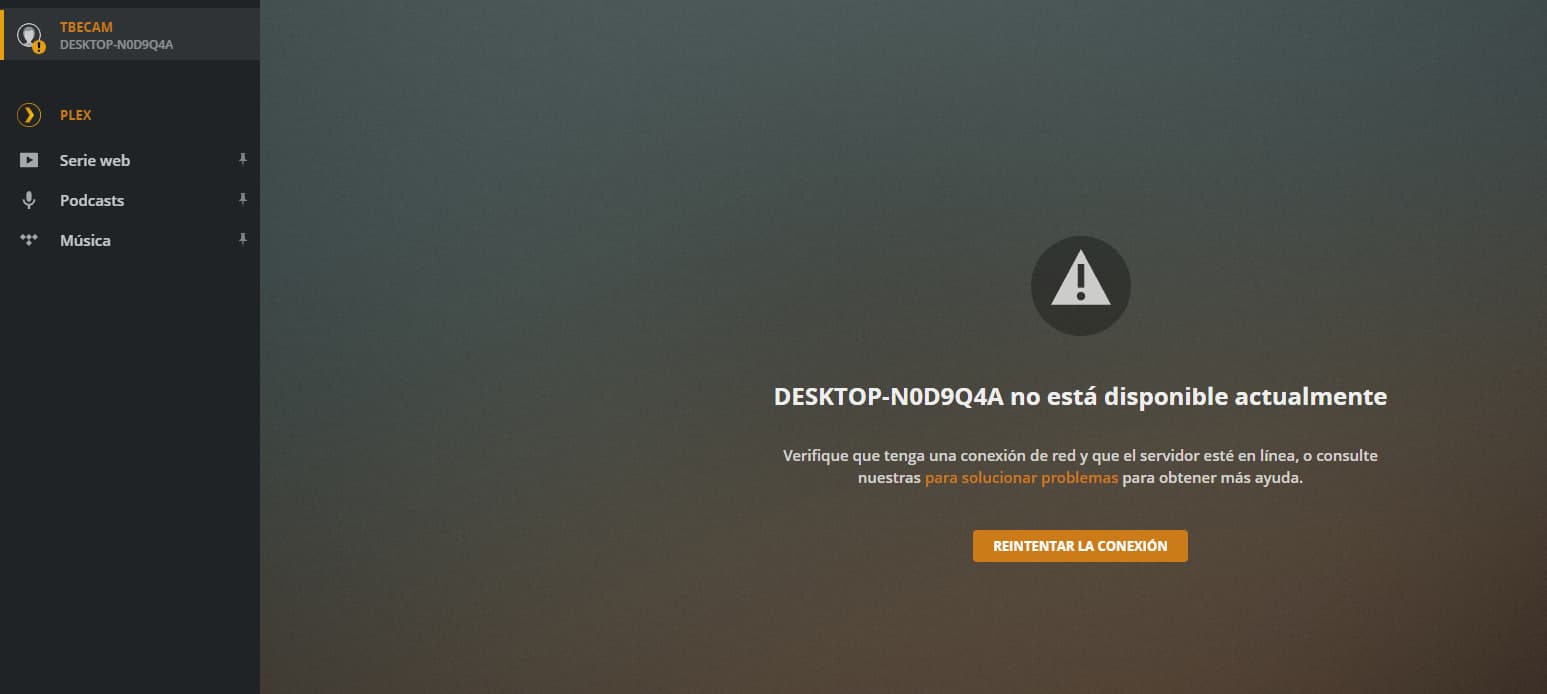
no server access

I had a PLEX server on windows 10 with one user. After the HDD was broken, I have installed it again on a NAS, but when I log in, it keeps looking for the old server that no longer exists, and what I want is to mount a new one with that user. how can I do it?

Server Version#:
Player Version#:

  • make sure to connect to your new server through its local IP address in order to complete the setup (e.g. naming the server and linking it to your Plex account).

  • you can remove the old server from the list of authorized devices in your account settings
    https://app.plex.tv/desktop/#!/settings/devices/pms

The old server does not appear in authorized devices

That is the old server that was in a windows 10 that no longer exists … but I can’t find how to remove or edit it
image

Do you get an option to remove that entry from the Settings menu when clicking the context menu on the TBECAM server entry (settings sidebar)?

I don’t have that option. it only allows me to retry the connection

My point/question was about your Settings (:wrench: icon at the top-right of the Plex web app)

This topic was automatically closed 90 days after the last reply. New replies are no longer allowed.