Howdy Gang
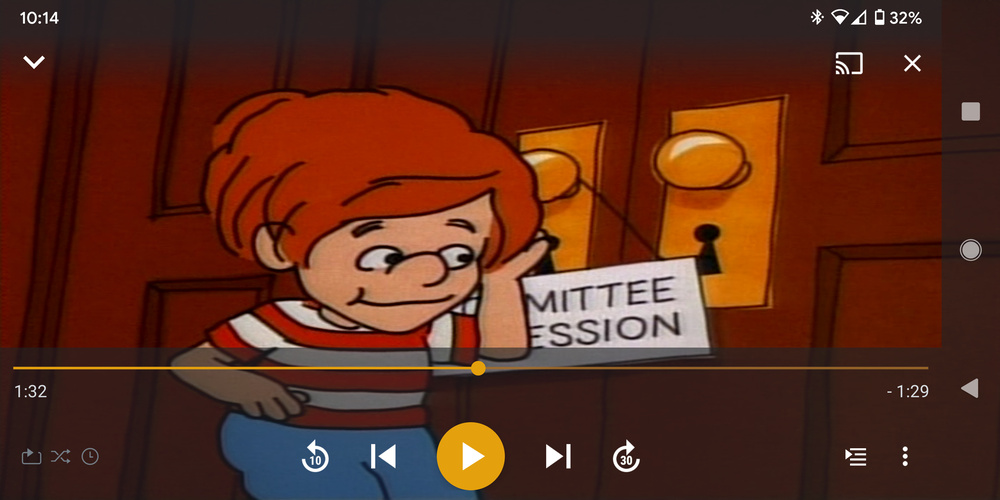
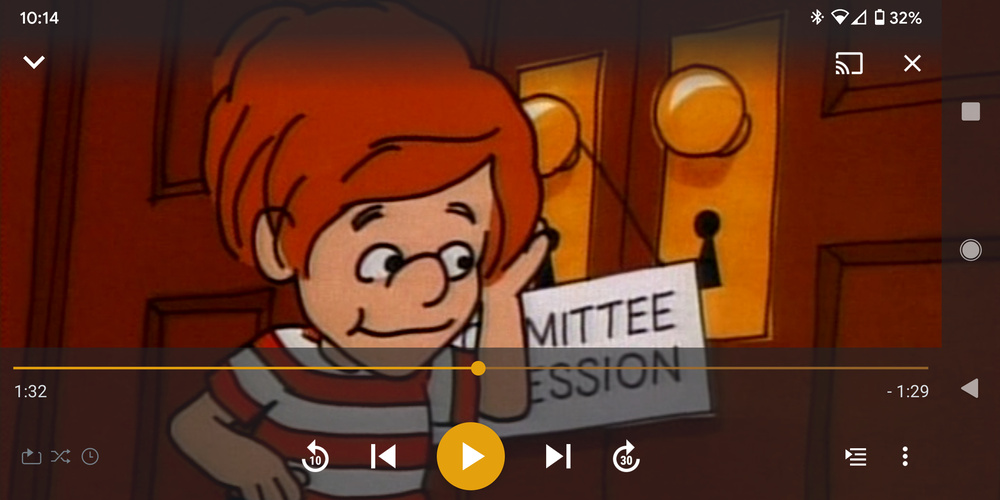
I have a PLEX server on an unraid box. When I play MKVs on the shield, I get black bars all the way around in a windowbox. When I play them on the PC, it’s full screen. What gives?
Am I missing a setting?
Thanks!
Howdy Gang
I have a PLEX server on an unraid box. When I play MKVs on the shield, I get black bars all the way around in a windowbox. When I play them on the PC, it’s full screen. What gives?
Am I missing a setting?
Thanks!
I encountered this a few days ago as well. I found what appears to be a new setting.
To get to it:
The setting persists, so it should apply to any video you play until you change it again.
There was an interesting conversation about this when the new player was rolling out (or coming into more widespread use) last year on the Fire TV. It seems that for the “Original” display mode the player may be using the original resolution, not just the original aspect ratio; the results can be jarring, depending on the relative resolutions of the media and the display.
original is matching the pixel size of file with that of TV 1:1, so if you have a 720p file on a 4k tv it will appear tiny in the middle of the TV for example.
Letterbox should be the default. Letter box increases or decreases the size till one of the sides of image (LR or TB) hits the sides of the screen with nothing cut off. “zoom to fit” is the only other way I can think to describe it. if it is on letter box and still see back bars on all 4 sides then the image of the video itself has the black bars on the top bottom and/or LR sides
Stretch = imagine letter box but stretching the sides that don’t touch the edge of screen. on a normally wide screen were there would be the boxes on top bottom it will stretch to fill the area and things will look taller. a 4:3 image will stretch it’s width on a 16:9 screen
zoom= like letter box but will zoom in until the second sides touch the edge. a normally wide screen image this will cut off the left and right sides. a 4:3 image will cut off top and bottom on a 16:9 display
Thanks! I changed it to original and it helps a little. Now the picture is tad large, but the bars remain,
Files are 480i (dvd rips) MKV. When played in VLC the bars are there.
The TV changes resolution to 720x480 when I start the episodes. The shield itself is set to1080p
Thanks for the reply. I understand how aspect ratios work. What’s frustrating is that if I play it on my PC I don’t see any bars and it’s full screen.
Make me think something is strange with the Shield implementation.
possibly is it PAL and not NTSC? pixel aspect ratio different maybe?
I’m not really sure what that means. In what app on your PC? you mentioned in VLC it has the black bars still. if the black bars are in the file I would just use something like mkvtoolnix or handbrake to to crop them out of the file.
It’s NTSC. As far as pixel aspect ration, I’ll have to take a closer look.
When I said on the PC, I meant to say that it’s in chrome using the browser to access the PLEX server on my local network.
I’ll take a look at mkvtoolnix. That has to be quicker than handbrake.
thanks again!
This topic was automatically closed 90 days after the last reply. New replies are no longer allowed.