I wasnt using that at all, just the normal web app link
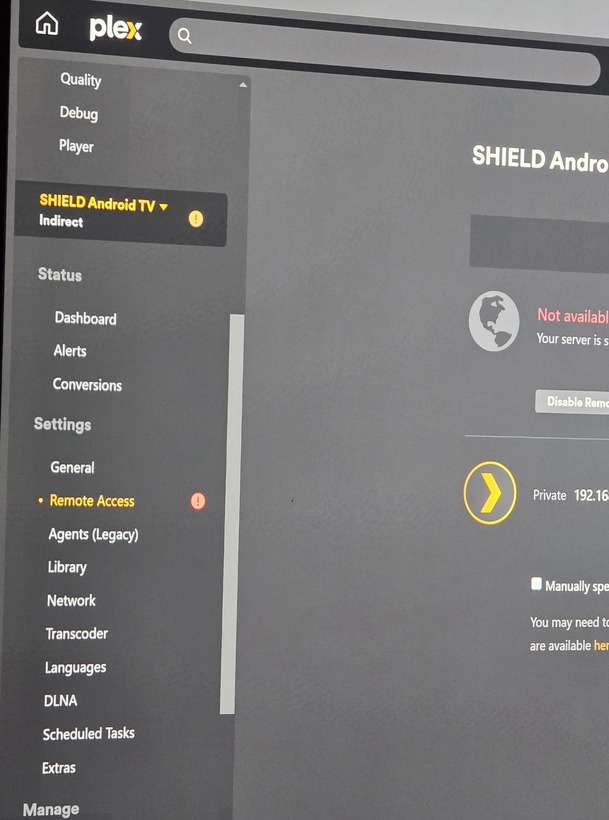
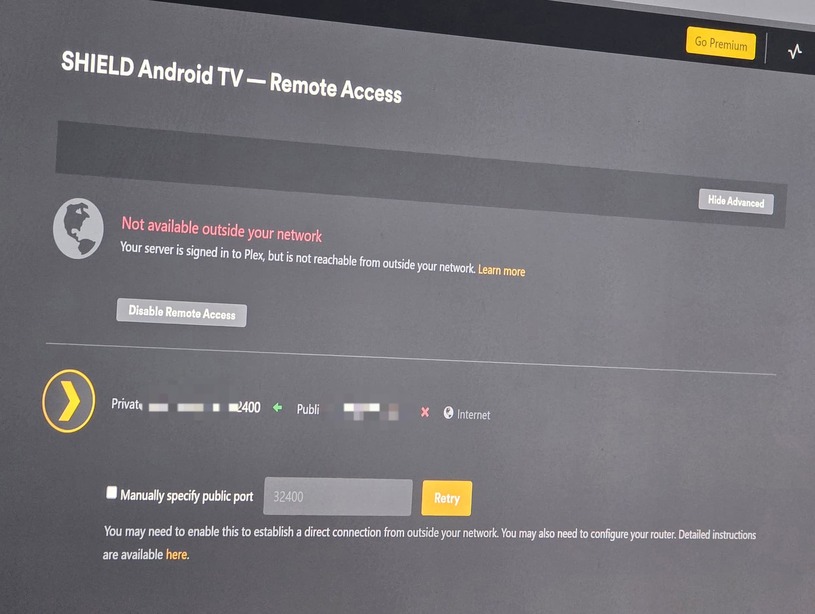
That is for remote access outside of your network.
https://support.plex.tv/articles/200931138-troubleshooting-remote-access/
Yeah, im not pressing retry because last time i did my server completely messed up and couldnt connect again
Why does it say on my pc its a limited connection and the quality is awful. Its all hard wired to the same router
Still cant find out why its giving me limited connection on my network
Im changing my wireless router today so hoping it will resolve itself
have you set any WAN restrictions for bandwidth?
On the server if you go to settings > Network have you placed anything under LAN Networks? I have placed my private IP subnet within there, i.e.:
10.0.1.0/255.255.255.0
(https://support.plex.tv/articles/200430283-network/)
I also place the private IP range in to the ‘List of IP addresses and networks that are allowed without auth’ field. that is a personal preference of mine.
Not set anything like that. Its a fresh install of plex
Last week I changed my isp and my router setup, thought id see of that made any difference but is still giving me the same thing
Streamed on my pc which is hard wired to the same router as my nvidia shield and the quality was terrible…
In a browser type in your Shield ip address. (Found in; Shield Settings/Network & Internet) Followed by the port number 32400. E.g. 192.168.178.25:32400 You may get a insecure connection warning. In Plex settings over on the left, is your server showing now? Is it green?
Doesn’t load anything, just sits there
Double checked the ip and its correct
After a while its says
This site can’t be reached
192.168.0.110 took too long to respond.
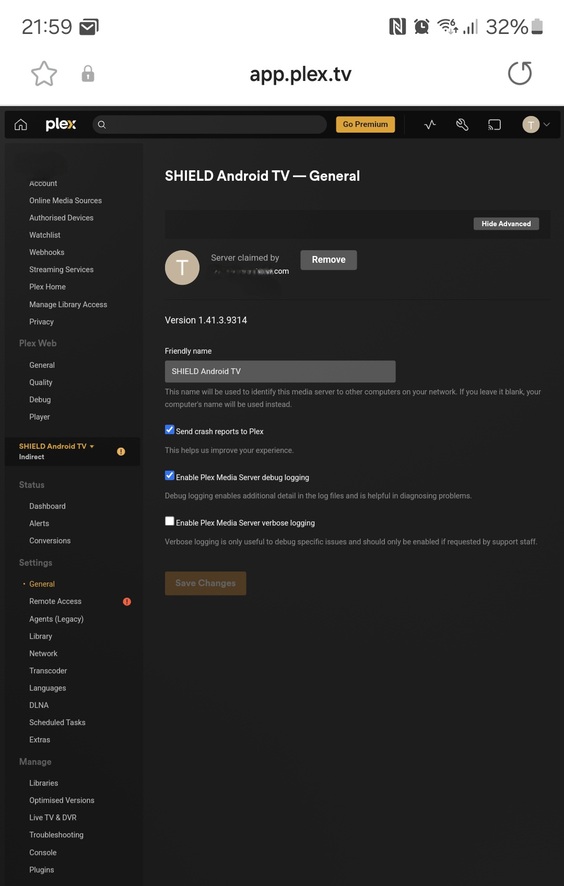
What is the version number of the Plex server installed on the Shield?
Plex app version 10.26.0.2578
plex sever version 1.41.4.9463
Any ideas?
I am out of ideas…
Im still stuck with the same issue, anyone have any idea suggestions?
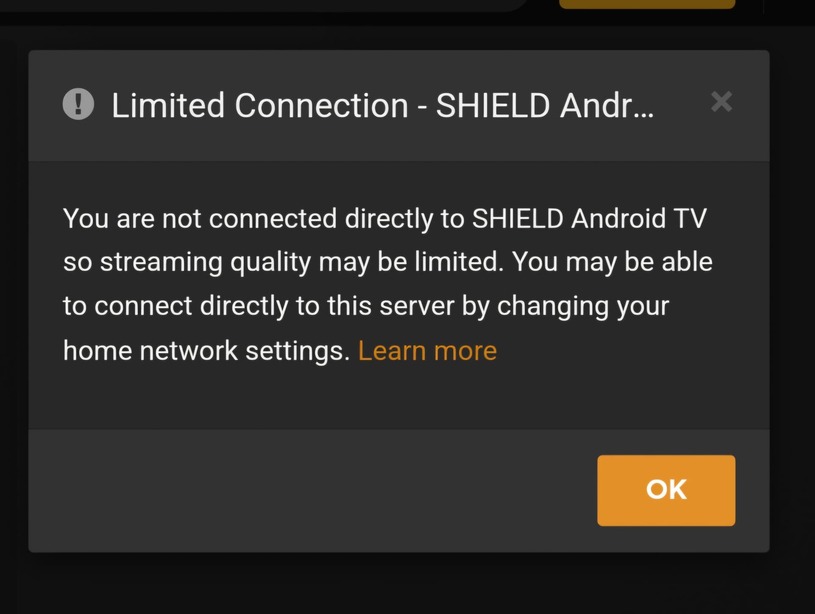
Are all devices on the same subnet?
All connected to the same router wired and wireless, but even my gaming pc which is wired has the issue resulting in really bad quality playback
I am struggling to think what this could be, I would still be tempted to change the network settings found under settings > network.
I have secure connection: preferred
Lan Networks I have placed my local IP subnet. (In my case 10.0.1.0/255.255.255.0)
Then under “List of IP addresses and networks that are allowed without auth”. I have once again placed my local subnet details (10.0.1.0/255.255.255.0)
