Server Version#: 1.41.3.9314
Player Version#: 10.24.1.2319
I have installed plex on my Nvidia Shield pro but no matter what i do i cannot get the web app, windows app or even the android app to connect.
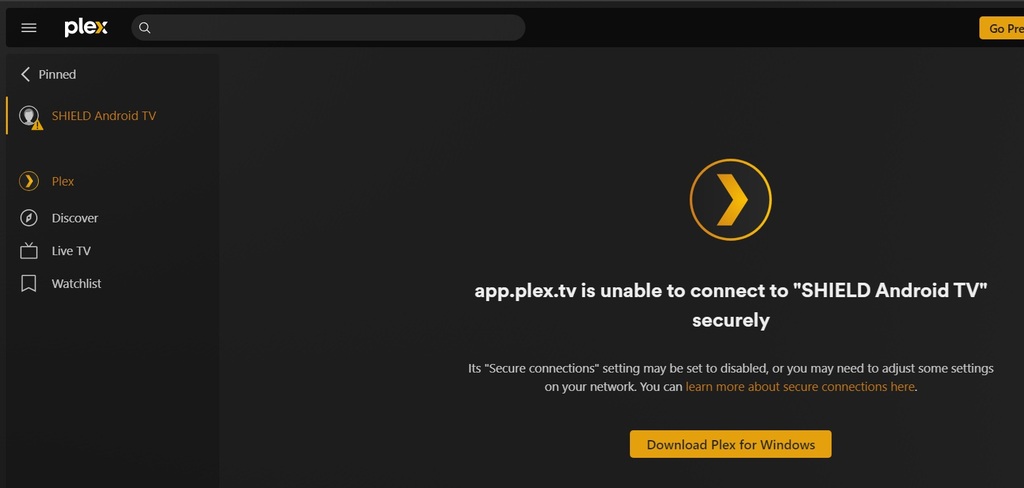
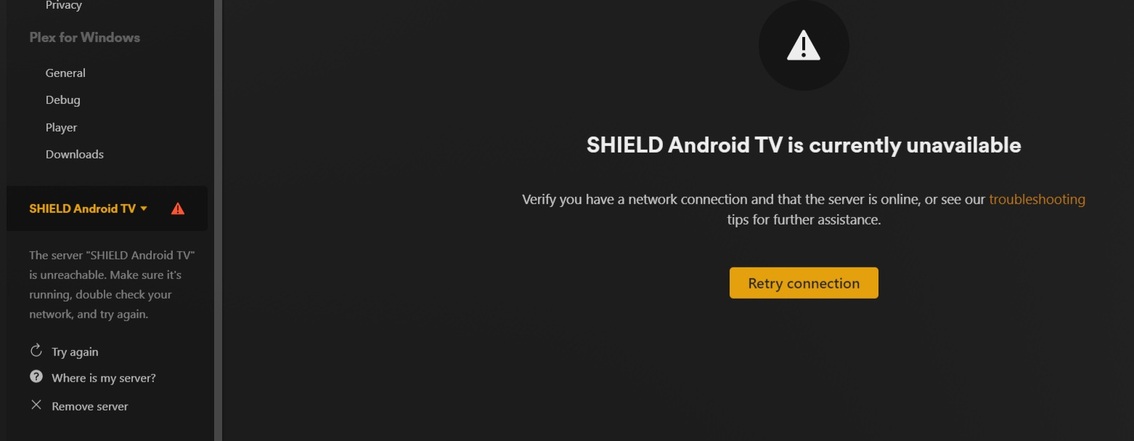
It sees the shield and keeps trying to reconnected but says its unavailable or unable to connect to “SHIELD Android TV” securely
It was absolutely fine before no issues. I tried doing a fresh install and it made no difference
both plex and the server are both installed on the internal storage
Nothing with my setup or network has changed
any ideas?
Under the Network options on the server I normally set Secure Connections to “Preferred”.
I also set the LAN Networks to xx.xx.xx.0/255.255.255.0 (I also set this for List of IP addresses and networks that are allowed without auth)
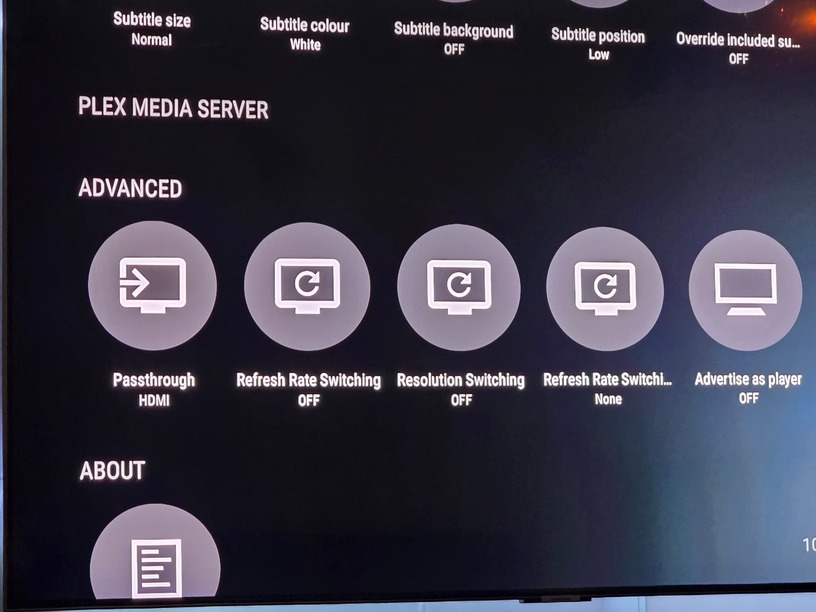
The problem is no matter how many times i install from the app store the section of the settings called plex media server is always empty…
It has always been like this, even when it was previously working
have you downloaded the server app specifically?
Running Plex client on the shield should force the server app to start running again if it has been forced closed, but also worth checking under the shield settings > apps > see all apps > show system apps
That Plex Media Server is present.
have you enough free space on your shield storage?
Yeah its installed and reinstalled multiple times
Plenty of space, 9gb free and it did the same on my external 120gb storage
can you get to the log files? are there any log files being generated?
Assuming you can not get to them via Plex Settings > Manage > Troubleshooting and the Download Logs button
You will need to enable Access to the shield storage:
https://support.plex.tv/articles/220347688-accessing-shield-storage/
Make sure you have IPV6 disabled.
Is there one called Plex Media Server.log ?
How I handle debug is, check the file properties (last modified date and time), take a copy of the file to your computer… delete the server.log file from the shield, reboot the shield and see if it generates another server log file.
If so check the contents of it to see if it gives any valuable information, if not check the old file and work your way up from the bottom of the log file to see if it gives any details as to what could be going wrong.
Yeah sounds a bit too involved for me tbh lol
I might just factory reset my shield and see if that helps
Yes. IPV6 is useless on a small home LAN and it causes issues with dropping connections and reduced throughput.
Ok i have turned ipv6 off
Did a fresh install of both the app and server but still the same 
Did a factory reset and it made no difference, still dane thing
But the shield shows the fule structure, but the web app just cant connect…
I loaded up my laptop and the plex app on there recognised the new sever and allowed me to setup…
Ill set everything up and allow it to do its thing
I hope this doesn’t happen again i hate starting the plex database from scratch
Ill report back after
are you entering /web after the port ?
https://xx.xx.xx.xx:32400/web