I’m running Plex on an external, hosted server, which is working great. Having a ton of fun with this over Roku. However, I’ve quickly used up a ton of space and am running low. Am I able to store more files at home, on additional hard drives, and use them as libraries for Plex, while having the contents show up in the same categories? For example, a Movies folder on the remote server (which I already have) and another Movies folder at home where the videos get added to the existing “Movies” tab in Plex, effectively merged from the Player’s perspective?
Separate movie libraries cannot be merged from the same server or different servers.
Shoot. Well, let’s say I make space by moving all my TV Shows off the remote server to home. Will I be able to have the TV Shows folder show up like normal from the different location, or is it going to force it to appear as a different server (like a shared server)?
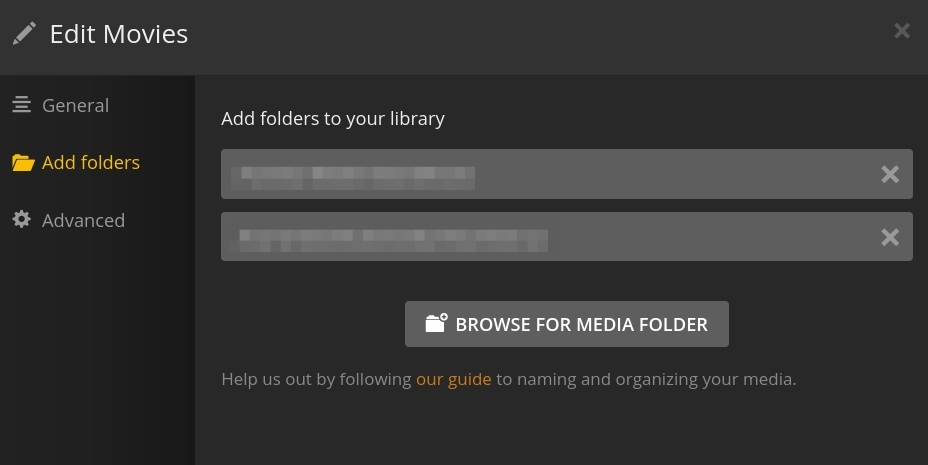
If I understood, his servers are in two separate locations. Or he has a remote server and a drive location at home which I don’t see how he could add to the remote server
Not unless he has a way to map a drive from the remote computer to his local computer which looks flawlessly as far as the computer is concerned.
The latency and speed in accessing that drive would probably cause all kind of timeout errors in Plex though. I’d recommend making a local server, also under the same account. Libraries set up under the local server (or shared from another user) look like your own libraries flawlessly once you pin them to the side-bar.
-NOTE- I am not suggesting that a split pair of movie libraries on multiple servers will combine under one movie library entry in the side-bar. For what you want, you should do what you asked us the second time and move ALL items of one type (TV Shows) to your local server and leave the space for all movies in the remote server (or vice-versa).
Or add more drives to the remote server. Don’t you have the ability to upgrade this remote server? Hard Drives are pretty cheap compared to hosting two servers.
It should work as long as your Plex server can mount the drive that contains the media and the connection is reliable.
Yeah, I’ve got a seedbox I pay for, which I recently discovered had Plex as a plugin option. I got it set up, and watch via Roku. Now I’m running out of space (the most you can get from them is 5TB), so am wanting to add more storage via home computer. I figured it’s all the same user account, so was assuming everything would show up, from both locations, in the Roku app.
You can have a local server and you client players can see libraries from both servers. But they will be separate libraries still. They will show with library name and which server they belong to
So it’ll be just like when someone has shared their library with me, eh? Nertz. Well, I suppose that’s not the end of the world or anything, since it’s still functional, but it would be nice if grouped content of the same type appeared to be a single library when under a single user’s account. Fingers crossed that eventually becomes feasible.
