Is there a way to optimize all videos in my photo section? I have all my holiday pictures and videos here but most are in 4K from my phone, drone and GoPro. But only my phone can handle them so I would like to create optimized version so my server can easily stream them.
But I can not find an optimize option for the photo section.
Tried with Video section, not movie, but here plex ignore is not working. In photo section plexignore works.
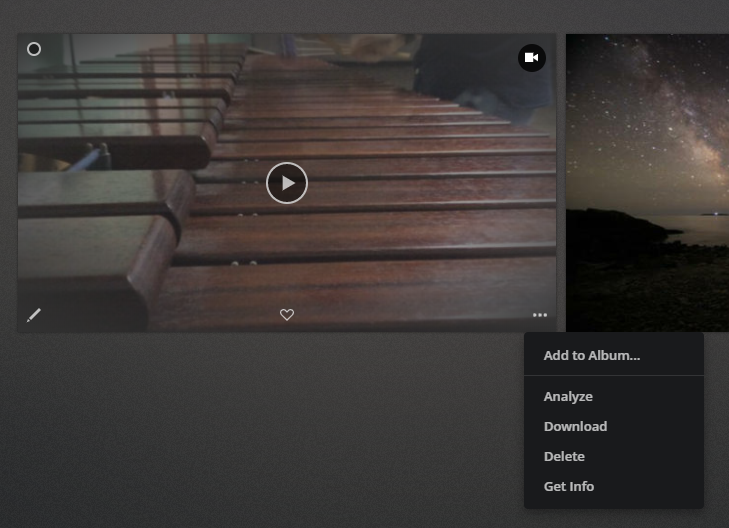
in a photo section you can only optimize videos individually ( hover over video choose ellipses in bottom right ) there is not a global optimize for all videos at once in photo library
That´s bad, why not? Would make sense to automatically transcode videos here also automatically to a better format.
I have the same request.
I use Plex to manage photos (mostly) and videos which I took with my DSLR. Is there any way to enable “optimization” for videos (.mov, .mp4, .avi format due to different camera models) in the Photo library?
I know we can optimize videos when the library type is “Movies”. However, in my situation, there are photos mixed with videos in my library, which should be shown in the single library (i.e., I don’t want to watch video clips in Video library and view photos in the Photos library separately). Any ideas would be appreciated. 
btw, there is no “optimize” button in a “photo” library when I hover over the video.