Server Version#: 1.32.1.6999
Player Version#: 1.38.2
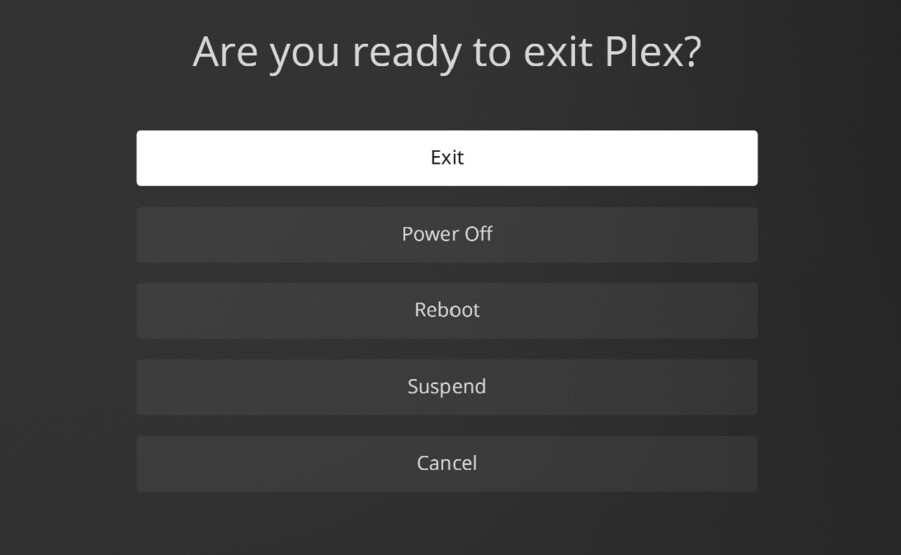
Kodi has offered an option to remove/hide certain menu items from the player exit screen for many years such as all of the below in the Plex HTPC screenshot except EXIT itself.
The reason I ask is because my Plex HTPC stays on 24/7. I just want to exit the app when I select Exit and not be taken to another menu. I also don’t want users to accidentally hit the wrong exit option.
Edit - alternatively, I could map Alt + F4 I guess but running out of empty buttons on my Harmony.