Server Version#: Synology DS418j DSM 6.2.4-25556
Player Version#:1.23.3.4707-6000
Hi
This is my first post so please be gentle with me…
I’m having issues with my photos folders under Plex. My video and audio folders work fine and I can see all my videos and music files and view/play them all.
However, when accessing my photos folder, only some photos show up.
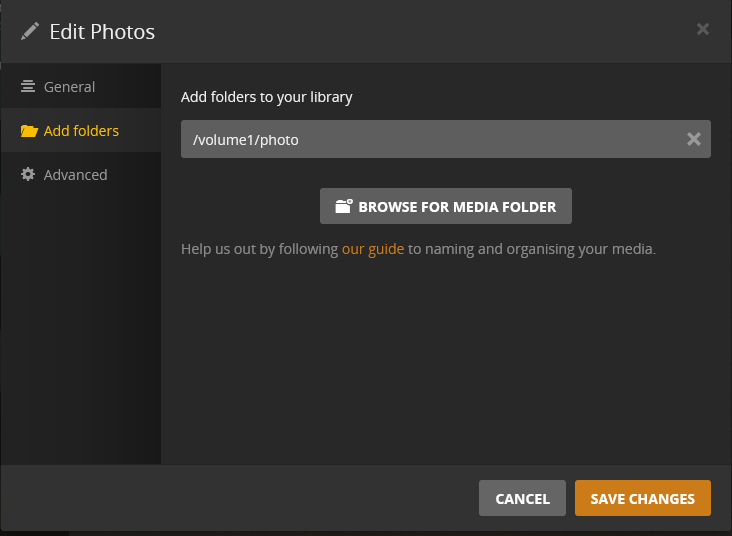
Here is the folder directory I am using (default Diskstation folder for photos):
Thanks for the advice, I’ll look over the article. I was hoping that there would be a solution where I could keep the files where Synology wants them but it looks like there isn’t.
I’m pretty sure they were working a while back but so be it.
I’ll look at that and probably give it a go - thanks so much
Thinking about it, I used to have a bind on my NAS which used a different folder on my NAS to replace the default DSM photo folder; which is why it did work before of course.
Moving over to DSM7 is probably a better idea though - I’ll have to eventually move over in any event.
thank you trumpy i was actually running in circles until i made a new shared folder named it photos instead of default photo moved one directory of my photos to it voila it showed up was searching what was the reason found your post thanks again
after upgrading to dms7.0 and new plex
The funny thing trumpy i have 4 servers that i manage for me and my friends three are 918+ that are working fine both Synology photo + Plex in the same photo folder of synology
mine however is an rs3618xs that i just upgraded yest had to move the photos to another folder for plex to read
i check the security in all NAS are the same for the photo folder in the three working with plex and mine
now i dont have synology photo on my mobile cause the photos are moved and i cannot have two copies they are 300GB ! awkward don’t you think