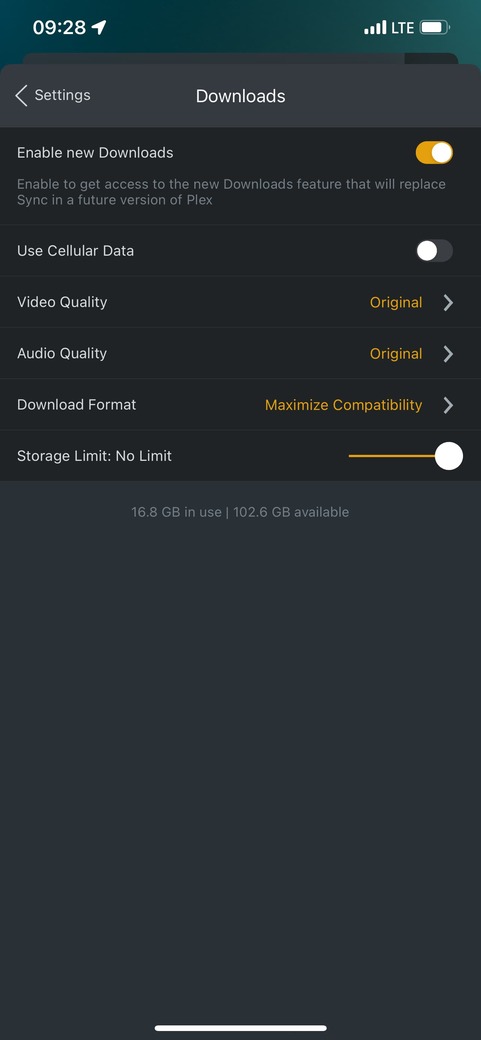
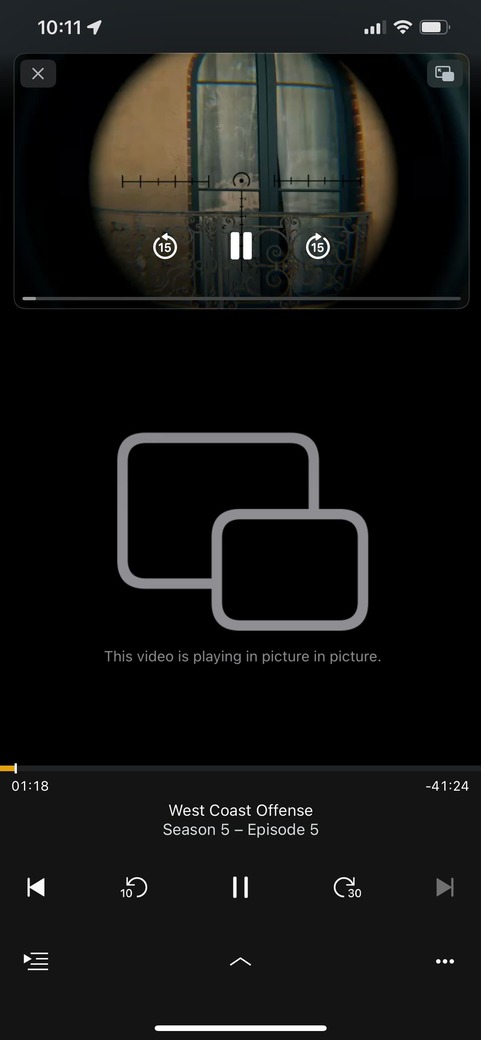
IIRC PiP is using the native iOS player; if you download media in original quality this might be playable inside Plex but incompatible for the native player of iOS.
I really wish the Plex iOS/tvOS devs would actually fix the PiP implementation. Infuse and Channels don’t seem to have any issues direct playing the same file without transcoding from a server. The excuse I’ve seen from Plex is pretty lame. Something about Infuse and Channels being able to “cheat”. Whatever that’s supposed to mean.
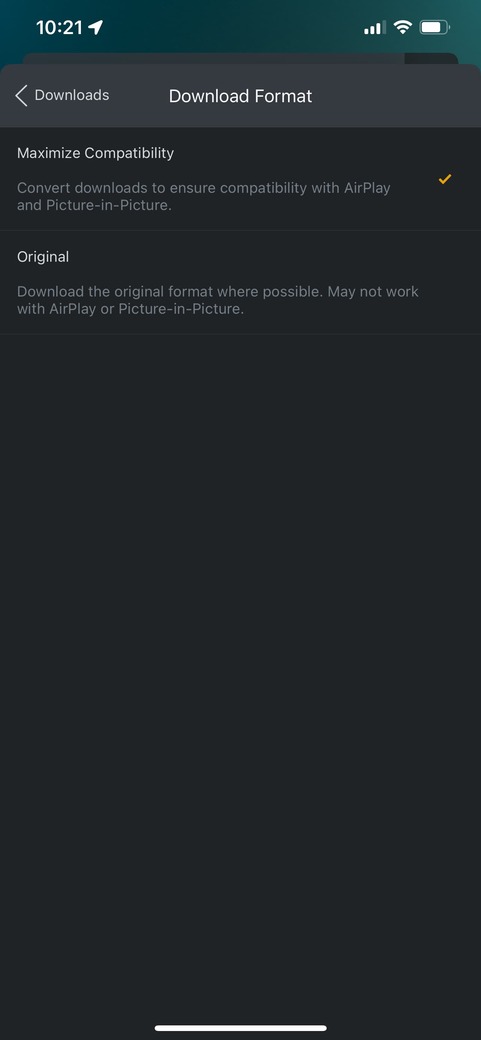
The “Maximize compatibility” option literally states “convert downloads to insure compatibility with (…) PIP”. But it doesn’t work. Seems like a bug to me.
I get that PIP uses the native iOS player, but the “Maximize Compatibility” Download Format option is buggy since it can’t deliver on its promise to “ensure compatibility with AirPlay and PiP”.
PiP works fine when streamed online for all my media (I assume, haven’t found any file that doesn’t work online)
I tried with multiple settings (video quality, audio quality and download format) and multiple media files.
I assume the issue is related to the audio. I could get PiP to work for certain media with ‘EAC3 5.1’ audio and everything set to ‘Original’ (it just doesn’t work with the “Maximize Compatibility” option)…
For some media audio (AC3 5.1) is transcoding (AAC) when PIP is enabled, but none of the settings work for PIP.
It worked for me with a few instances of x264 encoded content (set to ORIGINAL for both Video and Audio, and with Maximize Compatability) but it failed for x265 encoded files WHEN downloaded.
Both files worked when streaming from server (with maximum quality settings and no transcoding).
Both with AAC audio. H264 version works even when downloaded (in PiP and with Old Player)
HEVC version does not work when downloaded (in PiP or with Old Player)
New Player in full screen works for both.
I have the same issue. I’ve tried downloading in original format and also with ensure compatibility. Interestingly, downloaded content will only play with the new player. They will not play at all with the Old Player. I’m running the latest code (checked both) on both iOS (iPad Pro with iPadOS 15.1). Happy to provide any logs if the devs ask for it.
This is something that has been confirmed as not working yet by Plex, somewhere in this thread. I can’t find any workaround at this point & it is very annoying as if I want to use PIP I need to stream the content (not great for time away from home and very expensive mobile broadband).
I remember reading PIP was broken and removed but later re-enabled. But it could also be from the android post.
Let’s hope they fix it soon, but it seems there isn’t a lot of response from the devs. I also remember it working with sync, and they have the “Maximize Compatibility” option which doesn’t seem to help. To me it looks more like a bug than a feature request.
I am having a similar issue with trying to use Picture in Picture with a local server that do the transcode even! The implementation of the feature is obviously buggy, the video plays from the server fine if the PiP mode is disabled, but spins for twenty seconds then reports something went wrong when trying to play with PiP mode enabled.
It’s a shame that with the new “Downloads” feature we’ve actually gone backwards. Infuse does this all day every day without any issues at all, come on Plex.