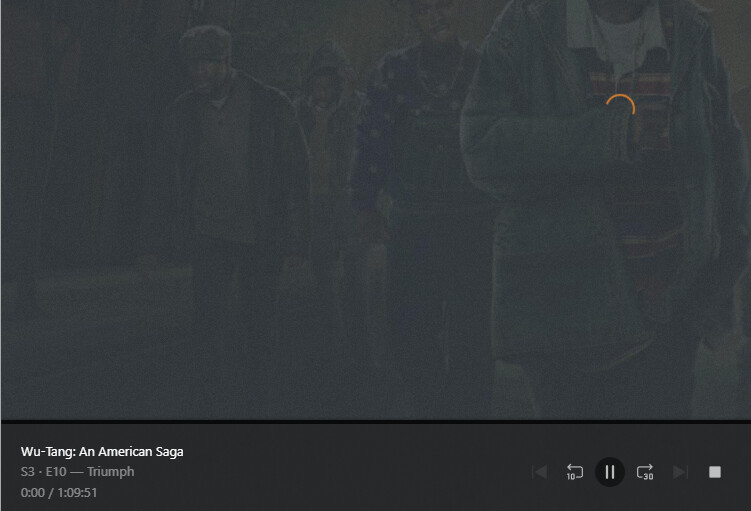
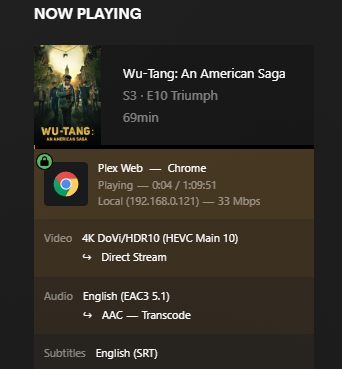
If I go to the dashboard it shows video is direct streaming, audio is transcoding. It also shows playback (the timestamps keeps moving, but on the actual stream it is sitting at 0:00 with the spinning wheel:
I have attached logs.
I tested this same episode on my phone via the android app and it plays back fine. I tried from 2 different PCs and multiple browsers and have the same issue via web app.
I do prefer the web app because there is some content I like to change playback speed on via a browser extension.
I tried out the desktop app, it does direct play both audio and video via this method. However, the frame rate on the video is very bad. Any tips on that?
edit: framerate issue fixed by changing Settings > Plex for windows > Quality to Maximum
any tips to get web version to work would be appreciated.
Update:
in case anyone else is running into this same issue, I narrowed it down further and found that this playback issue would occur anytime audio needed to be transcoded (even on non 4k content). In my case there was an issue with one of the codecs. I was able to resolve it by shutting down plex and then deleting the PlexData/Plex Media Server/Codecs folder. Plex redownloaded codecs automatically when I restarted it and this seems to have fixed the issue.