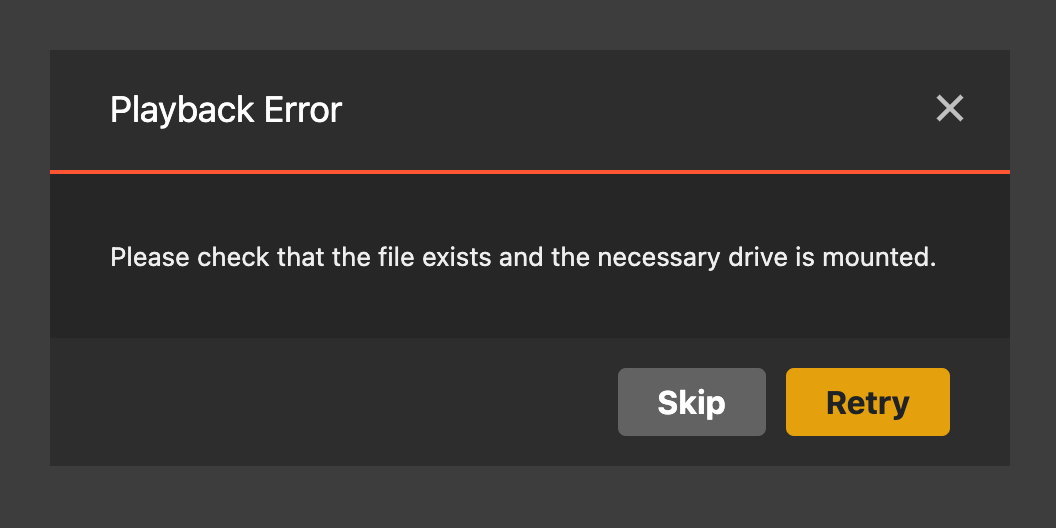
Server Version#: 1.32.6.7557
Running Plex Media Server on a 2023 Mac Mini with OS Venture and for the last week i’ve periodically received the tag line message when trying to access files from my TV Show library.
This is the case when its either local or remote & the Movie library works fine for me and other users in my household
I did the recommended of checking the file locations and checking permissions of the folders etc - Nothing has changed, they are all still in the same locations and permissions are set as shared to everyone
I’m running both librarys on separate but connected external drives due to their size
When i went in to edit on the library and checked the folder path for the library - it shows as correct
HOWEVER, when im in this window, it shows that there are no files or folders inside the correct location (but there definitely is on the drive/folder)
On top of this, it randomly shows an extra drive/location, that doesnt exist - but this non-existent location has the files/folders showing in it
i.e. my Tv show library is on a drive called “Tv Shows” but plex edit library section is showing “Tv Shows 1” (which does not exist)
As a test i tried adding the ‘TvShows 1’ drive location to see what happens and it does add the library with most of the correct files (although there is about 500-600 shows which have been incorrectly categorised that were fine before)
This is the second time this week i’ve tried to resolve - First time i removed the library, changed the name of the drive on my mac and re’added and it worked for a few days normally.
Any help or advice would be much appreciated - Im not new to plex but new to the forums and not the most tech savvy
Thanks!