Server Version#: 1.32.8.7639 iMac M3 Sonoma 14.2.1
Player Version#: 1.84.1.4069 (Same OS)
Show data is on an external drive (Video 2) directly attached to the M3.
I’m at my wits end. I transferred an installation from an M1 Mac to a new M3 Mac and have some folders that are completely recognized, and some that can’t find the contents no matter how I try.
I can’t see a difference between the two folders. Bear with me, I have a lot of comparison screen shots. Plex TV Live folder is fine, Plex TV DL is not. I do have other folders with the same problem but I hope if one gets resolved that will resolve the others.
This is the folder structure as shown in macOS Finder;

Here’s the same folder structure from terminal with permissions:

This shows a folder successfully added to the system:

This shows a folder with the same folder structure that is not found:

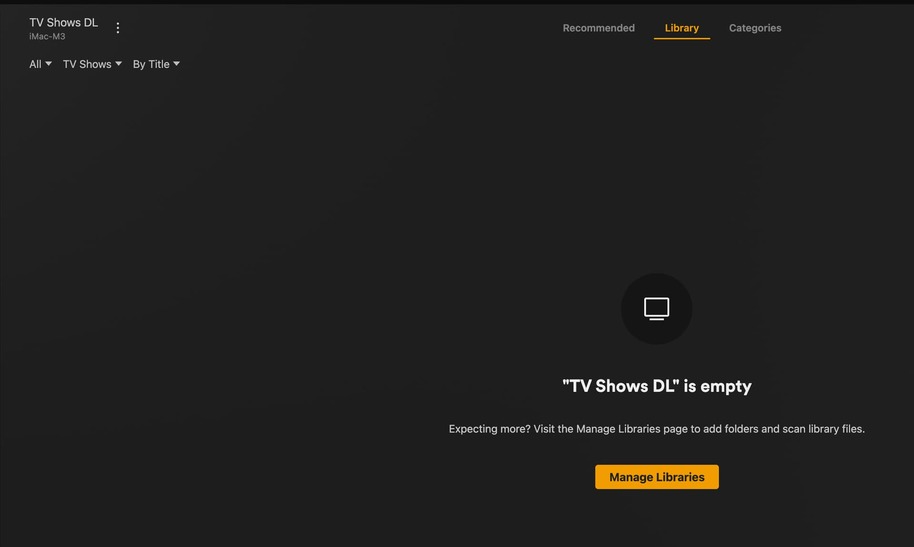
Here’s what I get for the Plex TV Shows DL Library:
Here’s the terminal folder list for Plex TV Recorded:

And finally, here’s the terminal folder list for Plex TV DL:

I know this is a lot, but I’m completely at a loss… I keep trying to add the folder,s and they don’t work… Thanks.
