I am also having this problem.
“Playback Error Please check that the file exists and the necessary drive is mounted”
Mac OS Catalina
External USB drive
has worked fine for years. Now this cropped up.
Any suggestions?
I am also having this problem.
“Playback Error Please check that the file exists and the necessary drive is mounted”
Mac OS Catalina
External USB drive
has worked fine for years. Now this cropped up.
Any suggestions?
Please don’t mix discussions or hijack other threads.
Hi Tom, thanks for your quick reaction. Sorry for the hijacking; this is my first time posting so need to get used to the way.
Catalina 10.15.5
Plex Web Version 4.30.2
Media Server Version 1.19.4.2902
The USB drive works fine. Nothing has changed in the pathways and they are the same as the info screens for each file. I can access all the files fine from the finder.
The only thing which I have sometimes had was that the drive would dismount and mount again occasionally. Perhaps it is dying, but still it is working fine for everything else.
It seems each video will play for about 1 second before I get the error message.
Ned
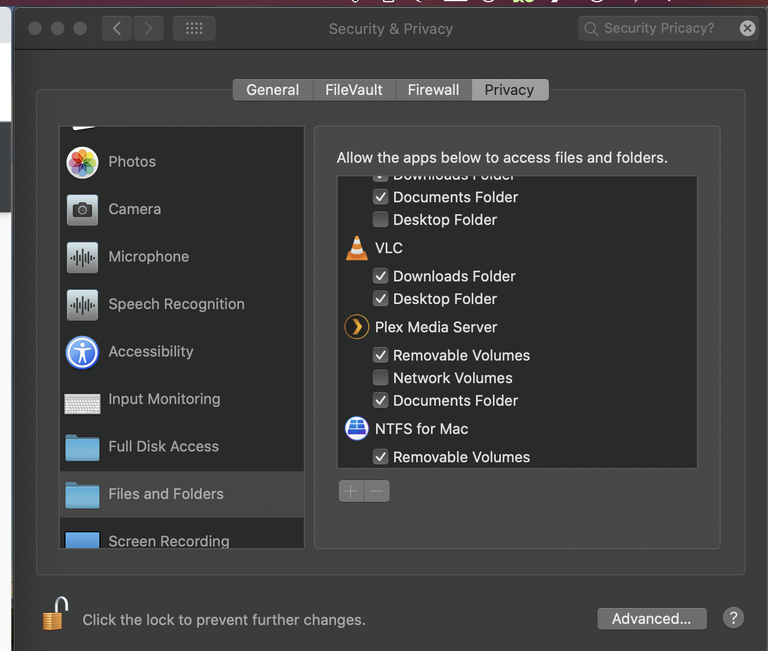
Plex is there, but not VLC.
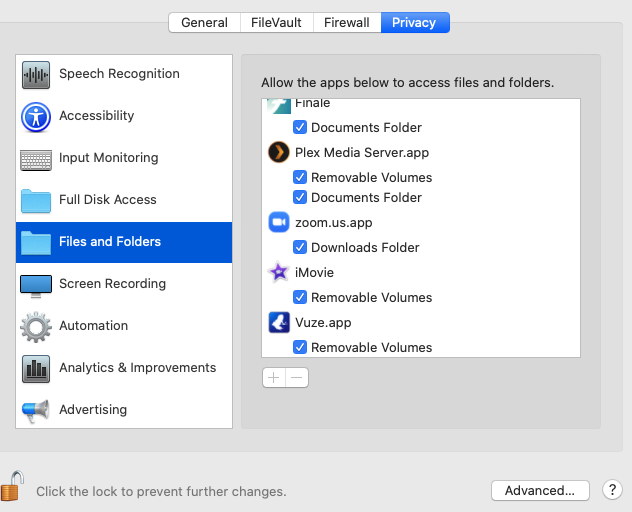
Found the problem and solution. Somehow my hard drive had a ‘- 1’ added to its name, so the pathway for all the files on plex didn’t work anymore.
When I tried to remove the ‘- 1’ it wouldn’t work for some reason. The only thing that worked was to give the drive a completely different name, then go into Plex and reselect all of the library locations.
After doing that its working again.
Yay!
As Tom said above is the Drive name the same. I have had this issue before and found keeping the desktop tidy resolved the recurrence. I don’t have my drives visual on the desktop only in side menu, a bit hard to remember at first though. Then if you like you can then have a regularly used Drive automatically open in finder default instead of applications.
The top Right is a busy area of the desktop with notifications, Drives icons, stacks, spotlight and notification center.
Yeah with the long file names I just didn’t see the added number. Also because there was already a ‘1’ earlier in the name.
Why it became renamed is a different question…
Thanks
This topic was automatically closed 90 days after the last reply. New replies are no longer allowed.