Hello, I recently fully rebuilt my media server (Recovered from Cold Storage Backup). In its previous life, I had File System Folders for subject areas (Action, Comedy, Sci-Fi, etc…), and corresponding libraries in Plex. In my latest rebuild, I have decided to create one folder for Movies with one library, and tag all the titles into collections. Things have been going well, but slowly (4,000 Movies or shows). couple questions:
Is there a way to do this less manually than clicking on multiple titles independently and setting them?
Is there a way to search for a negative value? Meaning, can I search by "Collection = NULL" so I can see what isn’t tagged into a collection?
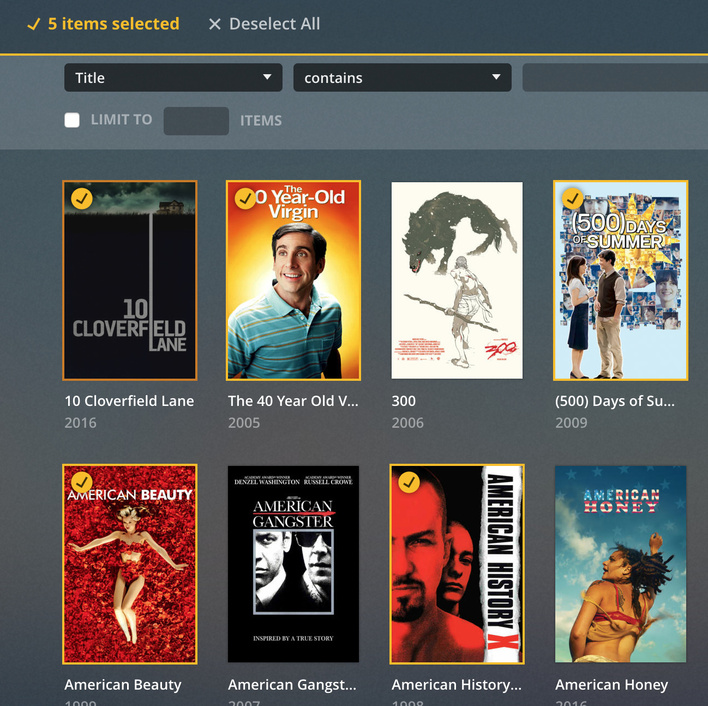
you can select multiple at once. by clicking on circle on top left of poster or shift clicking to select multiple in a row. then when you hit edit you can add the tag to all at once.
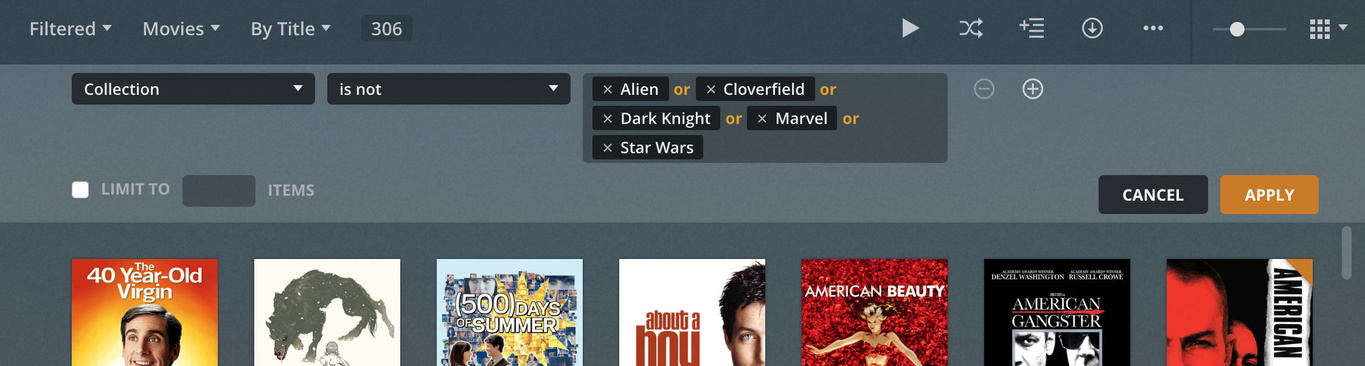
I don’t think there is any way to filter out collections but by doing a custom filter adding an is not XorYorZ` (adding every collection you have) and hitting apply
First off, thanks for the response. Yeah, the multi-select is what it is I guess, its hard to do if you are selecting 300 to set the Collection.
It would be easier of you could exclude things in an easier way because the screen gets filled with the selectors after the is or is not statements, that leaves one row of things to see after Collection is not Drama, and Collection is Not Scifi, etc…when I have 8-12 search parameters. An auto-hide so I could actually see the results would be helpful. Otherwise, the more specific I get, the less results I can actually see in the interface.
i am making a report now that a Collection is None option would be helpful the same way it is there for the Content Rating filter.
Those are Genres, why are you using collections for that? Just not like using filters?
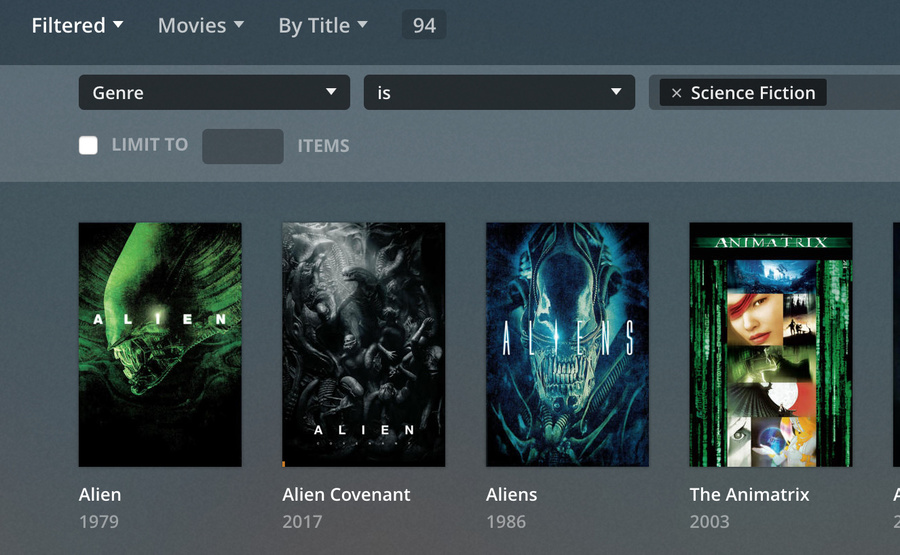
assuming the item actually did get genres applied to them when metadata pulled. you could filter by that genre, then select all then add the collection tag. obviously some things might be or not be in genres you agree with but might get you to a better starting place with less things to skip when selecting
Yes, I understand. I was using that as an example. Sometimes I am Grouping by Genre, but there are several other things I group by (Format, Seasonal, Sub Subject matter, Etc…) I was merely pointing out that the more groupings you have in your query the more it takes up takes up screen space. This is particularly annoying when you are using remote desktop to do admin functions on your Server, you have limited space and your 8 layer and/or statement stays on screen instead of collapsing. Once I apply the filters it would be great of the dialog collapsed, leaving me with the most screen space as possible.
Side note:
there is no need to use remote desktop at all, if Plex remote access is working. Simply open app.plex.tv in your web browser and log into your Plex account.