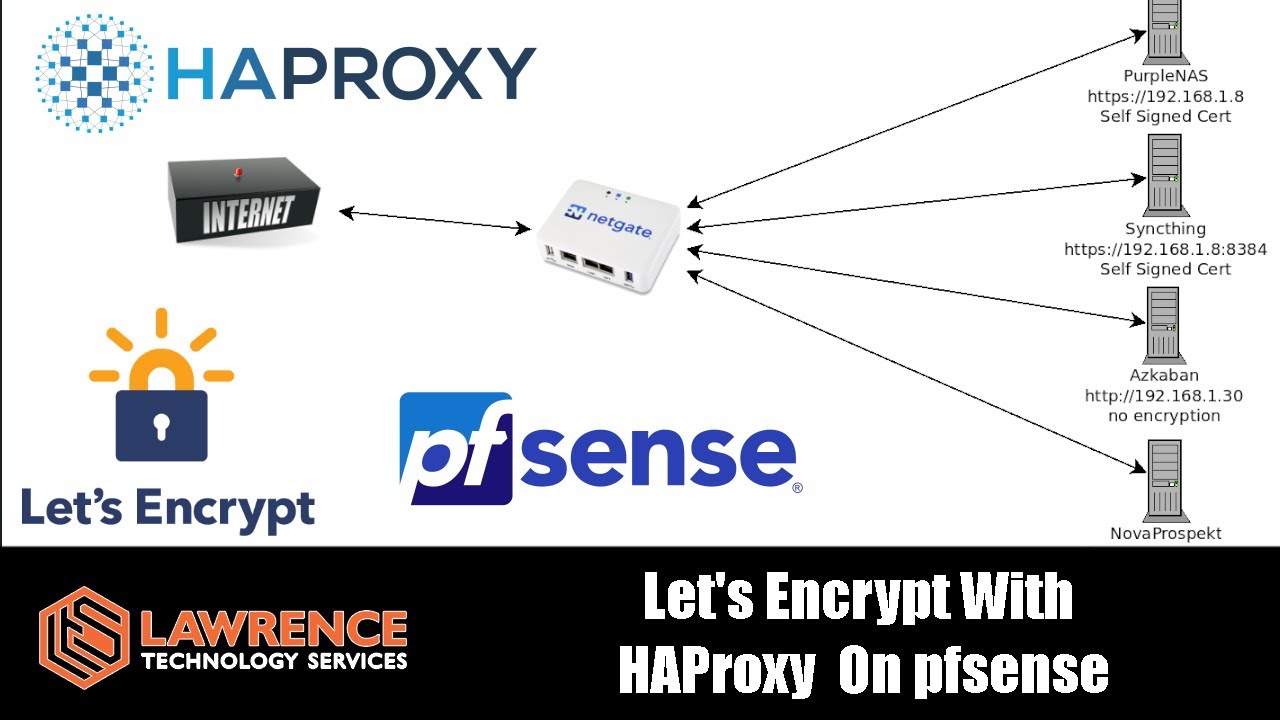
I run my PMS out of a docker on unraid. I have a typical pfsense / haproxy / letsencrypt / cloudfare setup as described here:
In the last 6 months I noticed that all of a sudden I can only sync content when I am not on my own LAN. If I attempt to sync content using various android devices while on my own LAN the content errors out. When I leave my LAN and connect from an outside WAN connection such as a coffee shop wifi then the content syncs just fine. Playing content and all other plex functions seem to work just fine in both cases in/out of my LAN. mobile-sync seems to be the only issue which had been working fine for the last 8 years.
I am looking for some suggestions to troubleshoot what exactly may be failing so that I can narrow down the issue. I have turned on verbose logging and I am not seeing anything that is descriptive enough or that I would notice as a clue to what my be going wrong. If you understand the sync process well and have specific suggestions for what to be looking for in the logs I would appreciate those clear directions.
I have ruled out mobile-sync permission issues because the exact same player device when connected to my LAN can browse and stream content with no issue. The same device selects content for mobile-sync, the media attempts to sync but then fails with a sync error. I can take the same device outside of my network where it can also browse and stream content but the difference is the mobile-sync will start to download the files without issue.
As you can imagine this is pretty frustrating because the whole point of the mobile sync is to sync content while on your LAN and watch it when disconnected. If you have a similar setup or similar issue I would like to hear how you found a solution.
This usually happens if the DNS resolver on your LAN is applying “DNS rebinding protection”.
The DNS resolver in a typical home network is integrated inside the router.
Look in the configuration menu of this router if you can find a list of domain names which are excempt from this protection. If there is such a place, add the domain plex.direct to it.
@OttoKerner One thing that came to mind. In the instructional video linked above. The frontEnd “Listen Address” is set to WAN only. perhaps this is supposed to be set to WAN+LAN instead to enable the rebinding?
Without going through the overly-long video to pick out the necessary details I’m going to guess at what your likely problem is.
(On a side note, instructional video are really a nuisance because all too often you are only looking for a single piece of the puzzle and you have to find where in the video this is mentioned.)
When you change the way that the server advertises itself like you would in setting up LE certificates and the like, then PMS will tell plex.tv it is found under the domain name that you tell it to use. This puts the responsibility of getting the name → IP lookup correct on you. My guess is in your setup has PMS set to tell plex.tv it is found at plex.abcd.com (using this example from this point on) and that plex.abcd.com resolves to your router’s WAN address. If you want to use this inside your LAN you must either make your router resolve this name to the LAN IP address while you are inside your LAN or set your firewall rules such that IP addresses inside your LAN can reach your WAN’s IP address (a semi-atypical setup).
Again, without trying to find the key detail in the video, it seems as if the cert/proxy is served by your router or elsewhere and not PMS. If that’s the case then the ability to hit your PMS on the LAN directly isn’t going to tenable.
While putting a proxy in front of PMS does work, it’s not really going to be a supported scenario. There are too many details that we take care of for you with the certs and names provided by Plex and a proxy in front of this means that you MUST now take care of these details yourself.
Based on your response it is still unclear why streaming would be working in all cases (in/out on LAN), but mobile-sync would only work outside of the LAN?
I would think, based on your response, it would all or nothing. What is the difference between the mobile-sync and streaming connections?