Wasn’t sure where to post this.
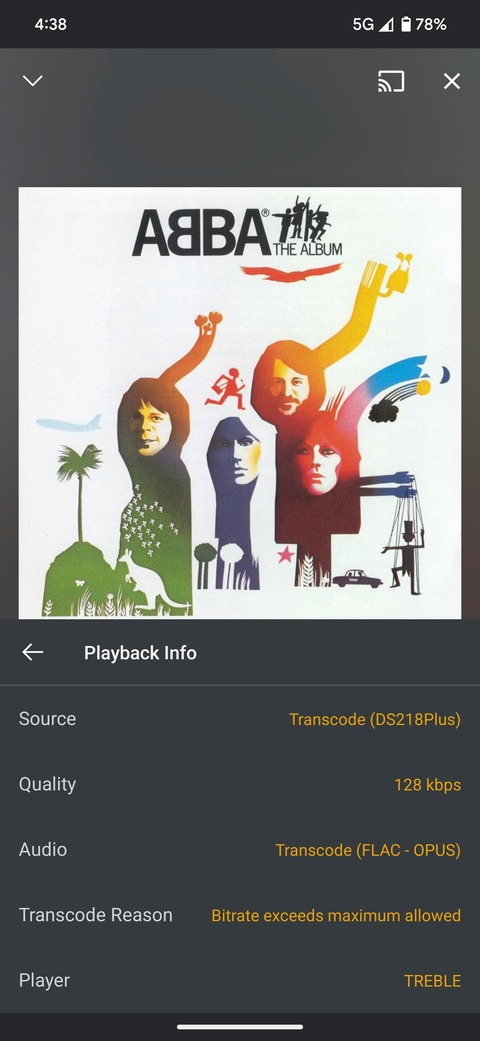
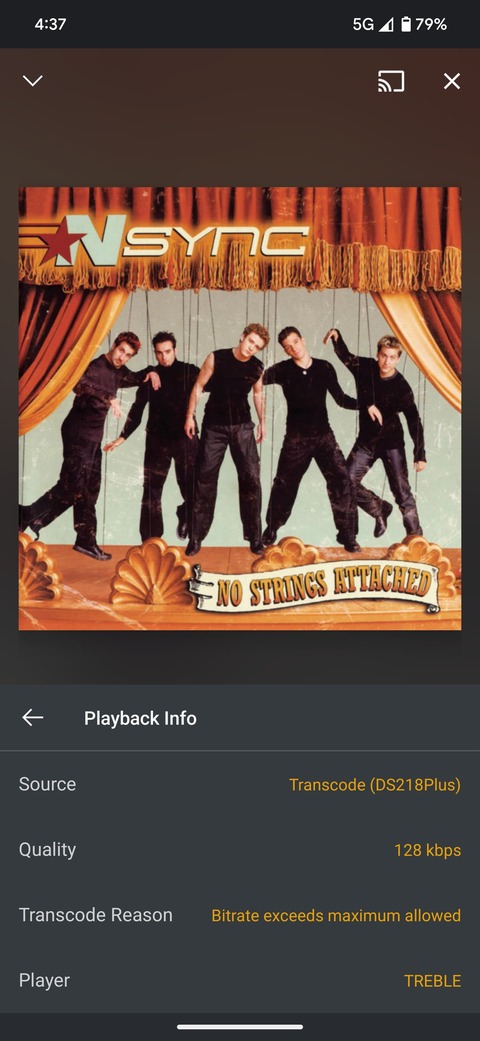
When playing music remotely, Plex transcodes to lower Bitrate as specified in settings (good).
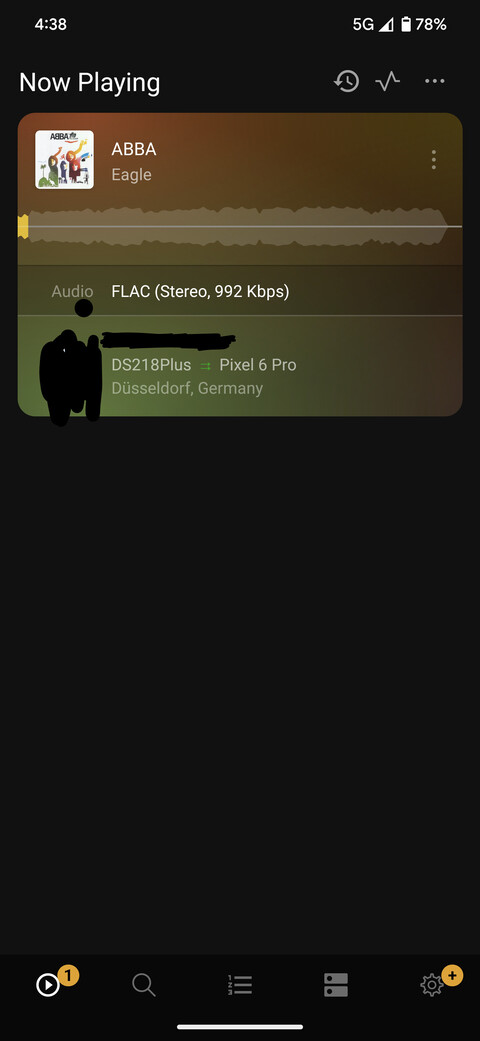
My question is why is this not shown in Plex Dash? It seems to show the original Bitrate Not the one delivered to the end device player. See screenshots.
Is this a setting I can change in Plex Dash to show this also like we used to see for video transcodes where Plex Dash would show both original and target Bitrate?
Because when the playback is running, the transcoding is already over and done. So Dash can only show the original file characteristics.
Different to other apps – and only with music playback – the mobile apps (and Plexamp) do always download the whole track before playback is commencing.
Always? Even if the source is 4+ hours long and hundreds of MB to GB? I guess I never noticed using mine mostly locally, but that’s obnoxious for mobile uses and long tracks.
No, it’s not.
Mobile use= bandwidth limitation is in effect, so transcoding is performed before the download.
And what is more important to you: losing playback on the road due to poor connection or saving a few megabytes of traffic allowance?
That will vary per person. To me, nothing is more important than avoiding use of mobile data. I have a weird phone plan.
I don’t care about the traffic, but I would care if I had to wait for 20 minutes while my long track downloads before it starts playing.