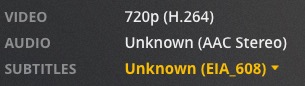
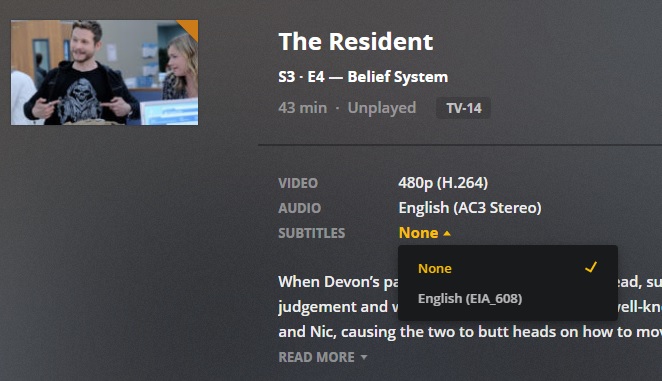
i have a video file with 2 streams: a video stream and audio stream. no embedded subtitle stream. but plex server says there’s an unknown EIA_608 subtitle associated with the file. i’m trying to figure out why it thinks there’s one.
I think those things are embedded in with the video in such a way as they’re invisible. Subtitle Edit won’t even find them.
They are possessed by Satan.
That ‘Unknown’ used to drive me batty, then I found out to flag the video track with a language and - problem solved:
Doesn’t make them any more ‘visible’, but they’re way less annoying now.
EIA-608 captions are used for closed captioning. They are embedded in the video stream. They are not a separate track like VOBSUB/PGS/SRT subtitles. Wikipedia has additional details.
The only way to remove them is to transcode the video with Handbrake or similar tools. You can’t mux them out like “regular” subtitles.
MediaInfo does not always detect them. See this post on MediaInfo’s SourceForge page for additional info.
The video track in most movies/shows is usually not flagged with a specific language. As @JuiceWSA points out, you can change the language flag to set the desired language. You can use the Header Editor in MKVToolNix for MKV files. Subler is a nice Mac only tool for remuxing and editing metadata of mp4 files.
When I use MCEBuddy I have it strip those out, then add them back along side the file as an SRT file. I have seen some really strange stuff in there, but luckily, Subtitle Edit has everything I need to make them ‘normal’.
EVERYTHING goes through Xmedia Recode (don’t know if there’s a Mac equivalent), so I try to remember to flag the video track as I’m flagging the audio tracks and adding sub tracks - in one attack swoop. lol