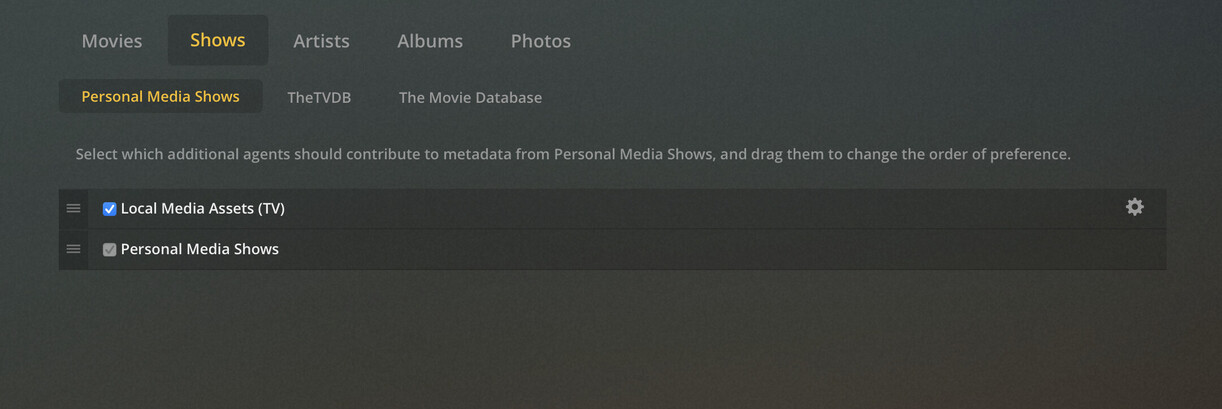
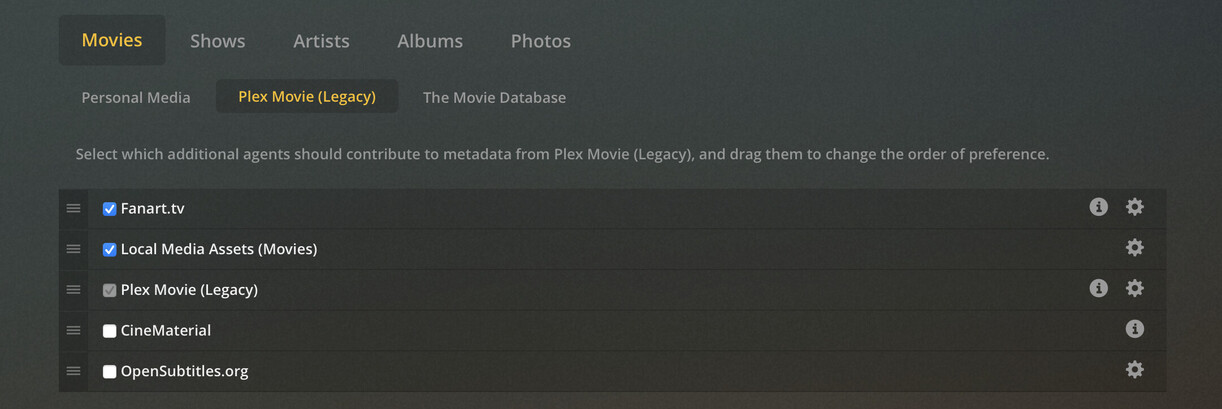
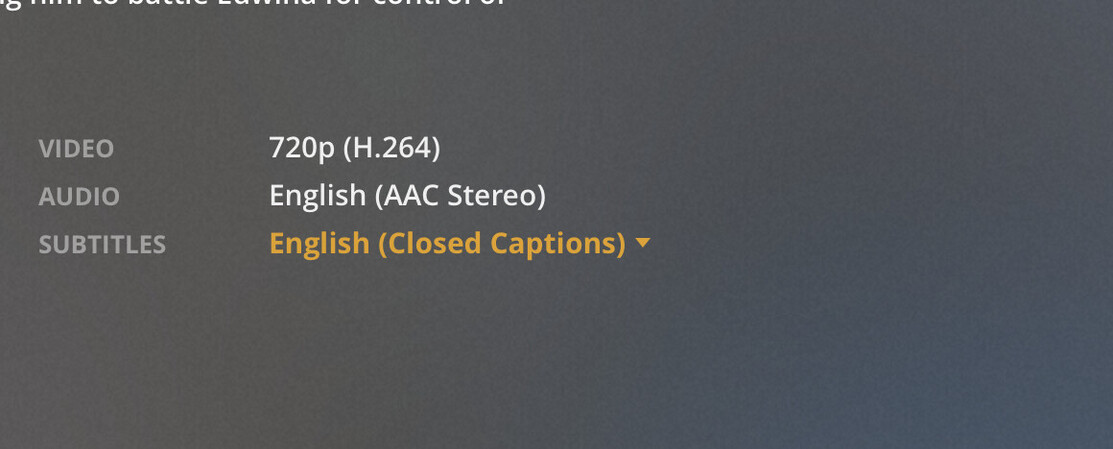
I use iFlicks to set up meta data for my media. I only use SRT files in videos that have foreign language audio. I also have language to always plays subtitles. That is the only way they play. I have some videos (both TV and movie) I have converted and have no subtitles. When I play them they have subtitles though. I checked and they say Closed Captioning not SRT like the movies I do.
OK I guess my issues is I don’t have subtitles for some movies and the subs selection shows closed captioning and their should be no subs at all. Subs don’t show in VLC or Apple iTunes.
Look at the Media Info for a TV episode. Do you see EIA 608 listed as one of the codecs?
That’s closed captioning. It is part of the video stream, not a separate track like audio or subtitles, and not burned in either. See this Wikipedia article for details.
Closed Captioning is buried into the Video Stream.
MediaInfo (the program) won’t show them - but Plex will as shown above.
In fact, if ‘Unknown’ annoys you - and/or you want them to actually have a language (helpful when Plex is trying to pick one based on a language) - tagging the video stream with a language will do the trick - it’s the one and only trick.
One of the FEW (2?) things I have to pull them out of the video stream, for editing, is MCEBuddy. It will lay an srt file beside the video file, for use, or muxing back in fixed (De-SDHed).
To remove them you must re encode the video stream, lowering it’s quality. You can extract an srt version, but the captioning is still in the video stream.
I tag the video stteam with a language, then extract and edit an srt version to display.