So just since last week Plex for Windows is starting to randomly prompt me to “Customize your Media” setup page on launch…
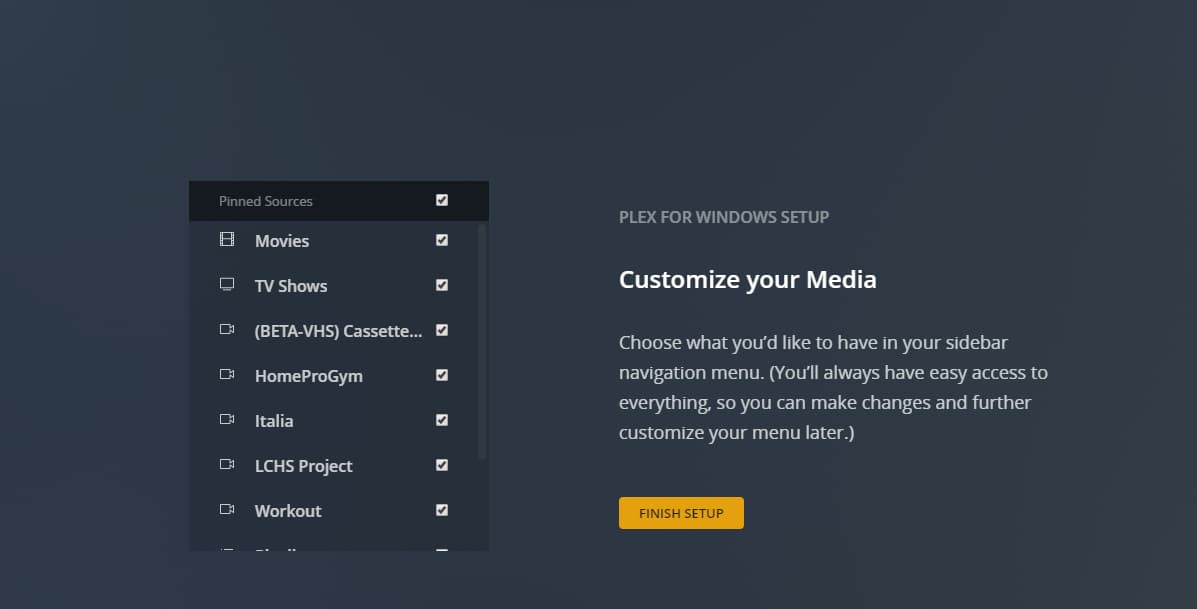
My other settings have also reset and i need to reconfigure (ie. Play Theme Music, Home Screen Icon Size, Navigation Order, etc)
I complete the setup and everything seems fine for the next few times I relaunch the app until eventually i’m presented with the setup screen again…
Please note that there are times that after I complete the setup, next time i relaunch, it will launch with “Plex is Updating”… why is this even happening?

Here is the version i’m running.
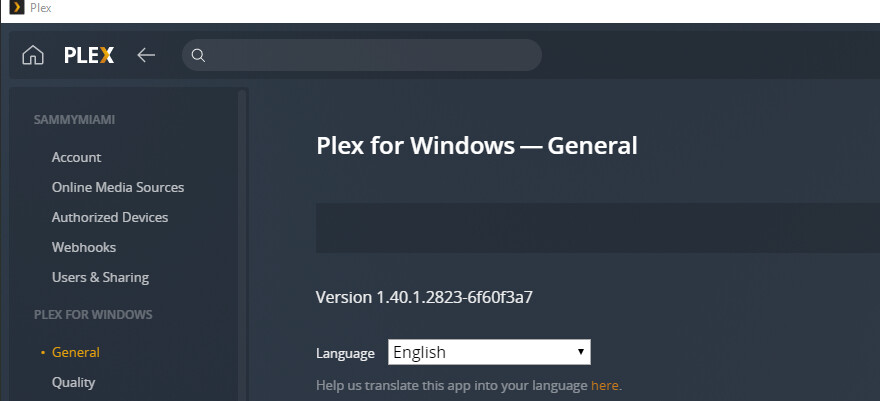
hopefully this can get resolved.
Thanks!
EDIT
So it reproduced again and this was the sequence of things happening…
open Plex for Windows > Setup Screen shows up > (i reconfigure my Plex) > close Plex for Windows > open Plex for Windows > Plex is updating… > Plex for Windows appears > Setup Screen shows up.
For some reason, the “update” downgraded my app?

You can also see, i have version 1.40.1 showing in control panel, which is the version i originally showed having in my earlier screen capture

EDIT 2
My Plex for Windows is installed in a different location than what the installer defaults to.
Default = “C:\Program Files\Plex\Plex”
My Location = “C:\Program Files\Plex\Plex for Windows”
EDIT 3
I noticed that after the “Plex Updating”, that I had an additional install of the application in the default location…
So what i think is happening is the Updater isn’t taking into consideration where you installed the application and just automatically installs it at the Default location.
