

same here. however i get another one after i ‘ok’ the first one.
where is the ‘official’ repository of past releases?
I get the same error, including the reference to the “0” drive letter, when trying to install Plex-1.87.1.75-e23570d9-x86_64.
We’ve pulled this update for now till we can figure out the issue.
It works on Linux. It just doesn’t want to install on Windows.

thank you. now that the latest has been removed the previous is showing on the DL page:
1.86.1.4076-a3ab948d
this one seems to be working:
On a fresh win11 install, I get the following dialog when installing Plex-1.86.1.4076-a3ab948d-x86_64:

- Deinstall the Plex client completely
- Re-Install the 1.86.1.4076
- Done

yeah, I have spent the last 24 hours trying to solve this; I am new to plex, I think it is cool; but then I started thinking “dang no way they do not support it anymore because this error seems to be unsolved”; turns out it is just a new error that just popped up I am sure Plex team can solve soon! BTW, the .tmp folder always is storing a UAC.dll file, which is the dynamic library used to prompt users to allow privilege (administrative) access for a program. The UAC pops up and I click yes/allow, but then still the installer is unable to elevate to privilege and install the application. I am sure it is an easy fix. Thanks(: I will be waiting patiently…
Seems not so easy because they “riddeling” since yesterday, what the problem is 
Wow !!! It actually now works for Windows too.
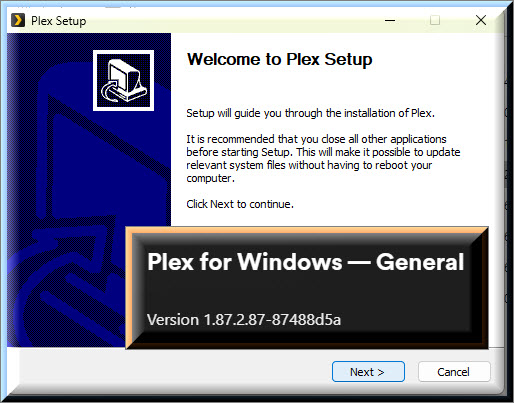
Thanks a lot - working!
Funny story, i got my first large 10TB hard drive in order to expand my library just before i got the issue and i reinstalled windows on a new ssd because why not and I tought for sure the blame was on me  . Thanks for the fix !
