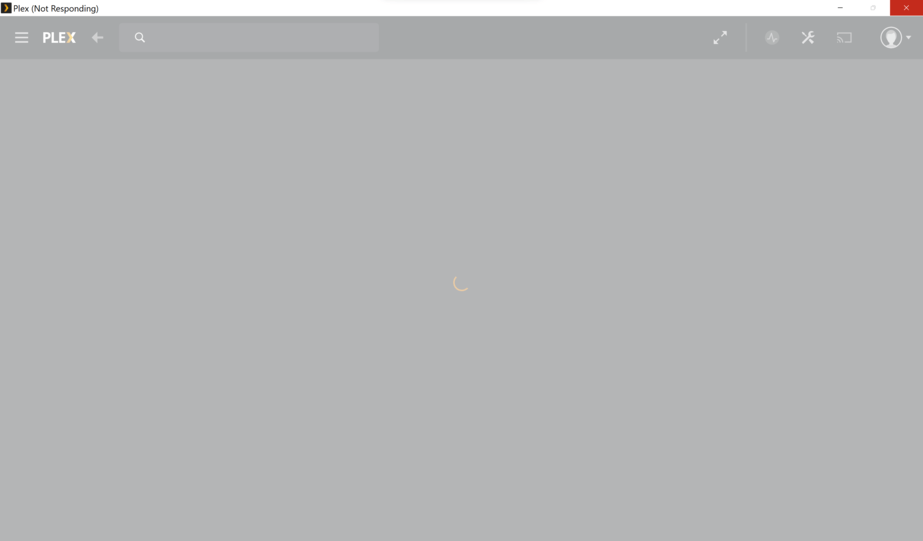
Server Version#: Latest Beta
Hello, I am trying to use the Plex for Windows application on my Windows 11 that is currently installed on my Lenovo Thinkpad X1 Yoga Gen 6 and it crashes, hangs, and it says not responding. Sometimes it happens when just opening the application, other times it happens when trying to play any video. This is on a brand new and clean Windows installation with all the latest updates and drivers.
Widows Even Viewer Log:
BODY{font:x-small 'Verdana';margin-right:1.5em} .c{cursor:hand} .b{color:red;font-family:'Courier New';font-weight:bold;text-decoration:none} .e{margin-left:1em;text-indent:-1em;margin-right:1em} .k{margin-left:1em;text-indent:-1em;margin-right:1em} .t{color:#990000} .xt{color:#990099} .ns{color:red} .dt{color:green} .m{color:blue} .tx{font-weight:bold} .db{text-indent:0px;margin-left:1em;margin-top:0px;margin-bottom:0px;padding-left:.3em;border-left:1px solid #CCCCCC;font:small Courier} .di{font:small Courier} .d{color:blue} .pi{color:blue} .cb{text-indent:0px;margin-left:1em;margin-top:0px;margin-bottom:0px;padding-left:.3em;font:small Courier;color:#888888} .ci{font:small Courier;color:#888888} PRE{margin:0px;display:inline}

[-](#) <Event xmlns=" **http://schemas.microsoft.com/win/2004/08/events/event** ">

[-](#) <System>

<Provider Name=" **Application Hang** " />

<EventID Qualifiers=" **0** ">1002</EventID>

<Version>0</Version>

<Level>2</Level>

<Task>101</Task>

<Opcode>0</Opcode>

<Keywords>0x80000000000000</Keywords>

<TimeCreated SystemTime=" **2021-09-11T23:45:39.6939789Z** " />

<EventRecordID>1540</EventRecordID>

<Correlation />

<Execution ProcessID=" **20388** " ThreadID=" **0** " />

<Channel>Application</Channel>

<Computer>luis-lt-win</Computer>

<Security />

</System>

[-](#) <EventData>

<Data>Plex.exe</Data>

<Data>0.0.0.0</Data>

<Data>393c</Data>

<Data>01d7a766cfd770a8</Data>

<Data>18</Data>

<Data>C:\Program Files\Plex\Plex\Plex.exe</Data>

<Data>dca69215-d7f8-4886-a47f-e44ce825ee75</Data>

<Data />

<Data />

<Data>Unknown</Data>

<Binary>55006E006B006E006F0077006E0000000000</Binary>

</EventData>

</Event>
Lol you’re right. Thank you for the info.
Hi Luigi,
I have had the same issue. When I looked at the Windows Event Viewer, Plex.exe didn’t play well with Kernelbase.dll.
I solved this by running Plex.exe in compatibility mode (Windows 8). Now Plex doesn’t hang or crash.
system
December 24, 2021, 4:24pm
6
This topic was automatically closed 90 days after the last reply. New replies are no longer allowed.