Server Version#: Version 4.116.1
Player Version#: N/A
Hey there! I setup Plex to run as a service in Windows, which has been working great! Well, I updated Plex to the latest version, and now the app is running at login and running as a service, which is causing me problems. I have already unchecked the box in the system tray, but the app keeps running at login.
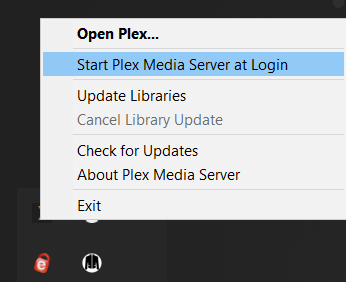
I think I found the answer, which is that when you install an update Plex puts itself in C:\ProgramData\Microsoft\Windows\Start Menu\Programs\StartUp, which is a super ■■■■■■ thing to do. You can get to this folder quickly by opening Run and typing Shell:Common Startup. Plex, please stop doing this when updates install.
