Server Version#: DSM 6.2.3-25426 Update 3 (Nas Synology DS220+)
Player Version#:1.21.3.4046-3c1c83ba4-x86_64 (Plex Media Server)
Link login: http://192.168.55.103:32400/web
WebBrowser: Chrome ver88.0 ,IE ver11.6
Hi Everyone,
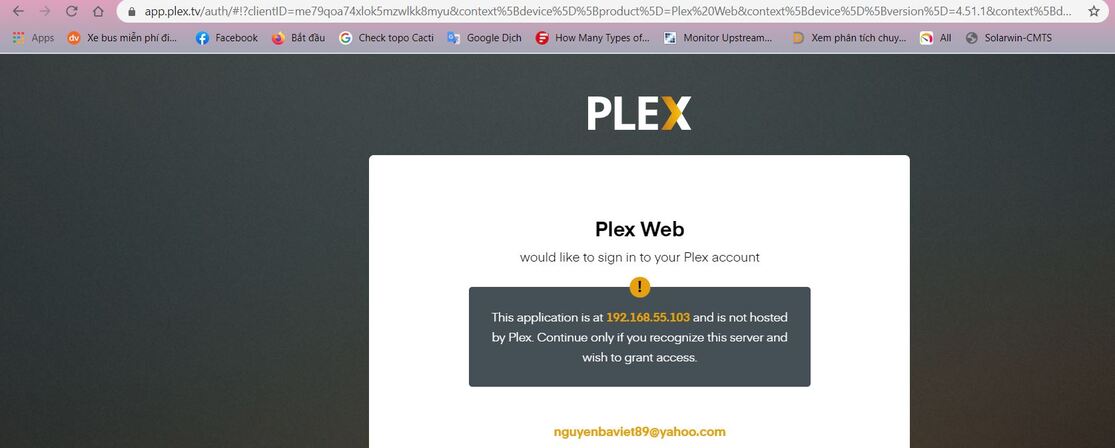
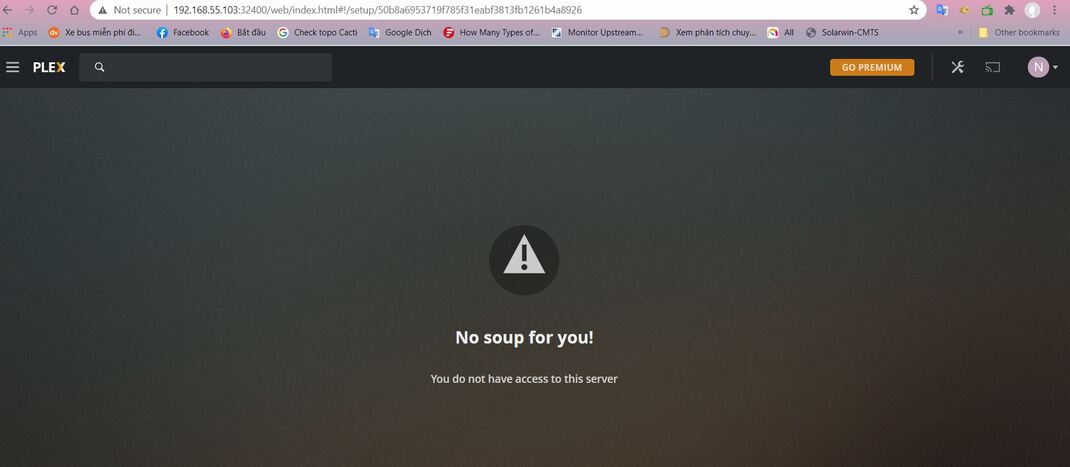
I’ve installed Plex on my NAS synology Ds220+ and am getting this message “This application is at 192.168.55.103 and is not hosted by Plex. Continue only if you recognize this server and wish to grant access” when opening up the program: ’Plex Web as picture below.
Pls help me fix it. Thanks.

Hi, i got the same issue.
I also cannot add any libraries.
-
The message telling you that you’re not using one of Plex’s company servers is for information purposes. There were several problems with Phishing attacks on users’ systems. Now, the Plex/Web app and Plex.tv inform you what you’re connecting to. Once you’re sure and continue forward, it will remember the decision.
-
Not getting the server signed into your account is a common problem. It occurs most often when:
a. Attempting to first claim the server by usinghttps://app.plex.tv(which is remote)
b. Being on a different subnet.
One of the easiest ways to resolve this is to use a tool created by one of Plex’s Ninjas (Dane22)
This topic was automatically closed 90 days after the last reply. New replies are no longer allowed.
