Thank you @chrisallen .
Are you able to share an unofficial link like you did for 1.30.0.6447?

We will have another 1.30.1 Beta release in the next day or so that includes the TOS 5 packages. The downloads site should also have links live in the next few days (after our next backend API
deploy)
Thanks!!! 
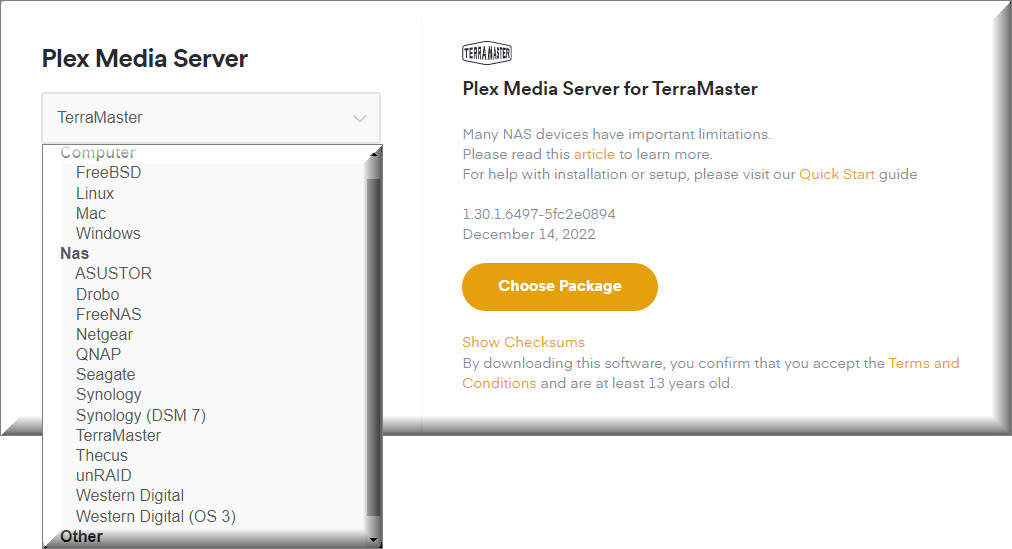
Where is this new PMS for TOS 5.0 hidden?
https://www.plex.tv/media-server-downloads/#plex-media-server
Despite being part of the release notes I guess it didn’t make it to the downloads page yet
@JaysPlex and @chrisallen
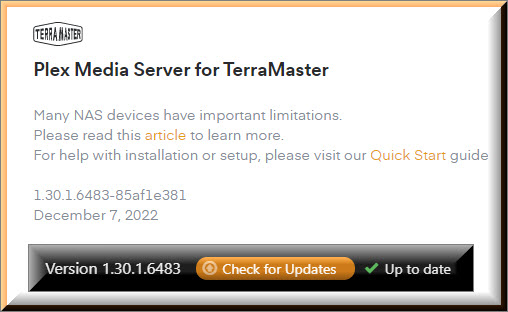
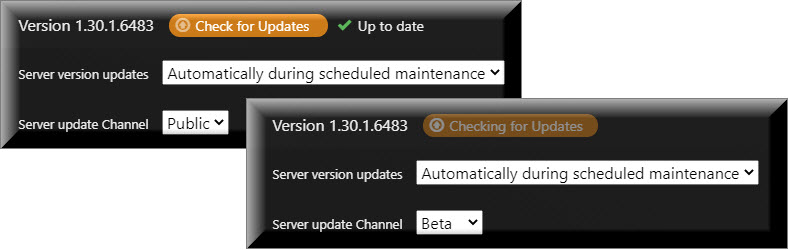
Just a Note: The Update Check is fine when I’m on the Public Server Update Channel. The hang only occurs when I’m on the Beta Server Update Channel.
The hung updates I had on the beta update channel seems to be corrected.
When I checked on it, the impacted servers were already updated.

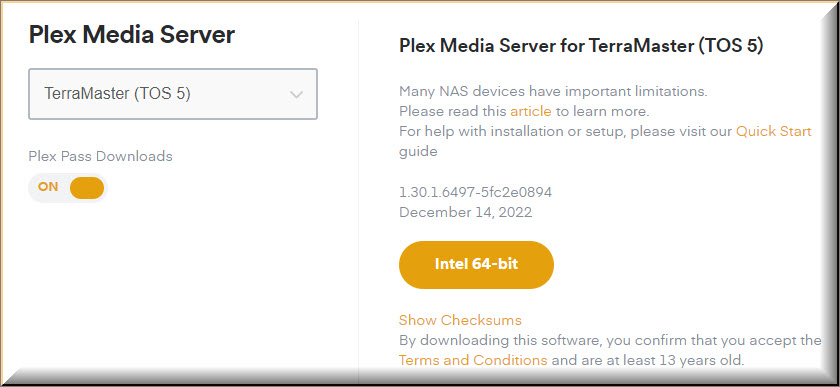
Yes, it went live not long before you shared your screenshot. I will mark this thread resolved as we now have PMS 1.30.1 Live on our website (for Plex Pass users.) when 1.30.1 goes public it will be available to all users.
If anyone following this thread is not a Plex Pass user, they can use this direct link;
PlexMediaServer-1.30.1.6497-5fc2e0894-x86_64_TOS5.tpk
Thanks ! I’d like to report a bug specific to the TOS platform, is there a dedicated place for that ?
It seems the “X-Plex-Platform-Version” header is set from user data.
That “Music emoji” is what I’ve set as one of the customizable fields on the NAS Web interface, not sure why it appears here but it is generating this error frequently.
Hi, we read the NAS Model and Version from an internal API, my guess is the custom field you have set is being returned before the NAS TOS version string which causes it to be used instead. I’ll look into this later in January after the holidays.
Thank you for your answer !
I was looking for a place to write a formal bug report later, but this will do then. It doesn’t seem to impact anything so far.
For reference, the custom field is the one in the NAS Web Interface > Settings > Region&Language > Login style (annotation 1 & 2)
Happy holidays to all of you:) !