that is odd. Can you post the output of the following two commands?
df-json
ls /Volume1/Plex
that is odd. Can you post the output of the following two commands?
df-json
ls /Volume1/Plex
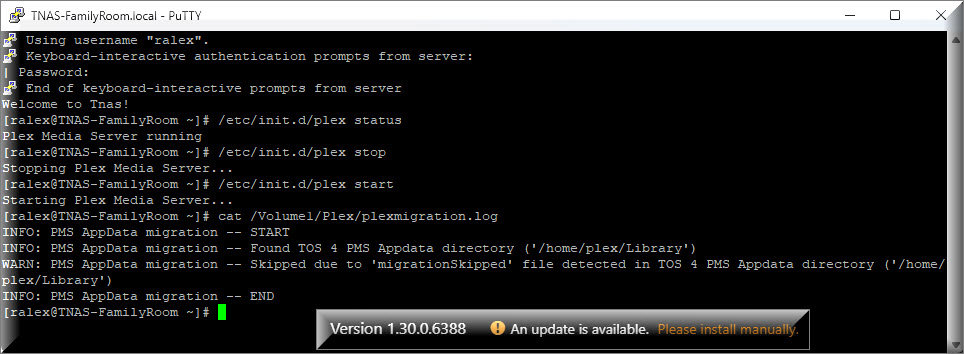
I realize these instructions were meant for @VannevarB2 but I decided to see what I would get since I had a successful installation.
thanks @ralexlaptop I am wondering if the /home mount does not exist in some cases or if the check for the Plex Share is failing.
@VannevarB2 If things still don’t work, I wouldn’t mind doing an AnyDesk session to see why it is not working on your device.
Ah, your suggestion for “ls /Volume1/Plex” and the previous error message about the main volume helped me figure it out.
Do you have “/Volume1/Plex” hard-coded as the Plex directory? Because my NAS (due to previous disk failures and RAID rebuild near-failures) actually runs on Volume2! Creating a symlink for “/Volume1/Plex” to my “/Volume2/Plex” fixed the issue. Appreciate the assistance.
Ahh yes we do look specifically for /Volume1
I’ll work with @ChuckPa to add code to detect the Plex Library folder regardless of which volume it is on. We do this on another NAS platform due to the way it structures paths.
is on the case 
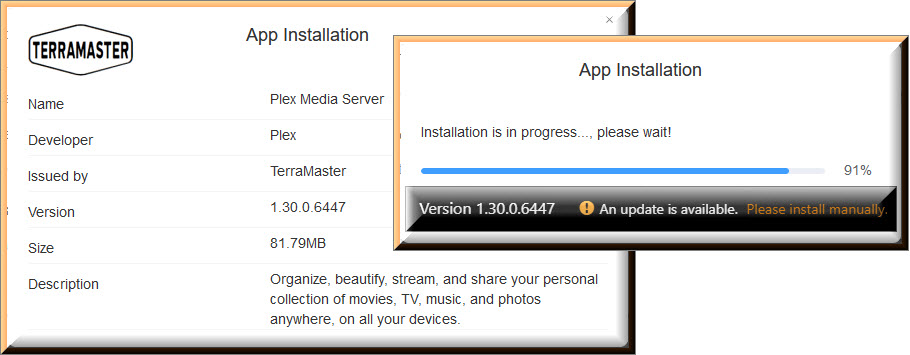
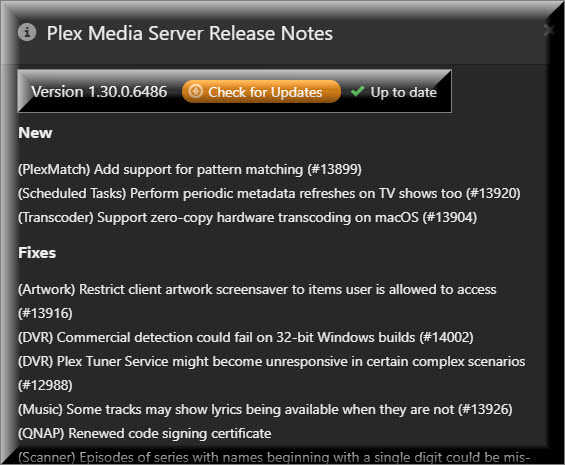
I decided to go with @outkastm PMS Update because his update displays my server status as “Up to date”.
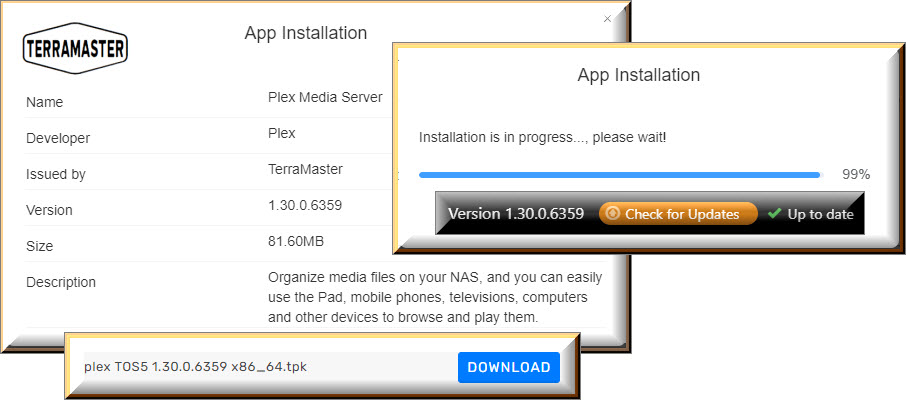
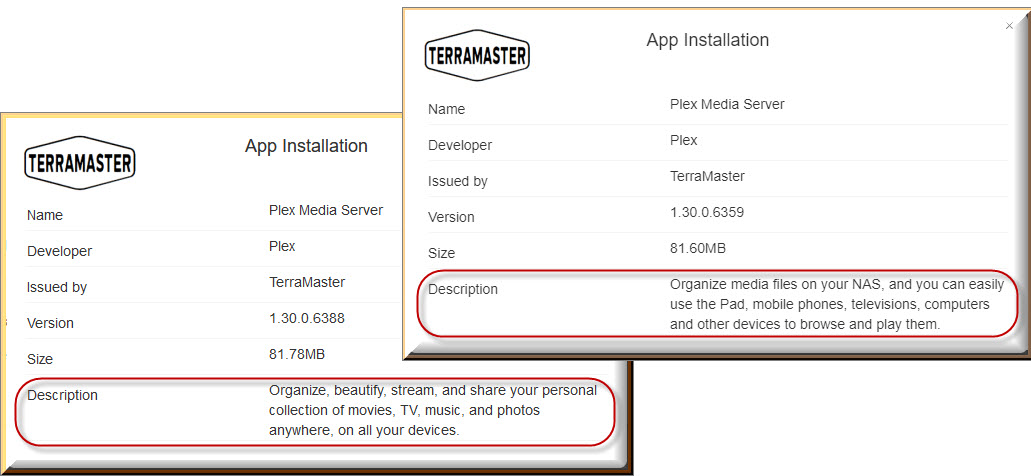
Just an interesting observation:
The Descriptions on @chrisallen and @outkastm PMS Updates are not exactly the same.
Thank you @outkastm


Thank you @outkastm

Here is the build for PMS 1.30.0.
This removed the hardcoding for /volume1 and now uses wherever the Plex share is located. This should fix the issue @VannevarB2 was having.
Thank you @chrisallen
Thanks for testing. If nothing else crops up this will be included in the PMS 1.30.1 official releases (when they hit Plex Pass Beta in a week or two)
Thanks @chrisallen
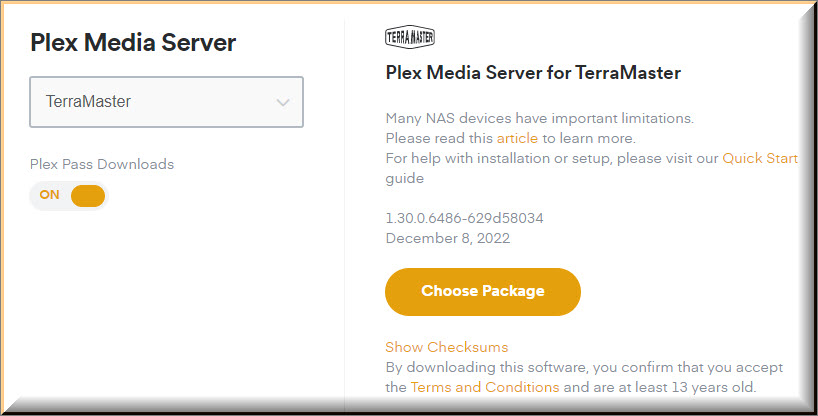
I have raised PR’s to include these packages in our API and downloads site. I will let you know as soon as our API will return these packages so you can start using this package.