You appear to have unified again the program folder and the data folder. Don’t do this.
Nov 06, 2020 11:01:16.639 [18620] DEBUG - Scanning for plug-ins in "D:\Data\Plex Media Server\Resources\Plug-ins-ab5e1197c"
Nov 06, 2020 11:01:16.715 [18620] DEBUG - Scanning for plug-ins in "D:\Data\PlexData\Plex Media Server\Plug-ins"
Don’t install the plex server program files into the data folder.
Don’t set the Plex data folder to the path of the Windows appdata.
They are subfolders of the same folder, not the same folder
The existence of this folder
D:\Data\Plex Media Server\Resources\Plug-ins-ab5e1197c
indicates that you have set Windows’ %appdata% to D:\Data\
and D:\Data\PlexData is a subfolder of that.
But Windows prevents apps from writing into %appdata%.
I have manually configured this 
D:\Data is a brand new folder I created about 20 minutes ago to which I copied the contents of the old appdata location
AppData is no longer part of the equation.
Plex is installed to d:\data\Plex Media Server and it is running with administrator privileges
As I have already wiped my databases and I am pretty much starting from scratch I just have deleted that entire folder and allowed plex to rebuild it from scratch now, it can definitely write to this location, these folders were just created on Plex Startup.
This is not the problem. I’m having exactly the same problem on the new version on ubuntu 20.04 (which is not installed on drive C).
There is something wrong with the newest version of Plex…
So what, move to a folder called d:\Plex\Plex Media Server?
happy to do that, but I don’t see how this is going to fix my issue right now.
Please try installing it on drive C:
Ok, I have done a completely fresh install. Log files attached.
Wiped Registry entries & Deleted all legacy folders. Default install location.
(File removed) (File removed)
Disable 2 and 3 and try again.
Done
Current network devices installed (tunnelbear uninstalled, built in devices disabled)
Torrent client is closed.
No change, unfortunately!
Edit - Logs since that change attached
(File removed)
(File removed)
Hi @Stsimm1
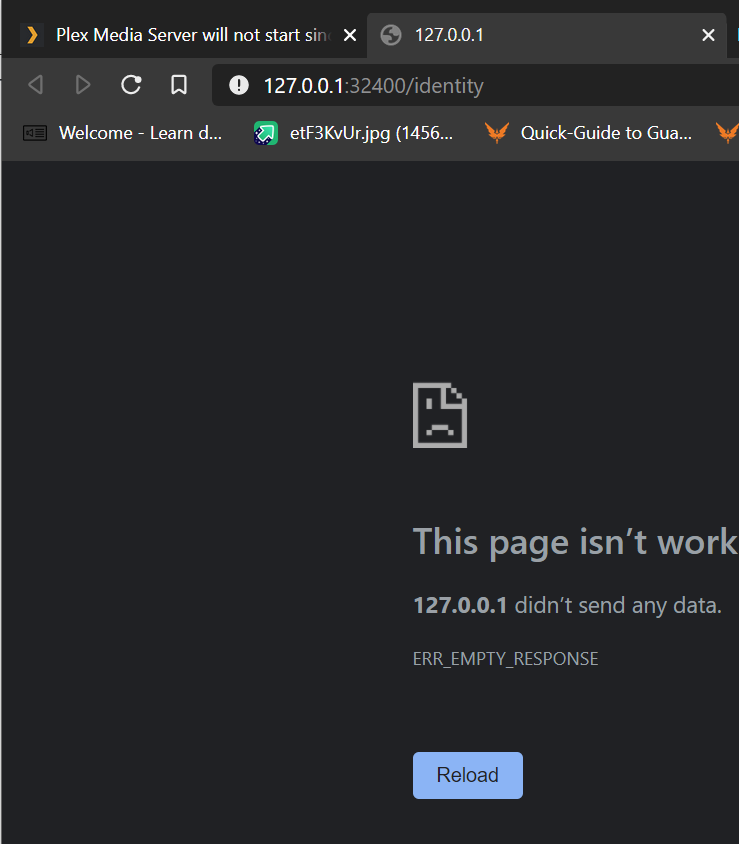
Unfortunately just the same message as Web gives
Let me know if you want to see any cmd line config for my local network, I’ve checked it all but I’m not an expert in TCP/IP by any means
To clarify my own troubleshooting - I have confirmed 32400 is open with Putty, I get a console window on a RAW connection to 127.0.0.1 port 32400
I installed Plex on my work laptop (it can’t stay on here so it’s already uninstalled) and it worked fine, which at least rules out my ISP doing something with my router firewall and it means something has happened with my main PC that makes no sense at all.