Ok try toggling on and off the Plex - Removeable Volumes Permission
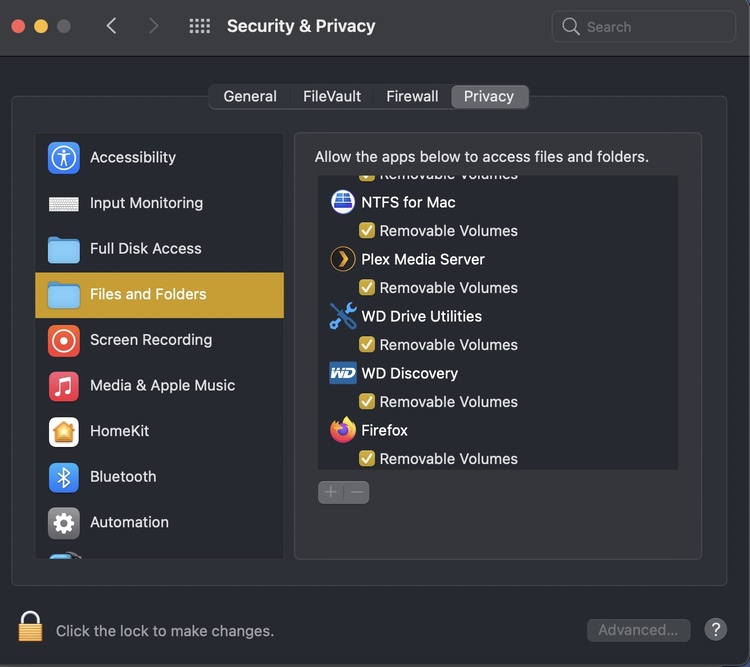
Appreciate the help. Still didn’t work. Toggled 6 times.
Restart again.
An idea, do you have a USBC to USB Type A. Try changing over and use one of Thunderbolt ports
I don’t have a thunderbolt cord. The restart didn’t help.
So no USBC charge cable?
I have a USBC charge cable. The external drive is an 8TB Seagate, the back has a unique input that and the other end does not fit into a thunderbolt.
Yeah, it’s a USB3 port. Forgot about that. So you have no other drives connected to iMac? Do they show up in Adding a Library?
Like a Flash thumb Drive with a file on it.
Both my internal and external drives show up in library.
Just found this article, have a read through it. Sounds like a Monterey issue.
The external drive shows up on the computer and I can play files from it on the computer.
I’ll read the above tomorrow as I’ve been on this issue most of today and need a break.
So frustrating.
Does anyone have any further suggestions?
I just downloaded the latest PLEX update and that fixed the issue.
thank you for your efforts.
Great stuff George, happy Plexing
When I scan for files the issue occurred again. The Playback error says Please check the permissions for this file.
Can you verify if that drive is still mounted as the same volume? From what I remember there’s sometimes a situation when macOS tries to reconnect a drive while it thinks it’s still connected… this will cause macOS to assign a slightly different name to the volume (MyDisc → myDisc 1)
Can you walk me thru how to verify if the drive is still mounted as the same volume?
I labelled the external drive Media and that hasn’t changed.
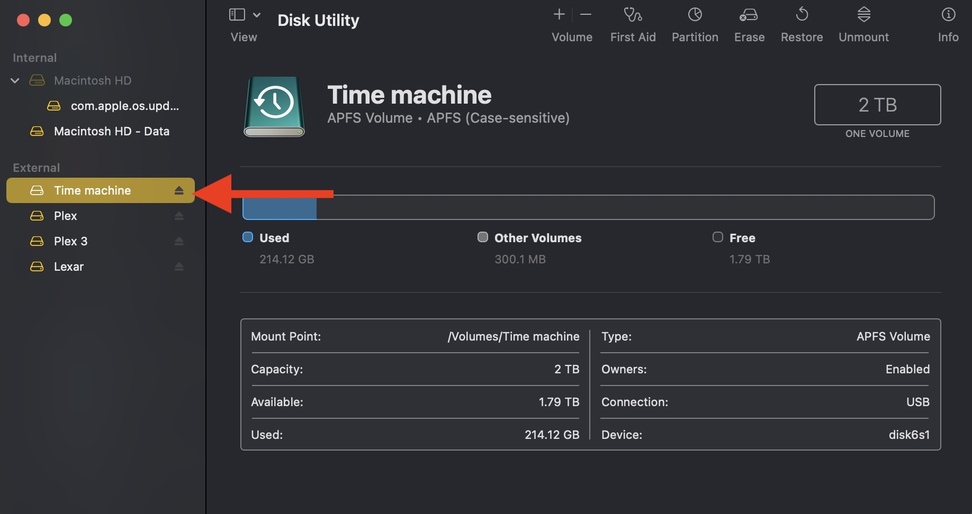
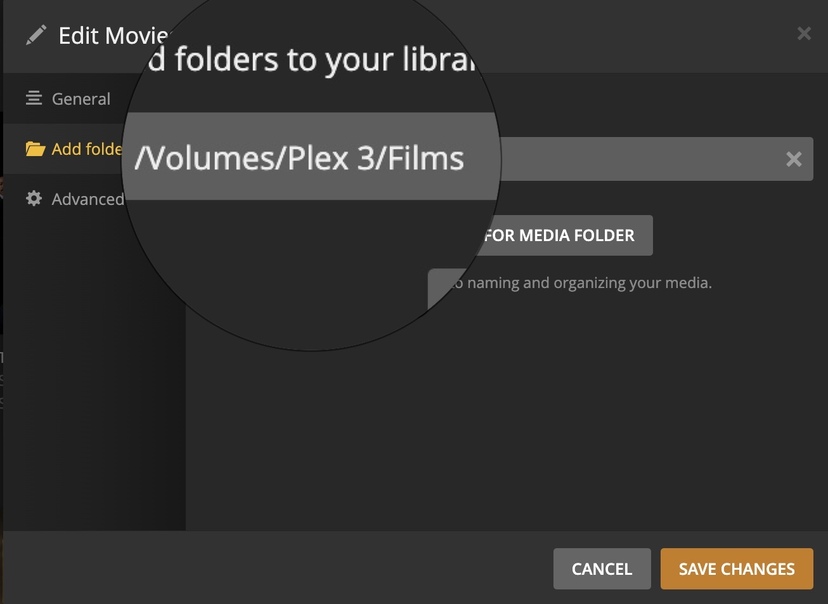
Thanks, I checked external on Disk Utility and in Plex add folders to your library, and both look as they should. We are watching TV by Screen Mirroring as The Playback error says Please check the permissions for this file. This issue started after I updated macOS to 12.3. Not sure what to do next. Maybe the next Plex update will fix it?
I have experienced exactly the same. I upgraded Plex yesterday and all my media is now “Unavailable”.
Files are stored into external disks with full disk access and permissions. I can open files and movies in Finder, but when using the Plex webpage to add a new library and select the external drive it does not show any folders when I select the drive, even though my user has read & write access and again, in Finder the external drive opens just fine.
Disks firmware and backups are happening correctly, access to the disk works fine, except for accessed through Plex webpage.
Edit: Typos.
Edit2: Only after granting Plex full disk permissions on the System Preferences > Security & Privacy > Privacy > Full Disk Access > Plex Media Server.app it went back to normal.
IMHO, read access should be more than enough on media files.
I’m positive I have not changed any permissions on any kind of disk, drive or resource for the past 2 years or so.
Following your suggestion of granting Plex full disk permissions on the System Preferences > Security & Privacy > Privacy > Full Disk Access > Plex Media Server.app it went back to normal. Thank you so much.
