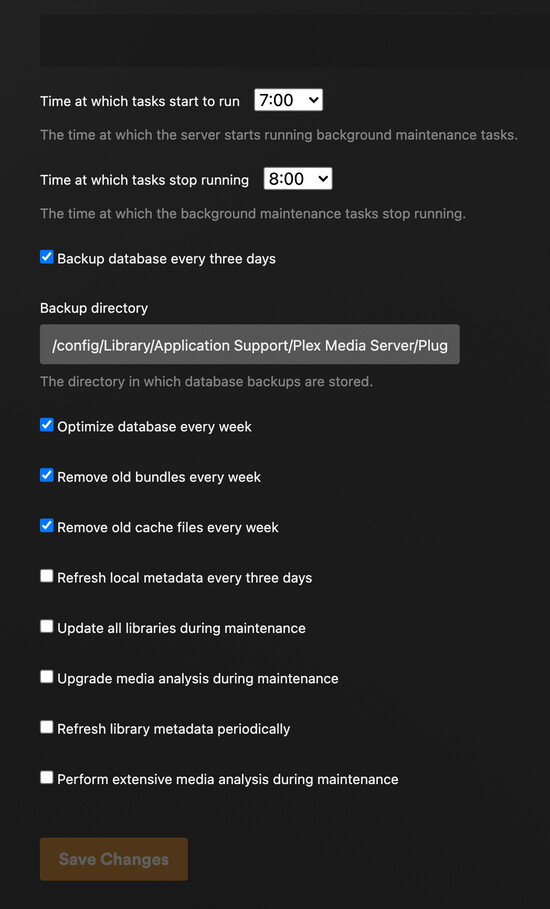
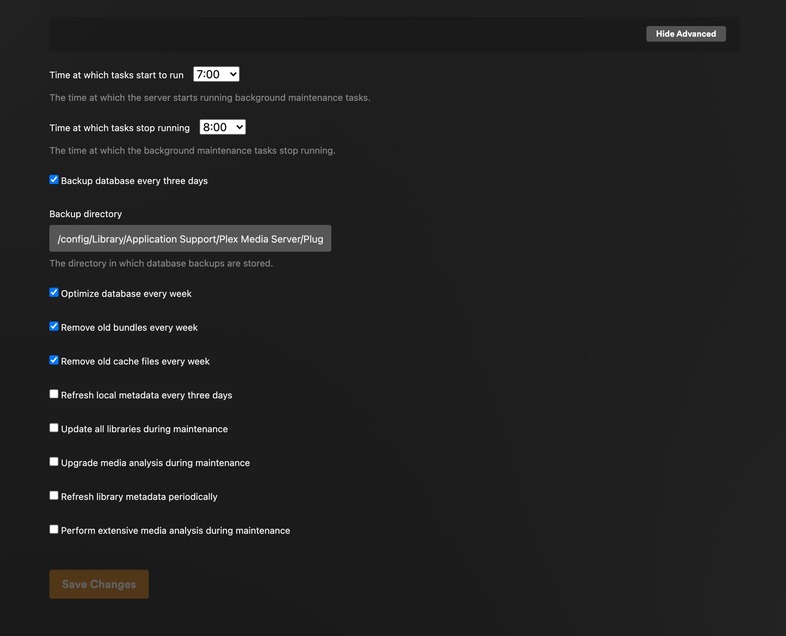
As the topic states. Plex isn’t respecting scheduled tasks option selection. It keeps spinning my HDDs up during its scheduled tasks even though I have every setting that could cause that turned off. This is actually terrible for the lifespan of my HDDs as they keep waking up in the early hours of the morning every single day.
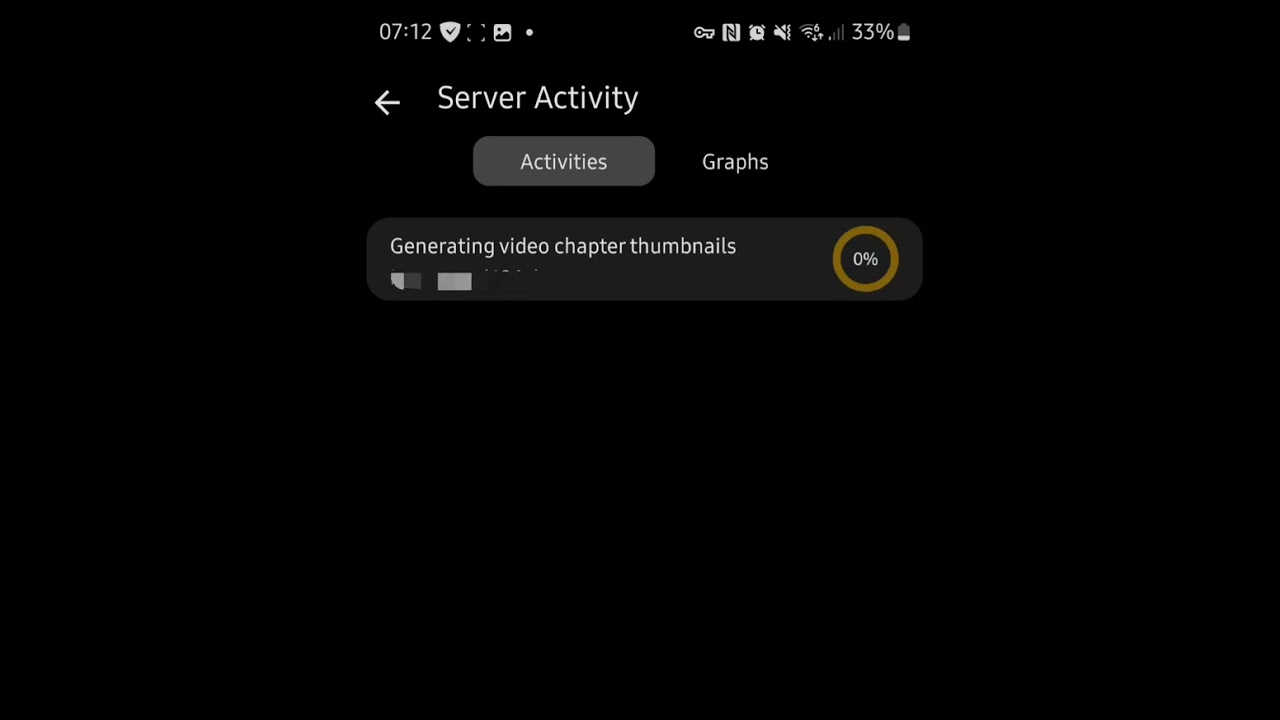
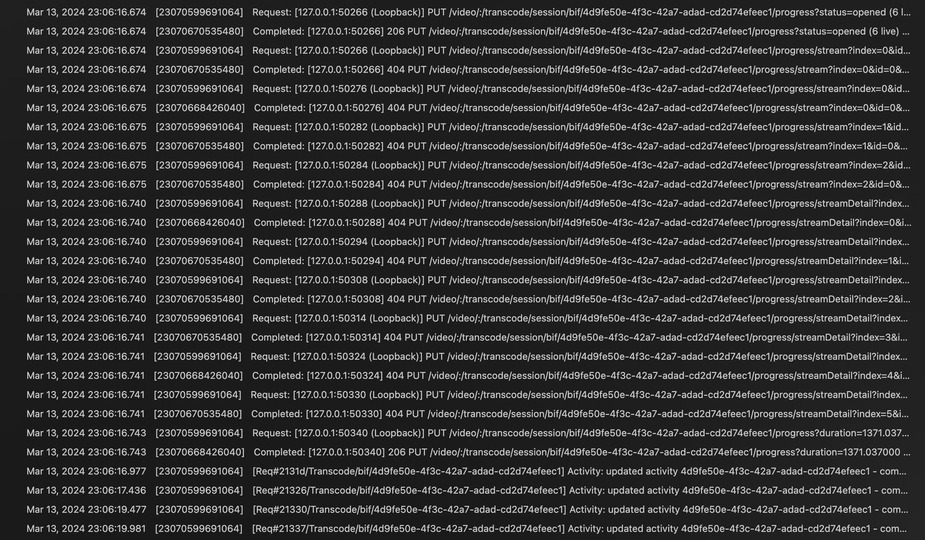
Video showing it doing, started at around 7:10am. You can see it’s just cycling through as all thumbnails have already been done and there’s none to do.
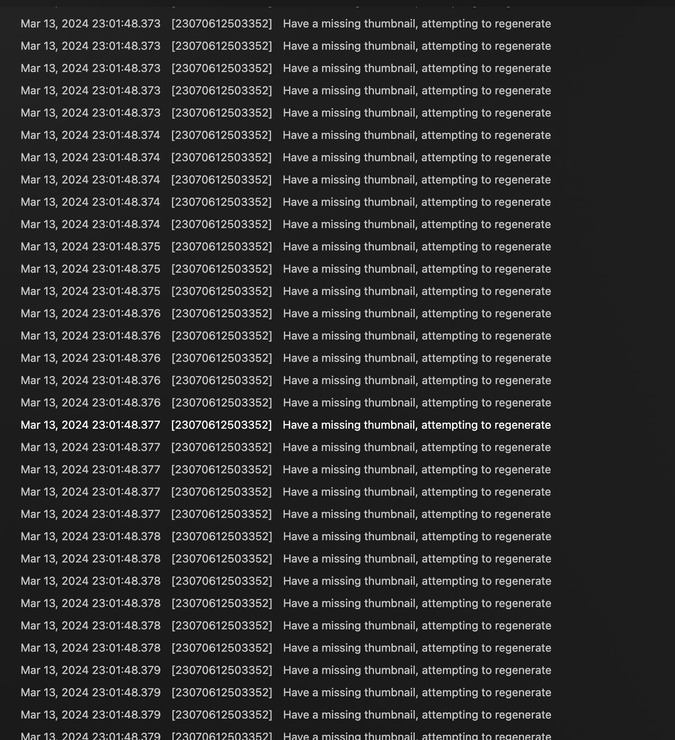
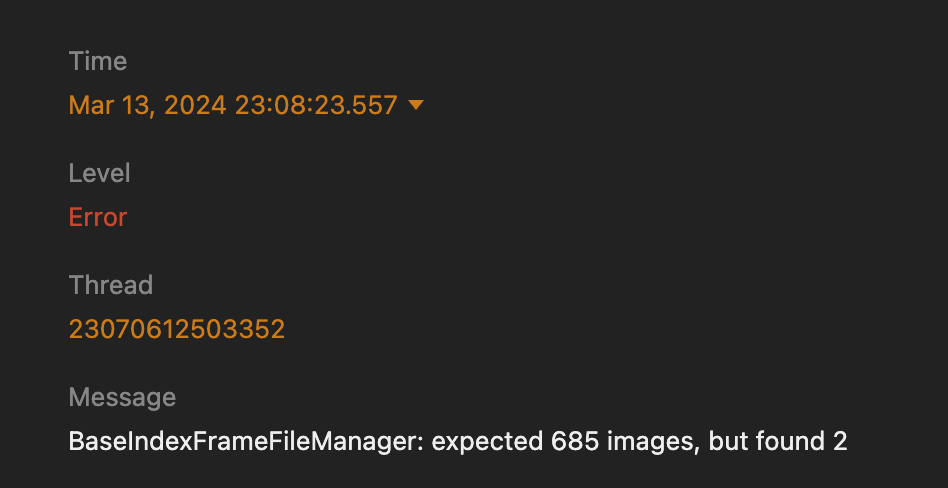
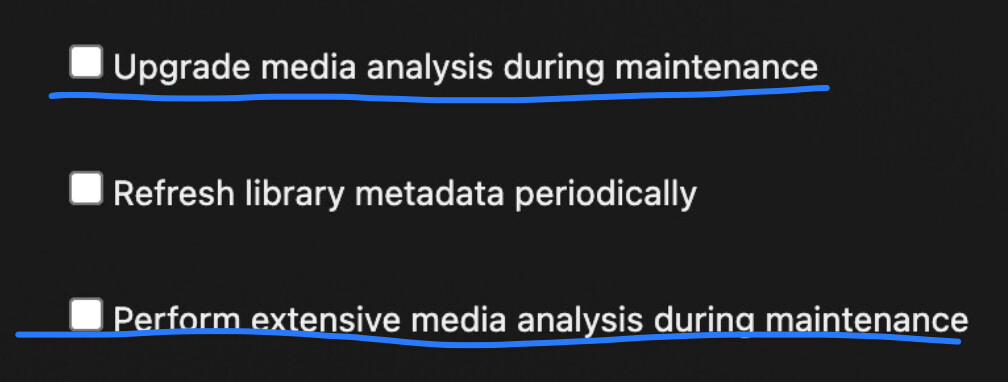
As you can see in my original post, I don’t have anything checked that should be triggering this, yet it still forces these tasks that are causing disk spinup due to needing for transcoding for preview generation. Mind you, these are files that plex cannot do preview generation as they fail, so this just keeps happening nonstop every scheduled tasks.
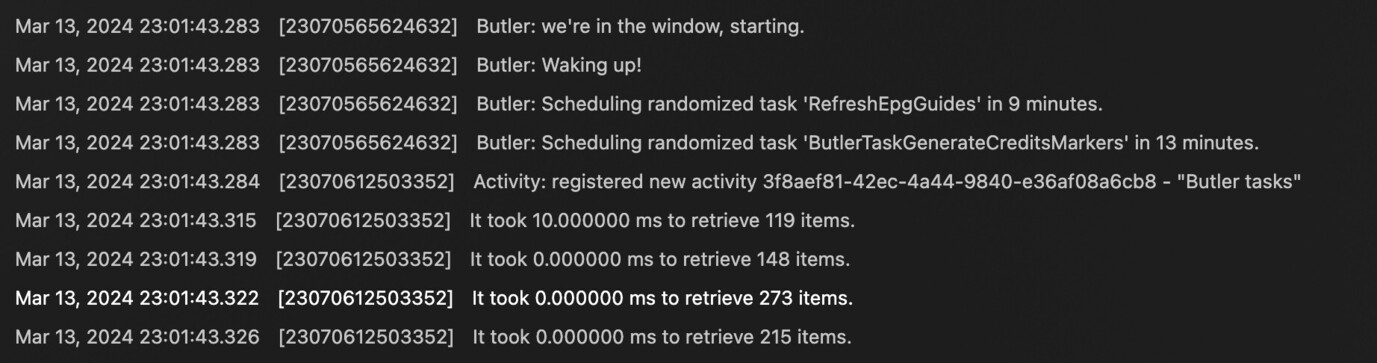
If I set scheduled tasks to run now for example, should I download the logs after it finished the scheduled tasks and just drop the entire zip file?
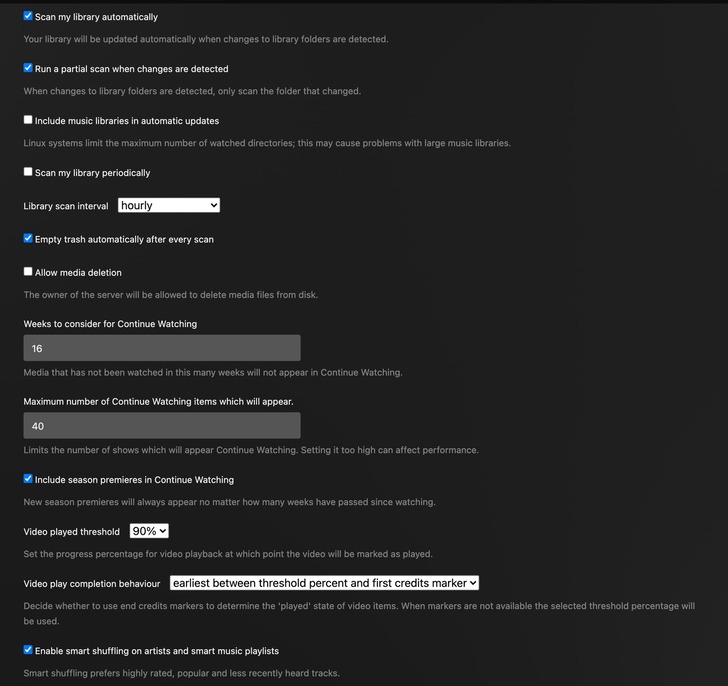
Library Settings below. Yes, I do have generate preview thumbnails turned on because I generate everything as it gets added. But since I have anything that mentions generating preview thumbnails I assumed it wouldn’t attempt it again.
So it is working as designed. I could raise a feature request that we add an option to have only “when media is added” to exclude from any scheduled tasks
If there are transcoder crashes when the preview thumbs are being generated then I can follow that up with logs / dumps / actual media files
If the media files are corrupt / bad content stopping the generation of thumbs then nothing can be done about that - except that perhaps one can build in functionality that avoids repeats unless the media files are changed or the code that generates the thumbs is enhanced
Normally users add logs zips to the forum threads
dumps and databases and media files can be sent by private message with links to download if too big for the forum
I could raise a feature request that we add an option to have only “when media is added” to exclude from any scheduled tasks
That’d be amazing actually because that’s exactly the functionality I was looking for. With that said, then aren’t these 2 options redundant in light of that?
If there are transcoder crashes when the preview thumbs are being generated then I can follow that up with logs / dumps / actual media files
If the media files are corrupt / bad content stopping the generation of thumbs then nothing can be done about that - except that perhaps one can build in functionality that avoids repeats unless the media files are changed or the code that generates the thumbs is enhanced
I believe it might be around 20 files that just don’t generate. There’s a thread somewhere in here that talked about it, plex expecting i-frames but not seeing any so it fails, there was a “hacky” workaround to force to generate every single frame or something like that. I decided not to go that route.
But if there was a way of attempting once, if it doesn’t work then also not attempt ever again unless the file has changed. But regardless, your first option might very well be the best one, at least for my use case.
I’d like to reiterate, even though it’d be nice for plex to somehow fallback to a different value for i-frames, for example, for files that don’t work with the current code, my main thing is to be able to have some sort of selection to not analyse files during scheduled tasks, as my main grievance is the disk spinning. Basically, one of those options in Scheduled Tasks like Perform Extensive Media Analysis during maintenance shouldn’t really be invoking analysis at all judging from the sentence itself.
@sa2000 or any other dev. Please… If I choose in the scheduled extras to NOT analyse any files it shouldn’t be doing it. It’s a bit ridiculous, I do it once when I add a new file to the library, since a few of them have issues creating the thumbnails then Plex keeps doing it in scheduled tasks EVEN though in that tab as I posted on the screenshot I have none of that selected. It should only be doing what’s TICKED.
I’m left with 2 choices. Leave my HDDs running 24/7 which greatly increases energy costs or have them wake up 1 or 2 times per day greatly decreasing lifespan.