Wondering about the plugins on Plex server. I’m trying to add one and found a folder in the installation folder of Plex server named “Plug-ins-c40bba82e”. There are 18 subfolders here with “.bundle” extensions. However, doing a search for this, I read that the plugins folder was located at %AppData%/Local/Plex Media Server/Plug-ins. There is just one subfolder here named Services.bundle.
When I open Plex Web and look in the Manage Plugins section, it says there are no plugins.
Can someone please clarify? Which folder should I add plugins to? Why are none listed in the Manage Plugins section?
Easiest way I know of is to right-click the plex icon.
At least this is the location I use to add my plugins such as,
ExportTools.bundle
ExtendedPersonalMedia-Agent.bundle
If the other is cleaned out and reset, why does it have 20 plugin folders in it now when I just updated Plex?
Also, any idea why in the Plex server under “Plugins” it still shows “No Plugins”? I have the plugin installed and it’s working. Is this for something else?
Thanks again. I actually didn’t say it was not used either, just why it was still there. By “cleaned out”, I guess you didn’t mean deleted, but updated. Begs the question, though, why there are two plugin folders.
I added a plugin for Audio Books. It seems to be working very well. I am pleased since I had never been able to use Plex reliably for books because it didn’t have a specific module for it.
So, how would one add a plugin that would actually show up in the plugins section?
You won’t find a working plugin for providing media content anymore.
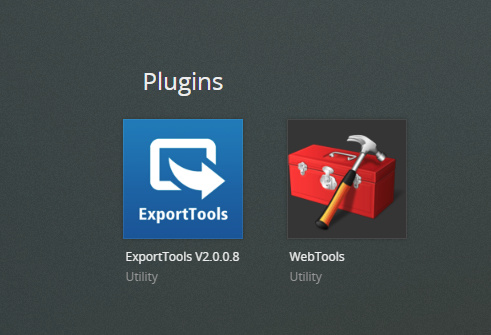
Only “metadata agents” and “tools” do still work ( at least a few of them. ExportTools and WebTools for example).
It’s for providing access to the preferences of legacy plugins. If you have a plugin with its own preferences (not all plugins have them), you can access them there.