Server Version#: 1.30.0.6486
Player Version#: 4.96.2
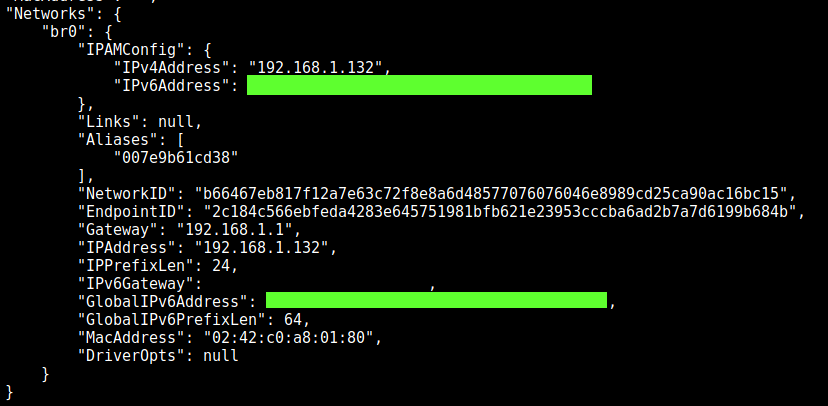
Hi, I’m running PMS as a docker (in Unraid), with a dedicated ipv6 which, according to this website, is reachable from the internet.
When using Relays I’m ofc capped at low quality and when relays are unchecked, it does not work at all (the PMS is not found)
I have no clue why, i tried adding the url in the network page (following theses instructions)
Also on my ISP router page i’ve opened the TCP port 32400 for the same ipv6 address (eventhough it’s not needed if im correct)
Something must have gone wrong along the way, do you guys know why ?
I’m running the container in custom br0, specifying the ipv6 AND ipv4 (but on my router page only the ipv6 is found)
the ipv4 is pingable (from my home network ofc), and the ipv6 appears to be pingable from the internet but yet, cannot remote connect without relays …
I took a look at your link, to no avail. I have access to ipv6 and that should simplify things by a landlslide but yet it doesnt (and i dont want to go back to ipv4 only from my ISP)
Hmm, so you don’t have a public ipv4 address assigned at all? I would have expected on the Plex screenshot for it to have reported your public ipv6 not ipv4 in that case ?
Does a remote check on your ipv6 public address report TCP port 32400 open ?
No worries mate, you helped me by comforting me in my process, thank you.
Sadly I can’t just go with public ipv4 settings as long as a I have ipv6 enabled, and I don’t really want the hassle to revert back to ipv4 only with my carrier.
Small update for those with the same issue :
I called my ISP and revert back to ipv4 only and the server is now accessible from outside (given the port forwarding rule ofc)
The issue lies in the handling of dual stack (ipv4 & ipv6 on plex side)