Server Version#:
Player Version#: Local web browser access
I have had Plex Media Server running on my Raspberry Pi 3B+ for two years. A few months ago, it gave me an error saying that it couldn’t be found. I managed to fix it, by fiddling around but tried a lot of things so wasn’t at all sure what solved it.
I have noticed today that the same thing has happened again. I have rebooted the system which has not solved the problem.
I would appreciate any problem solving steps that anyone is able to provide, so that ideally this is resolved once and for all, or if that isn’t possible then at least I know how to solve it myself for the future.
My apologies that I haven’t provided the server version above, I haven’t been able to find it as the server software isn’t successfully running. I have it set to update nightly, so couldn’t be more than about ten days old.
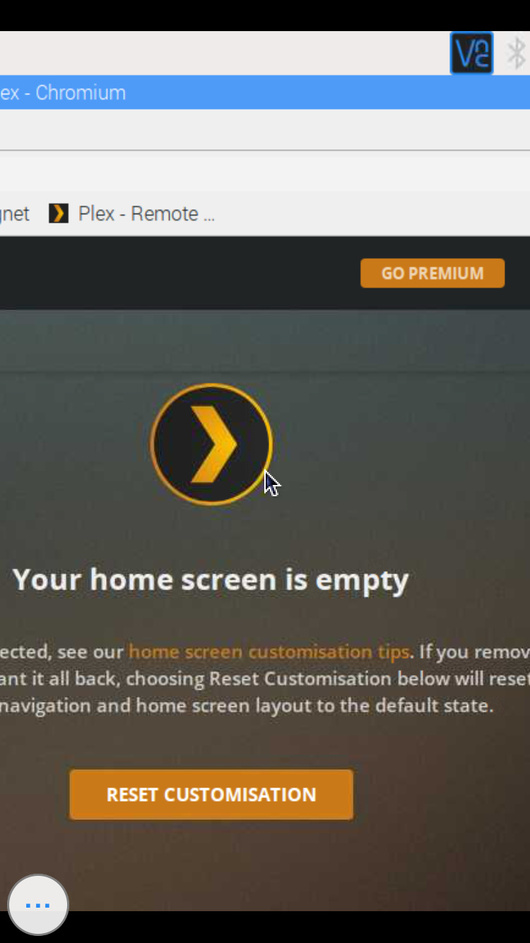
I have attached a screenshot of the message that I am receiving when trying to launch Plex using 127.0.0.1:portnumber
I am accessing the raspberry pi server remotely using VNC.
I can of course provide any extra information that is required, as I appreciate that it’s not a lot to go on at the moment, I’m just not sure what info to include.