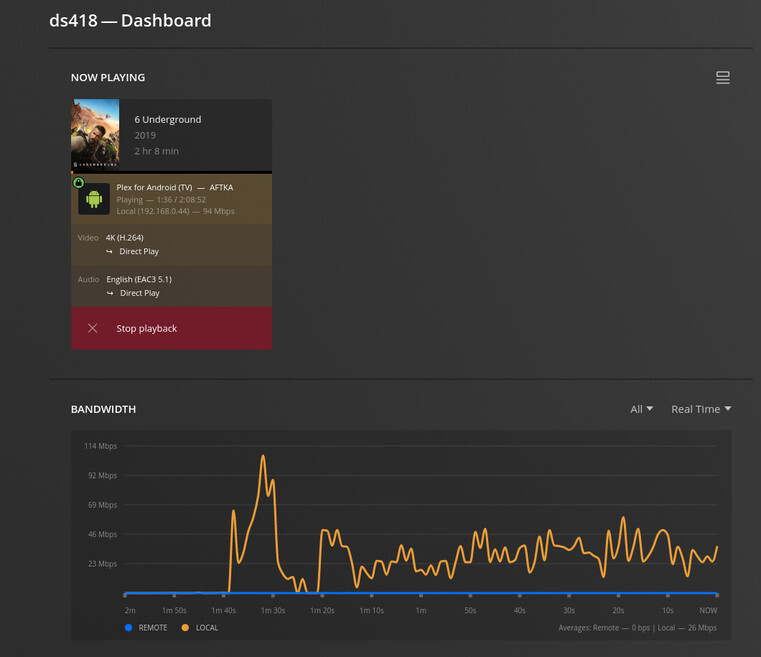
Server Version#: 4.97.3
Player Version#:
User decides not to finish playback at this time. When user stops playback, and closes Plex app the media server dashboard shows item is paused. Console log shows item is paused and keeps polling for user.
Console message: [Req#f2f225] Play progress on 500733 ‘’ - got played 532000 ms by account !
[Req#f2fb44] Client [aaab2a9faa03db19229d9d4e4c775841] reporting timeline state paused, progress of 532000/6628618ms for guid=, playbackTime=533047ms ratingKey=500733 url=, key=/library/metadata/500733, containerKey=, metadataId=500733, source=
This continue to repeat.
How can you stop Server from polling or stop user playback?