Server Version#: Version 1.25.6.5545
Player Version#: Android TV - Laptop
Having issues where the server tells me there is an update and to manually DL new version. But my latest version, also appears to be the latest in PLEX downloads.
Using Synology DS414
I believe this is also preventing me from ‘Claiming my NAS server’? Because it keeps failing to claim, without error note?
Azz
Point your browser directly at the NAS: http://ds414_ip_address:32400/web (use the real IP address of the NAS).
Use a private/incognito window to avoid conflicts with browser add-ons.
Must be on the same subnet as the DS414.
Do not use quickconnect, synology.me, click “open” in Package Center, etc.
Hey FordGuy61,
Thank you for your help, but can you please dumb it down a bit for me. lol.
So am i using my laptop, accessing NAS on Synology then,
Am I going into package centre, opening plex from there, and then pointing to IP?
Is there a way to point to NAS within plex, if you could point me to the settings section to do this?
Use the IP address of your NAS.
For example, mine is 192.168.1.50.
Therefore, to connect directly to the Plex server, I use http://192.168.1.50:32400/web.
Do the same, substituting the IP address of your NAS for 192.158.1.50.
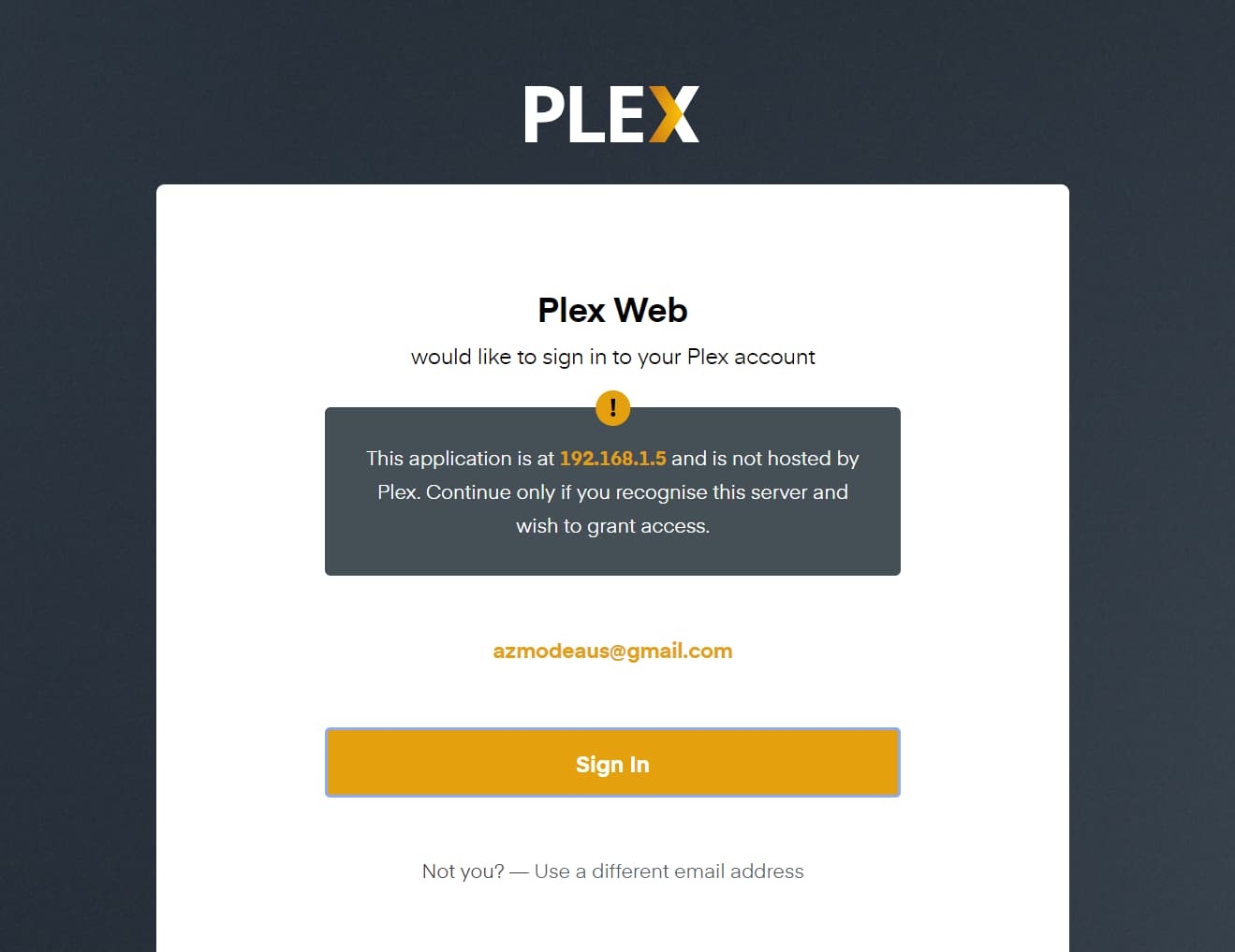
You may see a message with “this application is not hosted at Plex…” That is OK. It just means you are connecting directly to the NAS, and not using app.plex.tv.
Ok Thanks, again. So I think I have an understanding of what needs to happen.
My next question is, where within Plex am I putting my NAS IP?
Plex Media Server uses the IP address of your DS414. You do not configure the IP address within Plex Media Server.
To claim and configure Plex Media Server, you need to know the IP address of the server (for example, 192.168.1.50).
You use that address in your web browser to login to Plex Media Server (as mentioned in my immediately prior post). You can then claim and configure the server.
If you do not know the IP address of your DS414, you can find it by logging into the NAS, then go to Control Panel → Info Center → Network. It is also listed in Control Panel → Network → Network Interface.
Ok, so this is what i have been doing, just different. But here are my actual steps and issues.
-
I click on the IP as you say
-
Takes me to Customise Your Media Page - I customise and click Finish Set up
-
Takes me to my open Plex page.
-
I then navigate to the Claim Server option:
More>AZZNAS>Claim It Now
Click Claim Server
5.Requests me to log in
6.Fill in the log in details with UN and PW
7.Gives me this error
and then the whole cycle starts all over again.
I have tried deleting all authorised devices before trying again. I have manually typed in the IP into browser as opposed to clicking on the link within NAS
UN and PW are correct, ive proven this, by actually logging in and using plex, but in a clunky non server claimed way.
Note: I Manually imported the Plex server installation into NAS, straight from the plex download section, as opposed to just installing the plex app within NAS - My understanding is that NAS dont support plex updates, and i need to manually do them. Point is, i do not understand why Plex is requesting a manual update (from my Point #7 attachment)
since i would have thought I had the latest from the Plex download area? Perhaps this is another issue?
Value your input here