it’s only started doing it, but plex names all the shows correctly, but then splits an episode or two of the same show into the same series but seperate. even though all the shows are named exactly the same Just merged the files together and it’s now deleted them from the server…


Please post more of the screen.
I assume this is from the main page, right?

Wot?
Inspect the properties of the show (top level).
On the ‘Advanced’ tab, are there any settings activated which would cause an automatic deletion?

Inspect the Plex media info
of an episode from both “different” series.
Look at the folder path at the top of the modal popup.
Step two: go into the Plex XML info of both episodes and copy the content of the guid="... property into here.
Also, verify that your database is not damaged:
- activate debug logging (not ‘verbose’!)
- quit Plex Server
- wait 1 minute
- start Plex Server
- wait 5 minutes
- fetch log files and attach them here
Or inspect them yourself. Take a look at the Plex Media Server.log file and seek for messages about database corrupt or malformed.
If you find these, you may have to repair your database.

This needs to be verified in both shows.
Please show your folder structure. (full content of the XML or a screenshot of the media info in Plex will do as well)
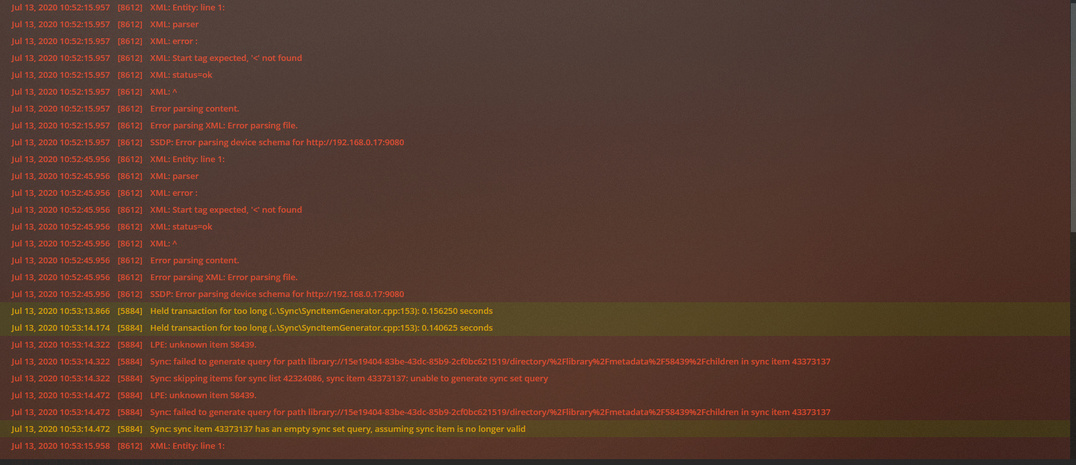
No, these are inconsequential.
Did you change the library’s default metadata agent inbetween
when the first episodes of these shows were added and when these “split” episodes were added?
If you did that, then the later-added episodes could have been matched with a different agent, which makes these episodes a different “show” to Plex.
Now that is a possibility, as i’m always fiddling with the settings, especially when it won’t mach a show which it has matched before. You may just have solved the problem apart from it deleting the shows when i merged them. but got them all back now 
There is no need to change the default agent all the time.
You can switch agents on a per-show basis, using Fix Match - Search Options
