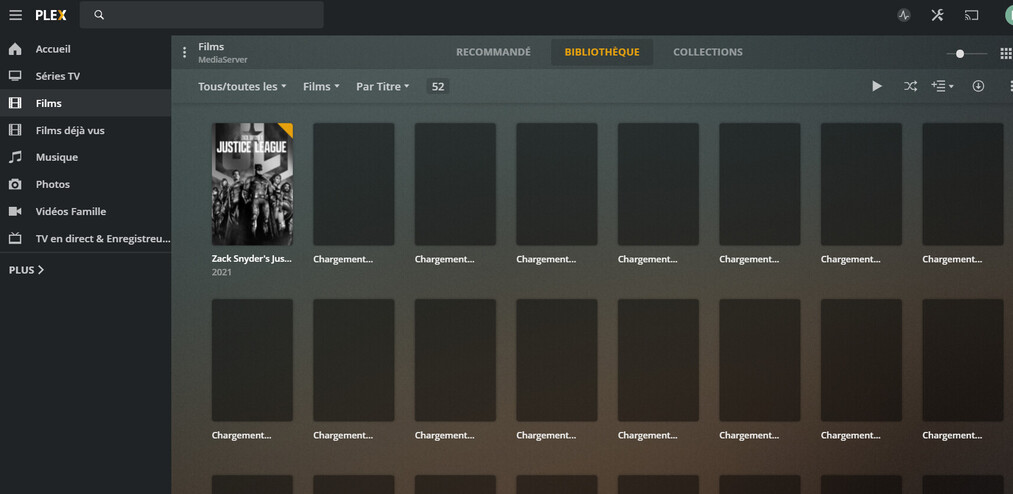
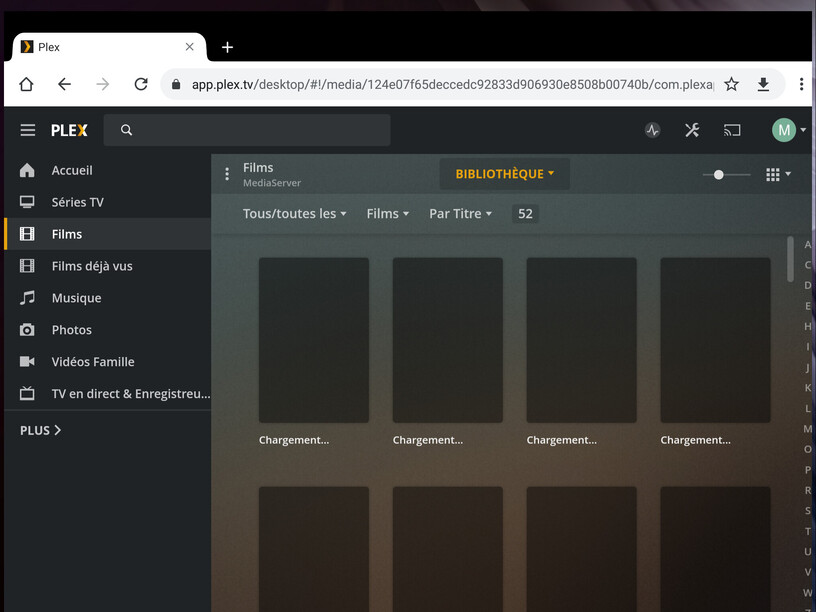
Server Version 1.22.2.4276
Plex web Version 4.53.0
The issue appears only on Plex Web in movies Library Tab. I own two movies libraries and both display “loading” thumbnail instead of the correct one.
In “Recommanded” tab, it displays as expected.
On TV shows all is displayed fine.
All work fine on other players (Adroid, Kodi, …)
Before testing further, i cleened database and caches, But afterwards I discovered that the issue appeared only on WEB UI, not on Android. So I assume that is not a server issue but UI one.
Which web browser?
Which software version of the web browser?
Which operating system platform where the web browser is installed on?
Are there any browser add-ins installed and active?
Is the server located in the same local network as the web app client?
Are you using a VPN, either on the server or on the client side?
If the server is remote, does the router of its network have an activated “DDoS” protection?
Are there other “firewall” or “filter” apps or appliances in use in your network?
Many thanks for your post, find here the answer to your questions:
Chrome
v 89
The server is running on Synology 412+ / DSM 6.2.4
The browser on Windows 10
Yes, but I tried “Navigation in private” without add-ins, and… same behaviour
Yes, there are located on the same sub-network
No VPN used locally
Server is not used remotely in this case
No filter in this case
As I wrote, there are no add-ins in private, and I have same behaviour.
I tested with Plex console open → I receive the “Unknown metadata type: folder” Error when I browse on target libraries.
Strangely, I do not receive this error when I browse from the Plex android app.
Hi Otto,
Thanks for your answer,
I do not use any app on Windows, it is the direct web access to NAS:32400/web/index.html
The App I refer, where it works fine, is the standard Android Plex App from PlayStore
It is the PIA VPN, but disabled at this time “red”.
As I wrote I tested with “navigation in private” disabling all the plug-ins, and it always appears the same behaviour.
I rebuilt my 2 film libraries. Moving the files in a temporary folder and restoring after rescan.
Pictures library went OK alone afterwards.
Doing that I noted that when I modify the description of the movie, for searching the right metadata, it generates this error. I modified the name of the file instead.