Love plexamp, but while i read various posts here about the problem, and various suggestions, I can’t find anybody who’s definitively fixed it for all. Various suggestions of causation, and potential solutions, begging the question: why does it keep occurring. Running latest plex media server on NAS, and latest ios on iPhones. Any help please?
Do you have Store Track Progress on the server?
Otherwise, be more specific; “skips (part of) tracks” is a rather generic description.
After some changes I made earlier, I am no longer able to access plex media server via “configure” on the console, so can’t verify “Store Track Progress” on the server. Seems I’ll need to uninstall then reinstall plex media server. Yet if I have to do that, I may just not reinstall. I’ve invested in this with collections and playlists, took time; it worked fine in the beginning.
It would be great if it was possible to upload a screen recording here. There is no one specific definition of “skips (part of) tracks”, that one description covers a range of experiences. This may explain why none on here has identified a single solution. Pulling hair out.
I can confirm I replicated the problem experiences by logging in to the web UI on iPhone. Therefore, the problem seems specific to iPhone, not plexamp.
Where to find a plex expert who could assist other than by messages.
it sounds like you might have some networking issues between iPhone and server.
Maybe, that’s been suggested to others in the past; yet it only applies with plex, nothing else. Printers, door controls etc. To be fair it could be many things. Immediate issue is: why does the “configure” button no longer take me to plex media server from the console. Have gone in via https://app.plex.tv/desktop/#!/ trying to hunt for what could have caused this new issue.
Is there a place to find an expert with plex, aside from stabbing in the dark here, please?
Plex Media Server Logs_2024-11-05_22-06-29.zip (2.7 MB)
wondering if this helps?
i don’t even know what configure button you’re referring to, could you be more specific?
Hi elan, I’ve been supporting utop7 from an general IT perspective and the configure button he’s referring to is within the Plex Media Server App for a Western Digital NAS and takes you into the web interface for Plex Media Server.
From what I’ve seen of the problem:
Certain tracks when played skip forward and only play the last 5-20 seconds of the track.
Plexamp on iPhone - has shown the issue
Web UI on iPhone - has shown the issue
Plexamp on Windows - has shown the issue
Web UI on Windows - has NOT shown the issue
Are there any general networking requirements that the plex players require? certain ports to be open etc?
Start with the very first suggestion made by Elan above.
Edit the music library, go to the Advanced tab and ensure that “Store Track Progress” is DISabled.
Thanks all. via https://app.plex.tv/desktop/#!/media/ “Store Track Progress” is DISabled, now. Testing. Still not able to acces plex media server via the console.
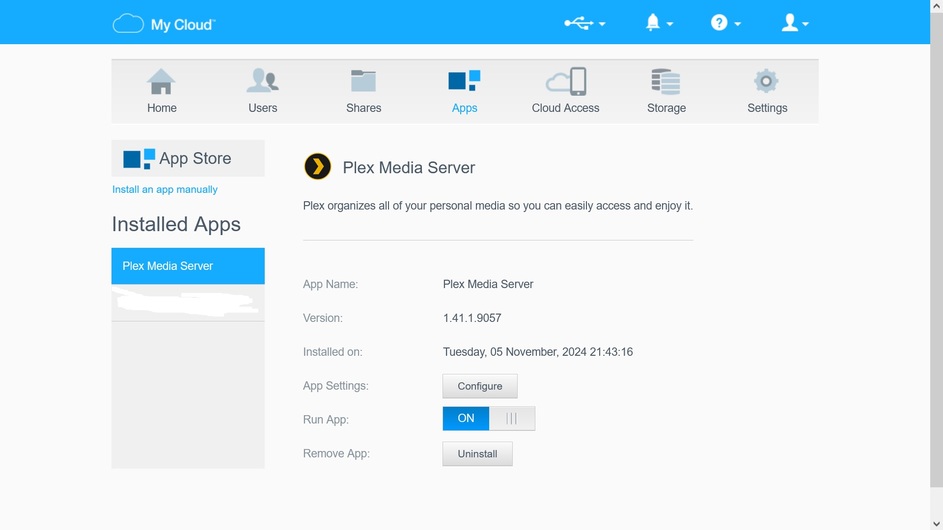
Not sure what you mean by “console”.
Your screenshot is showing the user interface of your NAS device. This has nothing to do with Plex and is nothing that Plex has any influence on.
thanks again. The console is what WD call the NAS. So it’s coincidental PMS became inaccessible via the console after changes i made in PMS yesterday. This is workaroundable, via the url cited above. I just did a reboot, paperclip & four seconds. Restarted. Testing plexamp, and initially it seems significantly improved. Further update to follow after testing.
I still don’t understand what is inaccessible about it. Plex server is shown and you can activate or disable it.
It was never a good idea to use the domain name that was provided by your NAS, because it would have made certain features of the web app dysfunctional, due to a missing security certificate.
To access your Plex server, you should set a bookmark in your browser or on your desktop.
This article explains how to access the two versions of the web app: https://support.plex.tv/articles/200288666-opening-plex-web-app/
“I still don’t understand what is inaccessible about it. Plex server is shown and you can activate or disable it.”
Here is an instance where speaking / seeing would help in seconds. The issue is moot, unless somebody can solve it.
“It was never a good idea to use the domain name that was provided by your NAS, because it would have made certain features of the web app dysfunctional, due to a missing security certificate.”
Well that stems from WD & Plex having a tie up, where WD ships PMS; and Plex updates its relevant s/w for the NAS. I merely used what was offered, the configure button merely linked to the IP, not a domain. Below refers, still not accessible.
“To access your Plex server, you should set a bookmark in your browser or on your desktop.”
Done.
“This article explains how to access the two versions of the web app”
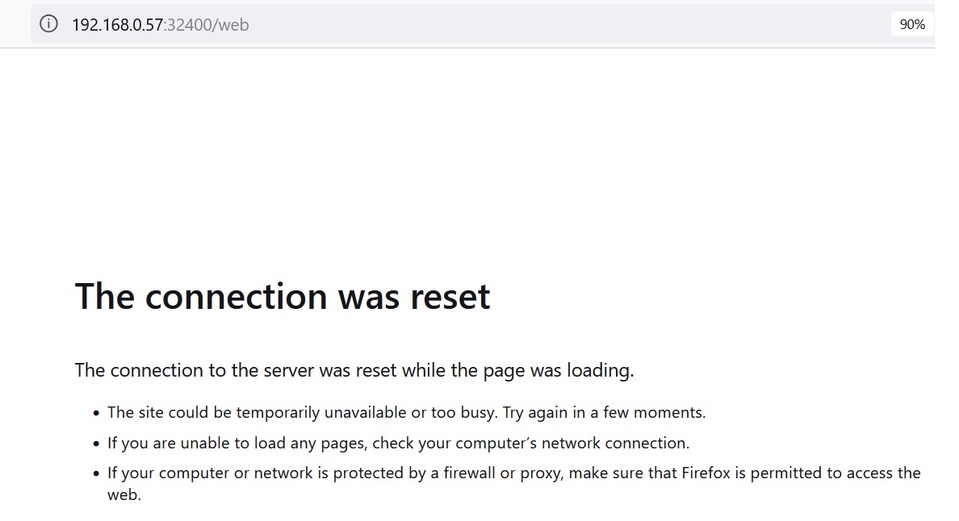
Thank you. I’ve been describing exactly these two methods, and can not access PMS this way since changes i made to PMS yesterday. I use https://app.plex.tv/desktop/#!/settings/account
Plexamp-Logs-2024-11-06-1.zip (391.6 KB)

Update: as logs show, the issue is significantly better, but not totally resolved. No logs available via Windows App.
Thanks all. Will monitor and update this week.
Did you perhaps set “Secure connections” to “required” in Plex?
(Settings - [Server] - Network)
This can prevent the local web app from working, because
your NAS doesn’t have a security certificate for its local IP address. And without a valid certificate, there can be no secure (i.e. encrypted) connection.
You also want to ensure that your NAS is using an accurate time and date. Enable the automatic clock synchronization in its settings. (many NAS devices don’t have a battery in them which could power their internal clock when they are switched off. Which can be the reason why encrypted connections fail immediately after power on [they rely on accurate time stamps on the network data packets]. The time synchronization can take a few minutes and may also require a working internet connection.)
thank you. YES, as soon as i read your comment “(Settings - [Server] - Network)”, i recalled what I had done. Now selected preferred, and “configure” button works again. Your explanation is obvious, I should have realised. At the time i was trying everything to solve the fundamental issue, as I had been for weeks.
Conscious of date / time, and even set: 0.uk.pool.ntp.org, (where I am) and on checking it’s precisely correct.
Update is: though significantly improved, tracks are still jumping, attached refers. Maybe I will just have to learn to live with this.
In case of willingness, I can facilitate a Teams meeting, or call any phone globally.
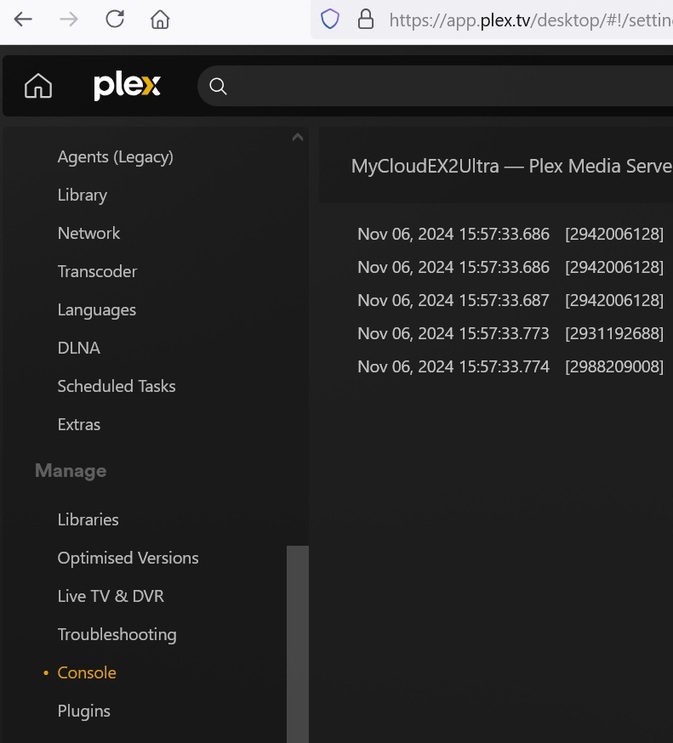
I notice bottom left in the image attached, Plex also refers to “console”. This shows live the activity on the NAS.
Plexamp-Logs-2024-11-06-1.zip (466.4 KB)

Try clearing the cache of Plexamp, then stop and restart it.
(settings - playback - caching - “Delete Caches”
If using on particularly old/slow devices, resist the temptation of pre-caching a very high number of tracks.
If the device cannot handle high audio sample rates and/ or more than stereo channels, try setting a limit on bitrate under Settings - playback - quality at 1 or 2 mbps.
now that you’re able to get in, turn off store track progress on the music library.

