Thank you for your help
The database has been optimised just before the test.
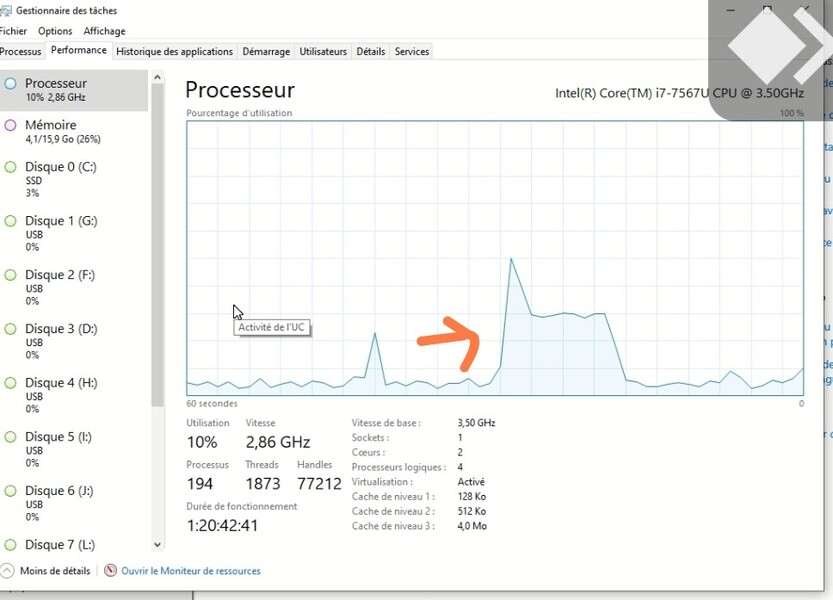
I noticed that when I make a search with one word, here “beatles” the result is instant and the cpu usage is 40 % during a second (same goes for “Who” instead of “The Who” etc…)
I think plexamp uses more complex/advanced searching functionality than the basic plex apps, which uses more server resources. I guess not per elan below.
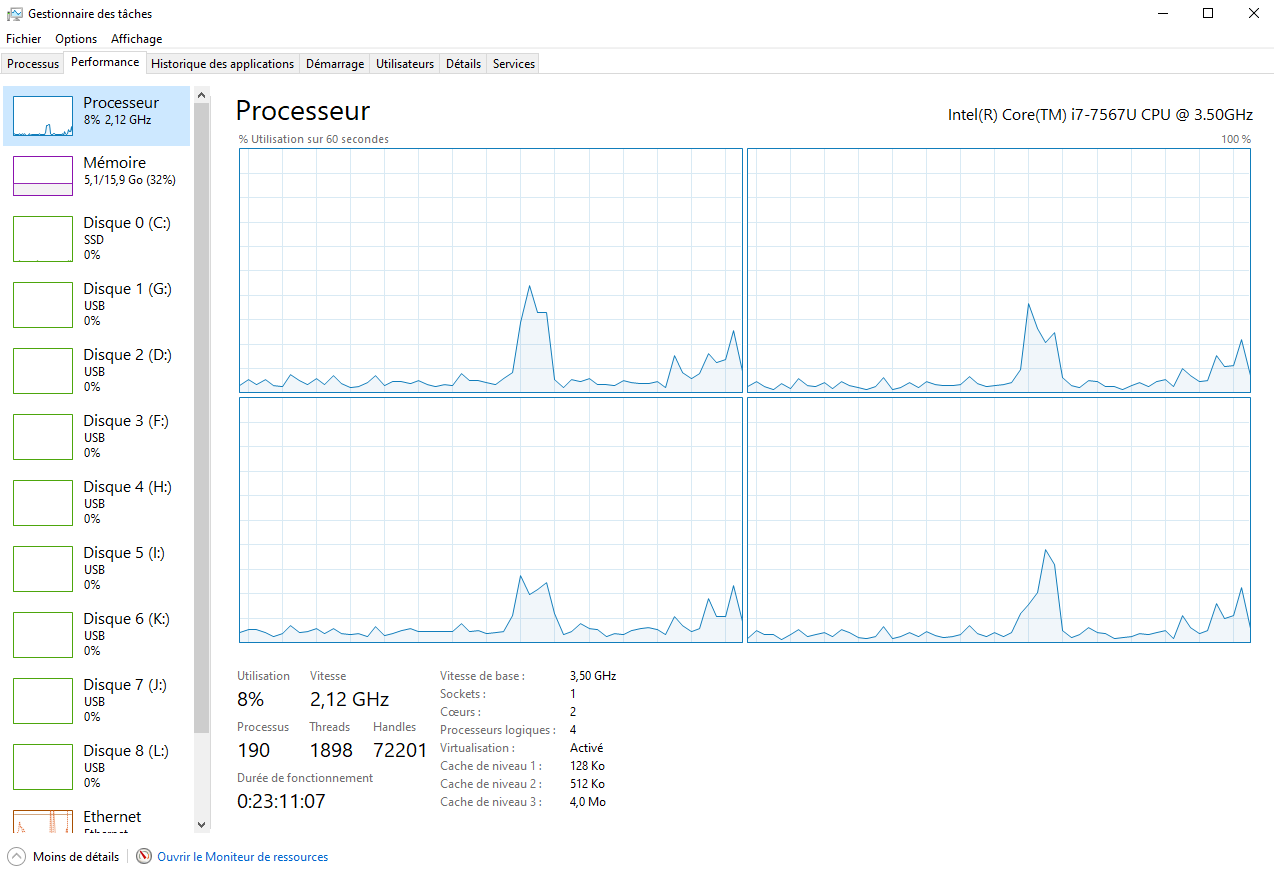
also, if you right click the left side of the task manager (show graphs), you can get graphs instead of the circles. and if you right click the right side where the cpu graph is (change graphs to logical processors), you can make it show each processor usage so you can see the cpu load for each processor, so you can better tell if one cpu is overloading, or multiple.
The results with Plexamp are better without the Search All Libraries enable but still far away from the Plex app.
@elan , you say that Plexamp and Plex use the same way of searching, but the results from the test show a significant difference between the cpu usage for both of the app.
That could mean the PMS is not treating equaly the searches infos coming from Plexamp or coming for Plex app?
If so, is there a room for PMS to treat those searches equaly?
Using more than one librarie seems to be a commun things for Plexamp users (because this is really usefull), that could mean that this CPU situation will repeat itself for many of us users…
Maybe you noticed that Plexamp is also looking for appearances of artist names on albums credited to other Album Artists.
Something that the other Plex apps don’t do, and which adds considerable load to the database during a search. (and also while simply browsing the library)
That make sense. It doesn’t really help my scenario with searching in all libraries but it gives a reason why Plexamp needs more cpu that the Plex app when using the search tool.
Thank you for pointing this out